
Voodoo101
Members
-
Joined
-
Last visited
Everything posted by Voodoo101
-
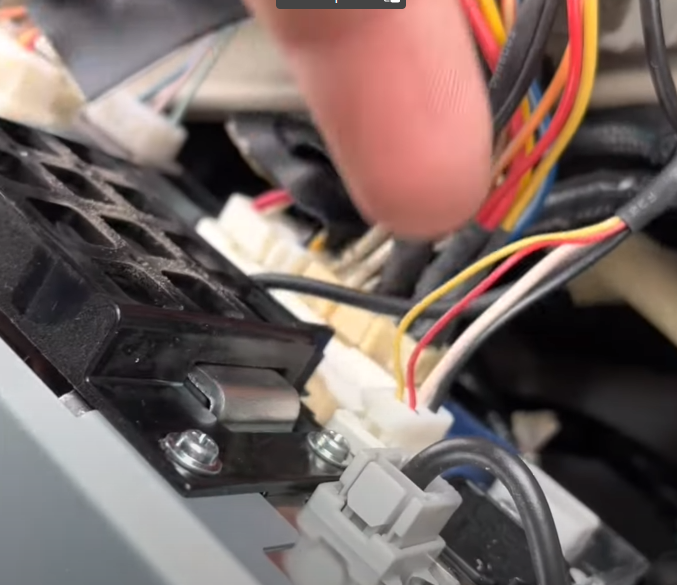
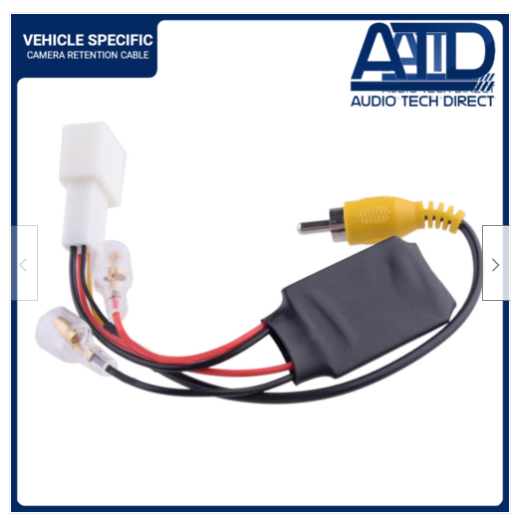
I have an Android unit that has the lead marked for the reverse which is the signal in cable. Then I have another attachment with a female phono connector and has two short wires coming out of it. I picked up an adaptor from ebay for the Alphard which has a male phono connector and positive / negative connectors on, with a resister to lower the voltage. It's just trying now to find the feed to tell the unit that I am reversing. The car had an aftermarket stereo in that was badly wired up. It had the option for the reverse camera but did not work, so I have no idea if the cable is actually still there or been cut off. I found a video online that looks like one of the plugs, but it has four wires. I'm hoping that is the one, but have to pull the new unit out to try it.
-
Yeah some of those settings are not available on CarScanner app. Mainly the ones for locking the doors.
-
When you sorted out the reverse camera, did you have a separate lead to tell the head unit that the car is in reverse? I've just put in a new head unit but the connection is a phono video in, not the standard four pin plug. I have ordered an adaptor that splits the cable to a phono plug and a power and earth, but I need to be able to tell the unit when I engage reverse.
-
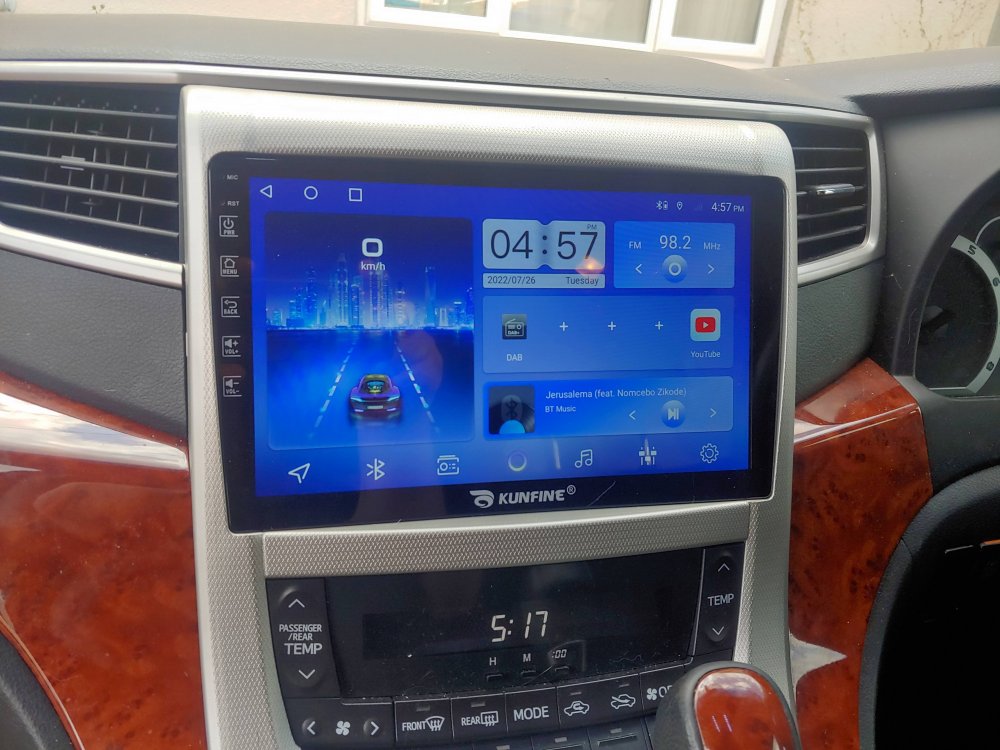
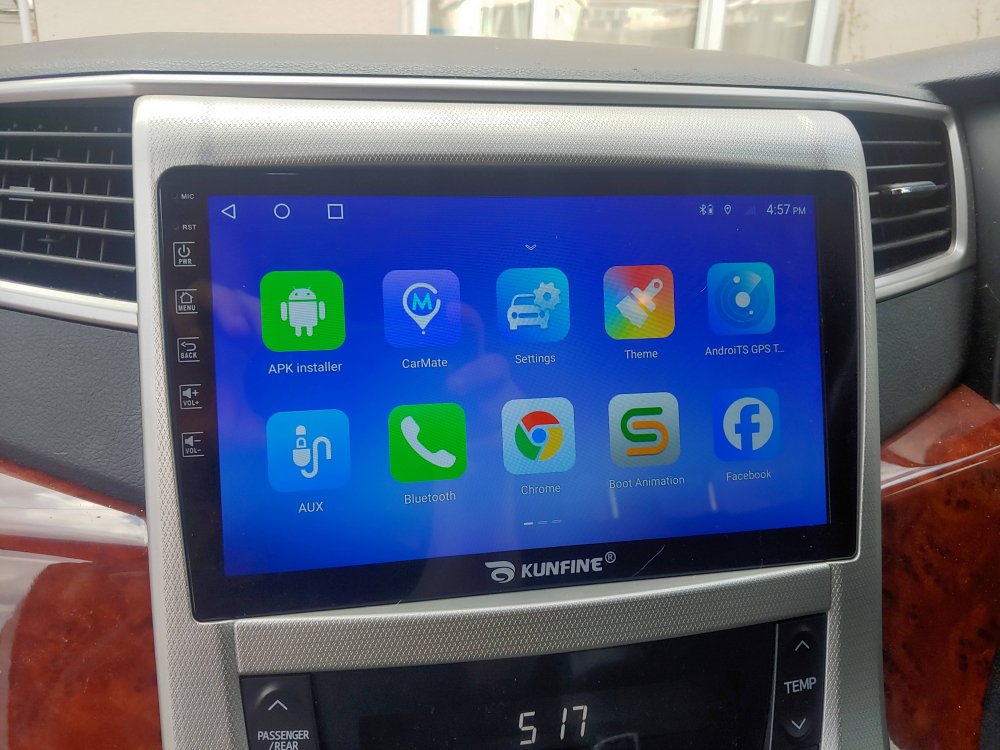
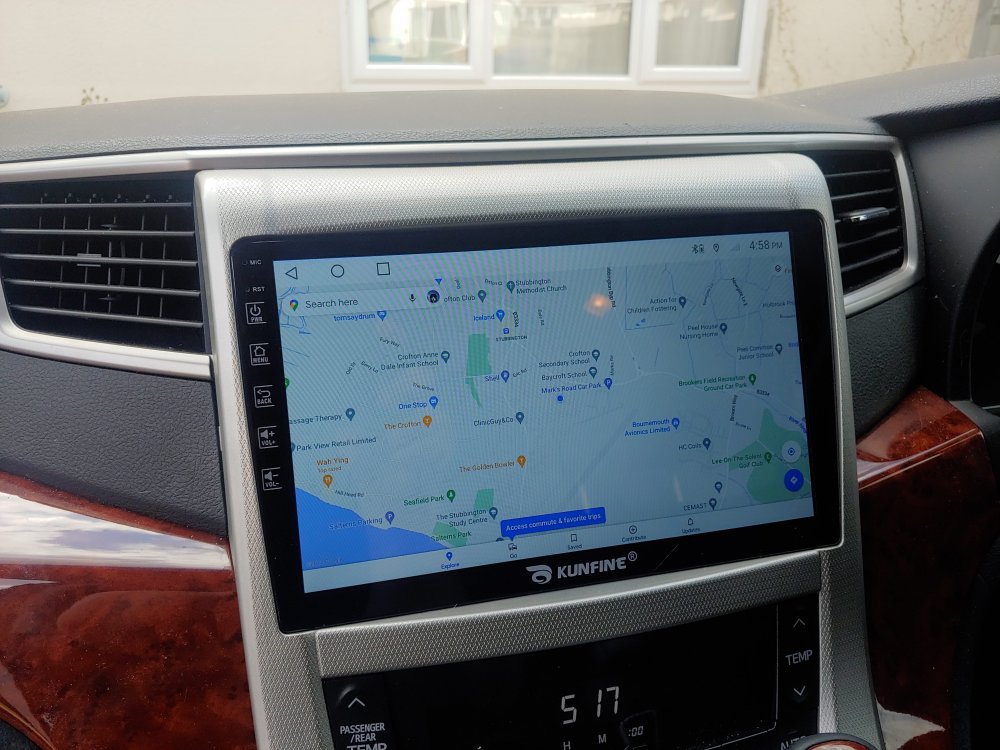
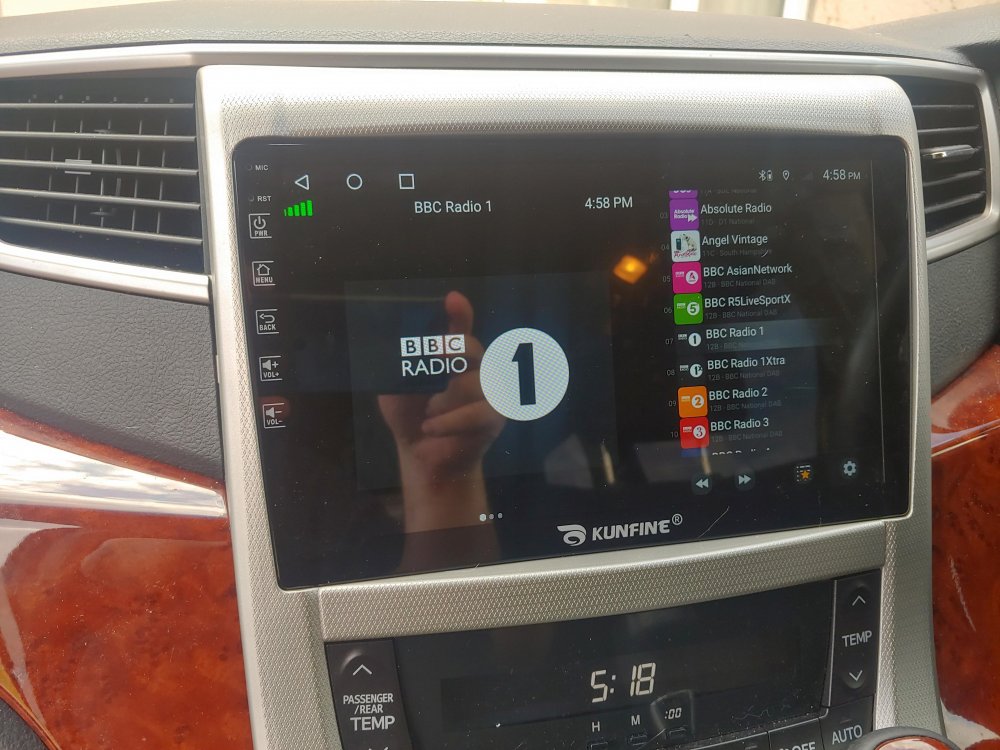
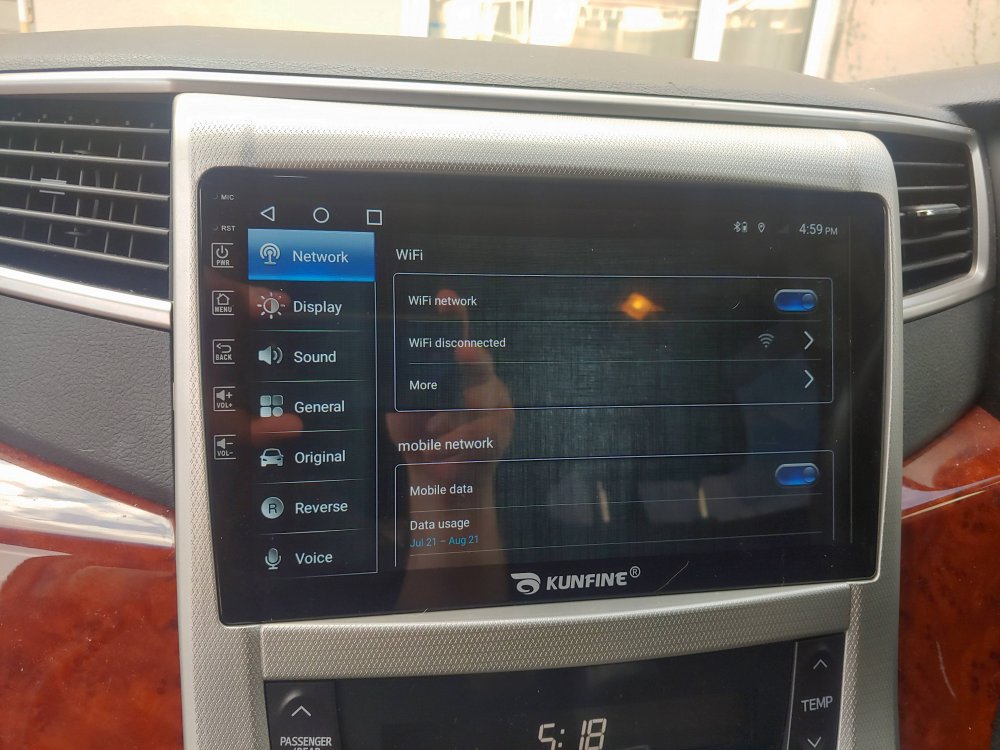
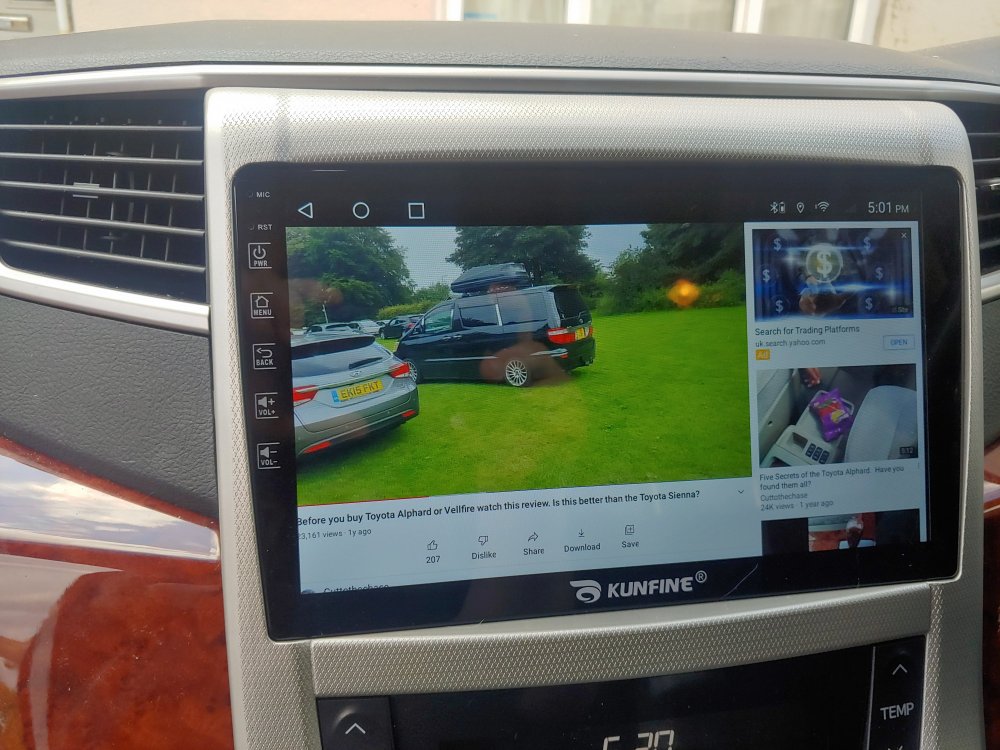
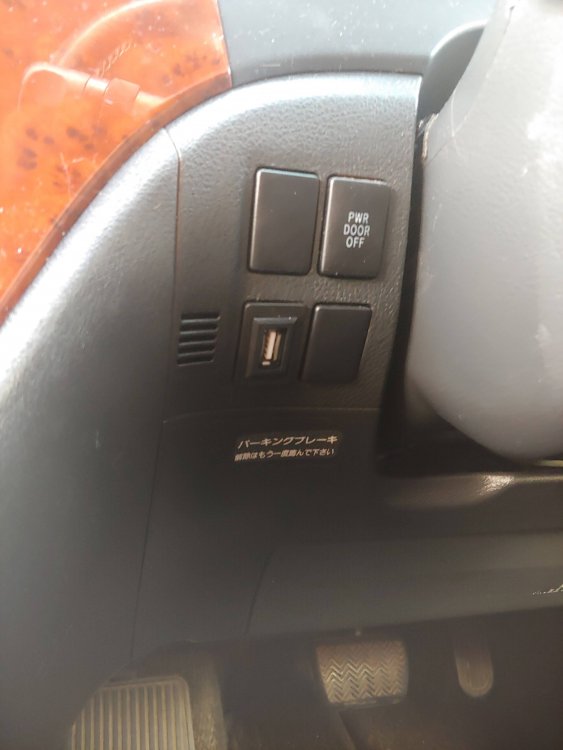
Just received an fitted my new head unit from Aliexpress and I thought I would share if anybody wanted to get one. The one I got was this one - Car Radio For Toyota Alphard 2008-2021 Rhd Octa Core Android Car Dvd Gps Navigation Car Stereo Carplay Android Auto - Car Multimedia Player - AliExpress I got the 6gb ram / 128gb memory one as the price was cheaper then the basic ones in the UK. The unit arrived before the due date with all the cables. The only thing I have added in DAB USB unit which is easily fixed in (£28.99 on Amazon). Fitting was quite easy, however there are a few things to look out for. Mine was probably a bit harder because Micky Mouse had wired in a Sony after market unit so the wiring was all over the place. I found a few wires not connected to anything and these I deduced was connected to the screen aerials. I also had a phone wire that was sleeved with some other wires that had been cut. I assume the previous person thought it was for the reversing camera, but I am suspecting they go to the roof screen. I think I have found the reversing camera wire, but I need to order an adaptor. This was £25 on ebay. Once I had sorted out which was which it was easy fit. I did find a loose earth lead and when I connected it, the car started talking in Japanese. Ended up the earth was the wiring for Toll Road unit. The unit comes with two USB cables, one I used for the DAB adaptor, the other I ran next to the steering wheel, then added USB socket in the switch hole, to make it look more OEM. There is also a GPS unit. The cable is a bit short so I ran that to the passenger side of the window. It also comes with a 4G areal, which I have not mounted as I don't intend to pay for a data plan for the car, when I have unlimited data on my phone and can make a wifi hotspot. I booted the unit up, half expecting it to be the cheaper model or worse, not work at all, but it booted up great. It is very smooth and fast. I downloaded and ran AIDA64 to check that the specs had not been faked and it was exactly as it was stated. The steering wheel connection was easy to set up just by selecting the control then pressing the button on the steering wheel. Now the bad part. Changing over the gear selector was a pain as the original had pins that had been melted, these needed drilling then finding suitable screws to fit in the replacement bezel. I found some old screws from installing hard drives in a PC and these worked fine. Next the little storage unit in the bezel is a darker shade then the replacement bezel. I quite like it but some may not. I did think about wrapping it all in vinyl, but decided not to. Lastly I cant seem to get the top of the bezel to fit. I think there are some little plastic stems on the back that I need to file off. Other then that I am very happy. I have a connector that I think is the rear camera, if somebody can confirm it, that would be great.
-
Not had chance yet. Been trying to decipher what the previous owner did with the stereo wiring. Trying to put in an Android head unit and find the reverse camera wiring. I think the previous owner though the wiring the the overhead screen was it and mangled that. Will let you know once Ive tried it.
-
Thanks for this
-
I have a Veepeak OBD Check BLE OBD2 that is connected all the time. The plan was to have info displayed on my Android head unit when I get round to fitting it. When I found out I could make changes with CarScanner then that was a bonus. I did look at Techstream as I can get a copy and then get a cable, but if it does not do anything extra then I wont worry about it. I guess CarScanner has complete access level as Techstream.
-
Is there anything that Techstream can configure that CarScanner with a bluetooth ODB cannot configure.
-
Are they safe. If the plastic guide has been removed, you are just left with four thin pins. Plus the must have 5v wire to what is normally the data sockets. It would be safer to get USB C sockets and USB C cables. These are designed to be reversible.
-
I was hoping that there was an option on car scanner to stop the central locking activating when you start driving, but no option for that either.
-
Finally got an ODB reader, the Veepeak one as it was a half the price of the OBDLink MX, and even less cause I found a second hand one on Ebay, Then I realised that CarScanner has a limit on what you can change without paying. Then it got me thinking. I used to have a new Mercedes A-Class (the one with the MBUX system) and a lot of options was available in the on the touch screen, such as interior light time, central locking, windows, etc. So I wonder if the original Japanese system also had these options built in, or if these where dealer options. I once had an older car that had all the connections behind the dash to upgrade, just needed the right parts and you could have dealer fitted options at a fraction of the price.
-
There are two sizes. The one I got has a size of 32.5mm x 22mm, but they do the same one with the larger size. Just check the description before ordering.
-
This is the one I got. I wanted something that looked less aftermarket. 12 / 24V Dual USB Ports Car Auto Charger 9USB1C TOYOTA Prado Landcruiser RAV4 | eBay
-
So mine is a 2009 Vellfire and mine is different. No forget that. I did not know there was a fuse box on the right side aswell lol
.thumb.jpg.2dd9af9ea06d73fddd6eea2a12816c81.jpg)
-
I piggybacked on the AC INV fuse for my dashcam. I assumed it was the fuse for the cigarette lighter as I could not see one that said CIG. I don't have an AC Invertor so it could not be one of them. I also have a fuse socket with a fuse in that says 4WD but I don't have 4WD. I am about to add a double USB socket next to the cigarette light to charge up phones, and run a cable down under the centre console to add a double USB socket there, as on my Vellfire there are no sockets there at all.
-
Unit arrived from China today, came with all cables and looks nice. Will get round to fitting it next week as I am waiting for a DAB usb stick, usb dash socket for the second usb port rather then having a cable stashed somewhere and some usb charging ports to wire to the cigarette lighter socket. Gonna do it all together rather then stripping it all down over and over. When it is done I will get some photos up.
-
I have a 2009 and that's not on their either, but I found the 2008 and 2010 to look identical.
-
I wonder if the alarm is an option in Japan, not a standard item, something like metallic paint when you buy a new car in the UK. That is why some cars have it and some dont. If that is the case then it could just be a case of putting the relay in. A lot of manufacturers have standard wiring looms, ect. Its cheaper to make the cars and they just add little things to turn the options on and off. Will have to get the test meter out.
-
Found this site that has an archive of all the old sales brochures. OK so none are in English, but the pictures are nice. Toyota 2 | Auto Catalog Archive
-
Thank you for clarifying. TOYOTA VELLFIRE/ALPHARD (2008-2015) COMLETE ROOF RACK BAR SET - MADE IN JAPAN | eBay
-
There is one on ebay at the moment. Its £455 and says it is for 2008 - 2015. I would post link but was banned from a Facebook group for doing that. Don't know if I am allowed here, but just search toyota alphard roof bar and it will come up
-
Found this on Youtube. Anybody know if it works of Alphards / Vellfires. I have seen people being able to change settings with an OBD II reader.
-
The problem I had was getting the cable through the rubber tubing from the van to the tailgate. The connection was a bit big really, but got their in the end. All I want now is some sort of shroud to cover the cables that run from the roof lining at the front, down to the camera. With having two of them its not in my liking. If I had a 3d Printer then I would make something like they have on new cars to hide the sensors.
-
Thanks. Any idea what the little round thing on the dash is. On a youtube video where the show you how to activate the alarm with the toyota software, the little round thing is the alarm LED.
-
I was under the assumption that most Alphards / Vellfires have alarms. Mine has an immobiliser but thought I would check the alarm. The dash has what looks like an alarm LED but does not light up. I sat in the car today and locked the doors with the remote. I waited for a time for the alarm to activate then opened the door but nothing. Do these vehicles have and alarm? If so does anybody know if it is deactivated, can you activate it via the ODB carscanner app?




.jpg.c6bd68fcdd27cc5f33b66f84a8ea8f2c.jpg)