




Notabongo
Members
-
Joined
-
Last visited
Everything posted by Notabongo
-
I like the sound from our head unit so gonna keep it, and use a separate garmin... It looks a good answer dom that though
-
I can't find any Bluetooth at all in mine
-
I have the same, can't work it out either
-
Thanks Chris, I'm thinking that just need reassuring 😂😂
-
Had since start of August done 1000 miles in it, marked expansion tank when bought it, just had to top up by 90ml of coolant, I know it's not much, no sign of leaks.. Any ideas.. TIA
-
Brian any chance of pics
-
Anyone converted
-
I might look to fit a unit/pod and do it that way..... Flat packs are still big money....
-
Prob cheapest way, flat pack is about £1300...
-
Hi anyone done there own conversion on 10 series 2.4?
-
Just checked mine it starts when the air con is on... And goes off when i turn it off
-
Sorry didn't reply seen u last minute... Nice motor though 👌👌
-
Same on mine, like a fan stuck in same position but trying to move
-
No disc in there at all
-
Nddn-w58
-
Unit starts through cycle comes on and goes off, and repeat... Any ideas
-
Yes it's good, I do use Google translate I've put a few cds onto either a hard drive or similar inside the system... Great sound
-
Mixture of motorway A and B roads.... Just enjoy the comfort and pootle
-
06 2.4 here on 300 mile trip got 33/34 mpg out of it.... Using E5 and keeping it under 2000 revs when possible.... Very happy with that 😂
-
Hi got this head unit in my van, good sound but as usual in Japanese, can I convert to English, any hacks, tips or tricks? Thanks in advance
-
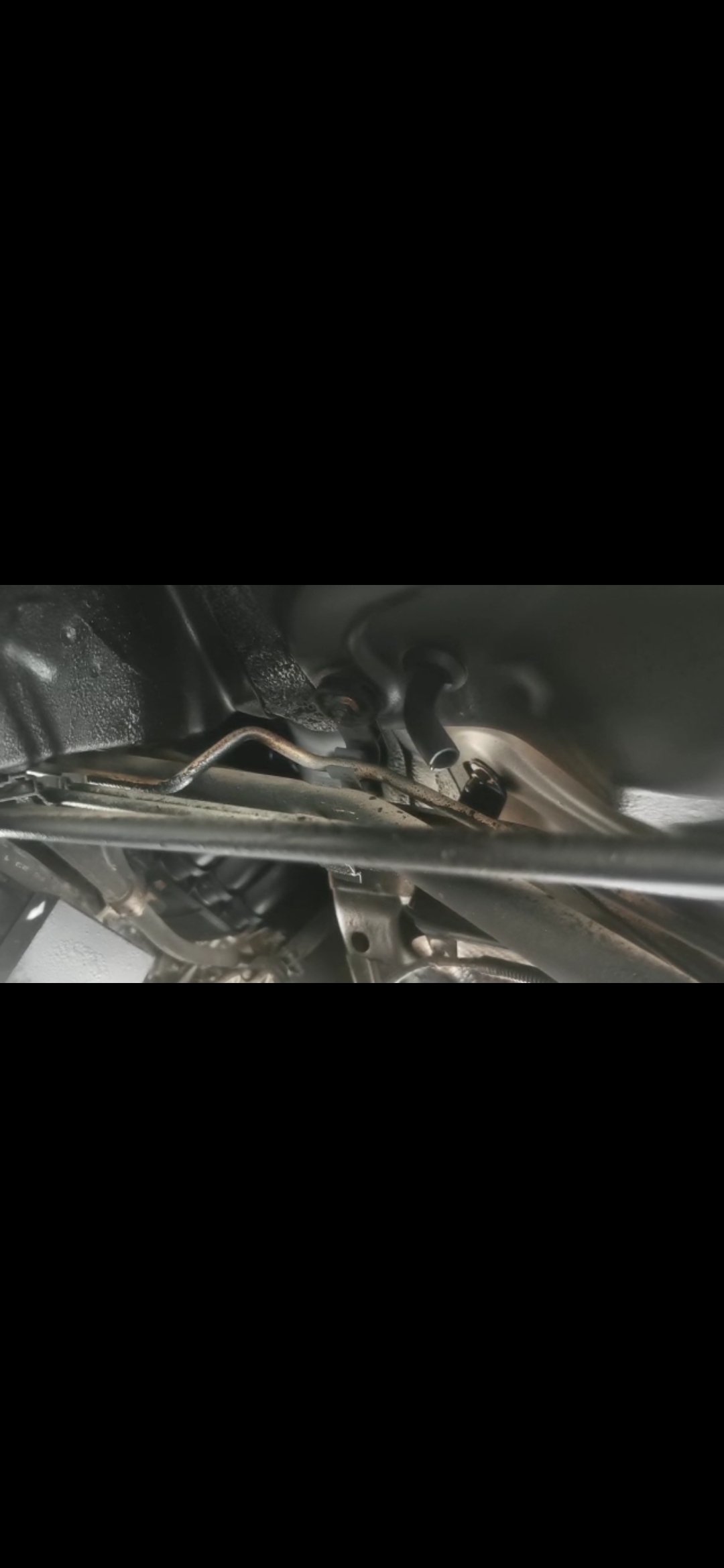
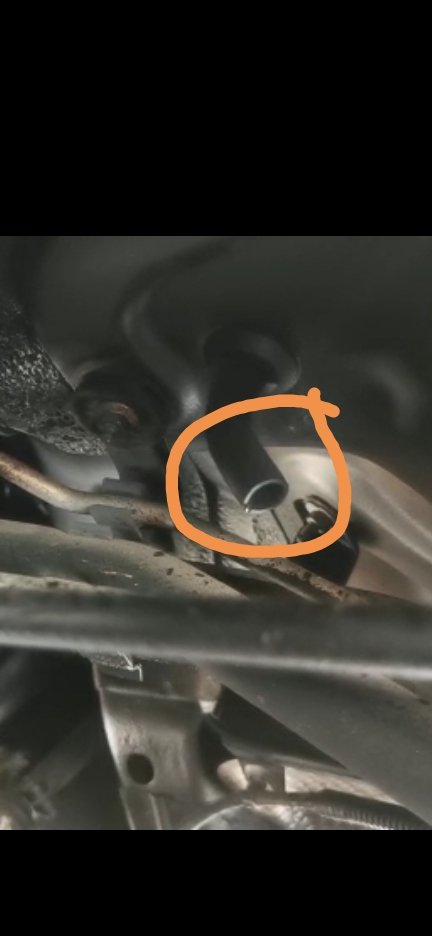
Hi, finally got my alphard... Got it home and noticed little drip underneath Central underneath seats from what looks like a overflow pipe above the lambda sensor... Checked coolant and its 20mm over the top line.... Would this be an overflow from the expansion tank?Near Merseyside, any recommendations pleaseNo mate nice luxury electric blinds 👍
Important Information
We have placed cookies on your device to help make this website better. You can adjust your cookie settings, otherwise we'll assume you're okay to continue.