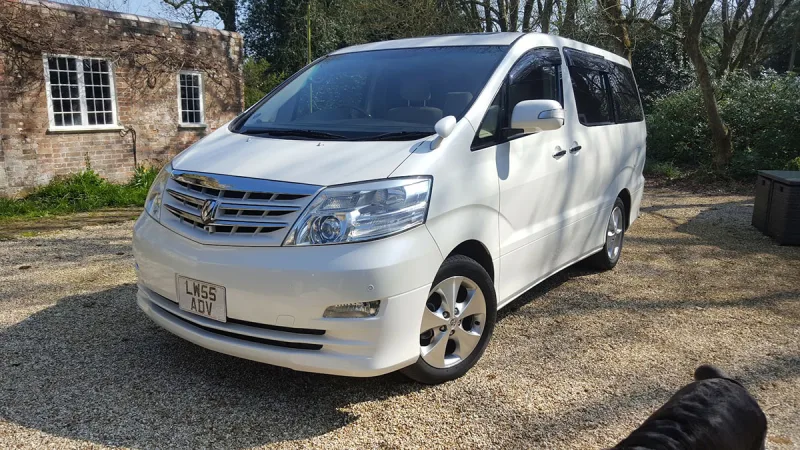
OC’s Review Summary
HGB rates the 2005 2.4-litre Alphard highly for its space, flexible seating and value, saying it is comfortable for retired people to access and drive. It suits family trips and camping with grandchildren, while reliability, quietness and smoothness also impress. Running costs score a less emphatic 7 out of 10. The car has exceeded expectations, and HGB would buy another.
Ownership in four questions
How it feels
What feels right
What’s it like to drive?
On the road
Everyday ownership
Who does it suit?
Who the owner thinks it suits
How they use it
Why they chose it
- Vehicle mileage
- 30,000–60,000 miles
Would they buy again?
- Would recommend
- 10/10
- Would buy another Alphard
- Yes
Their ownership journey
- Current ownership stage
- Long-term owner
- Expectations
- Better than expected
- Relationship with the car
- I like it more now
- Bought with head, heart or both?
- Head
What does long-term ownership feel like?
Selected by the owner in the survey
In their own words
My Alphard is the only vehicle I have ever owned where people approach my wife and I to ask where I bought it and finally how much was it.
They are Stunned when they realise it is vastly cheaper than a VW.
The Alphard is a very comfortable vehicle for retired people to access and drive. Providing ample space for grand children to travel with you and have adventurous camping holidays.
The seating configurations provide you with an enormous number of options for family life.
Alphards are superb. Get one and wonder why it took you so long to get one.
The main dealer
The owner’s main-dealer rating. Dealer experience is separate from the car’s score.