Billy242
Members
-
Joined
-
Last visited
-
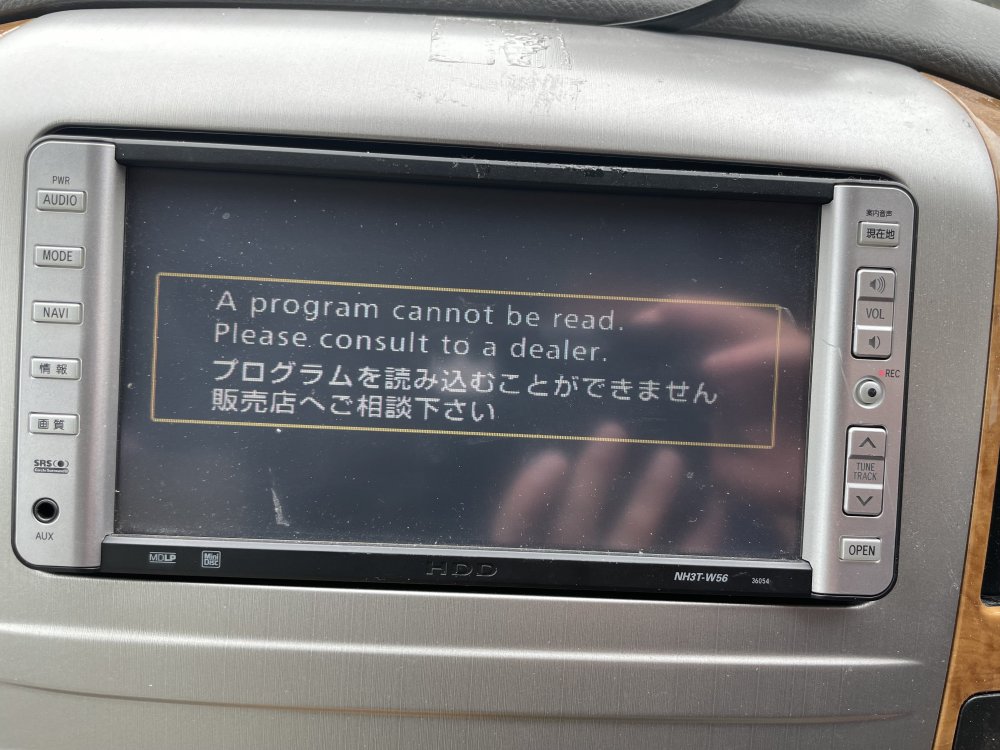
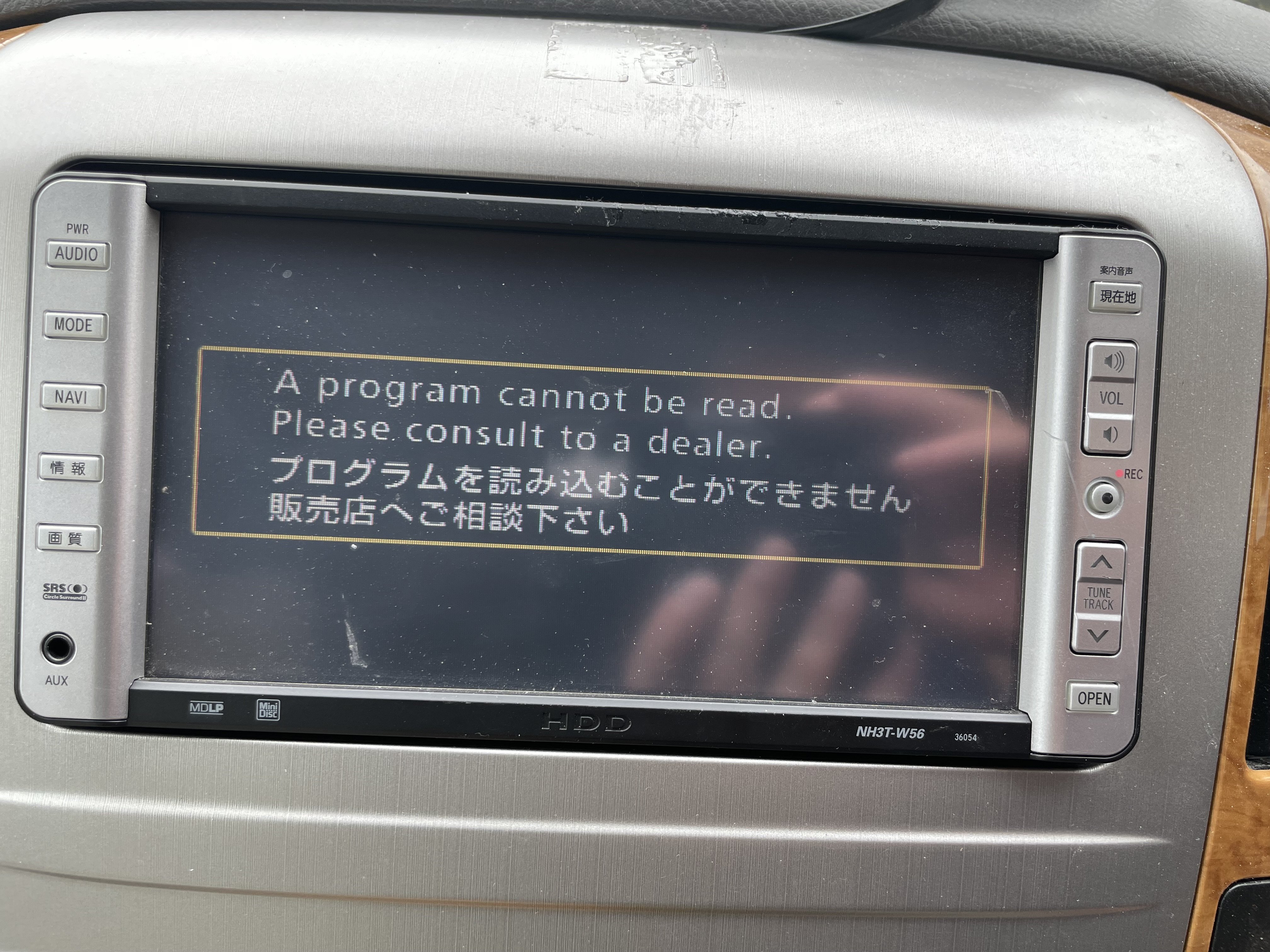
Hi to everyone. Recently purchased 2006 Alphard so pleased to finally purchase as I have been looking for a while, however one issue I’m trying to resolve is that the head entertainment/rear view camera not working as per picture below it comes up with a message. Clearly it’s not a fuse as it comes on, I have been advised it maybe be wiser to purchase a new updated version and this should hopefully resolve. Question is that the direction I should go and if so is it an easy fix? Any help would be appreciated. B