Jonesy2008
Members
-
Joined
-
Last visited
Everything posted by Jonesy2008
-
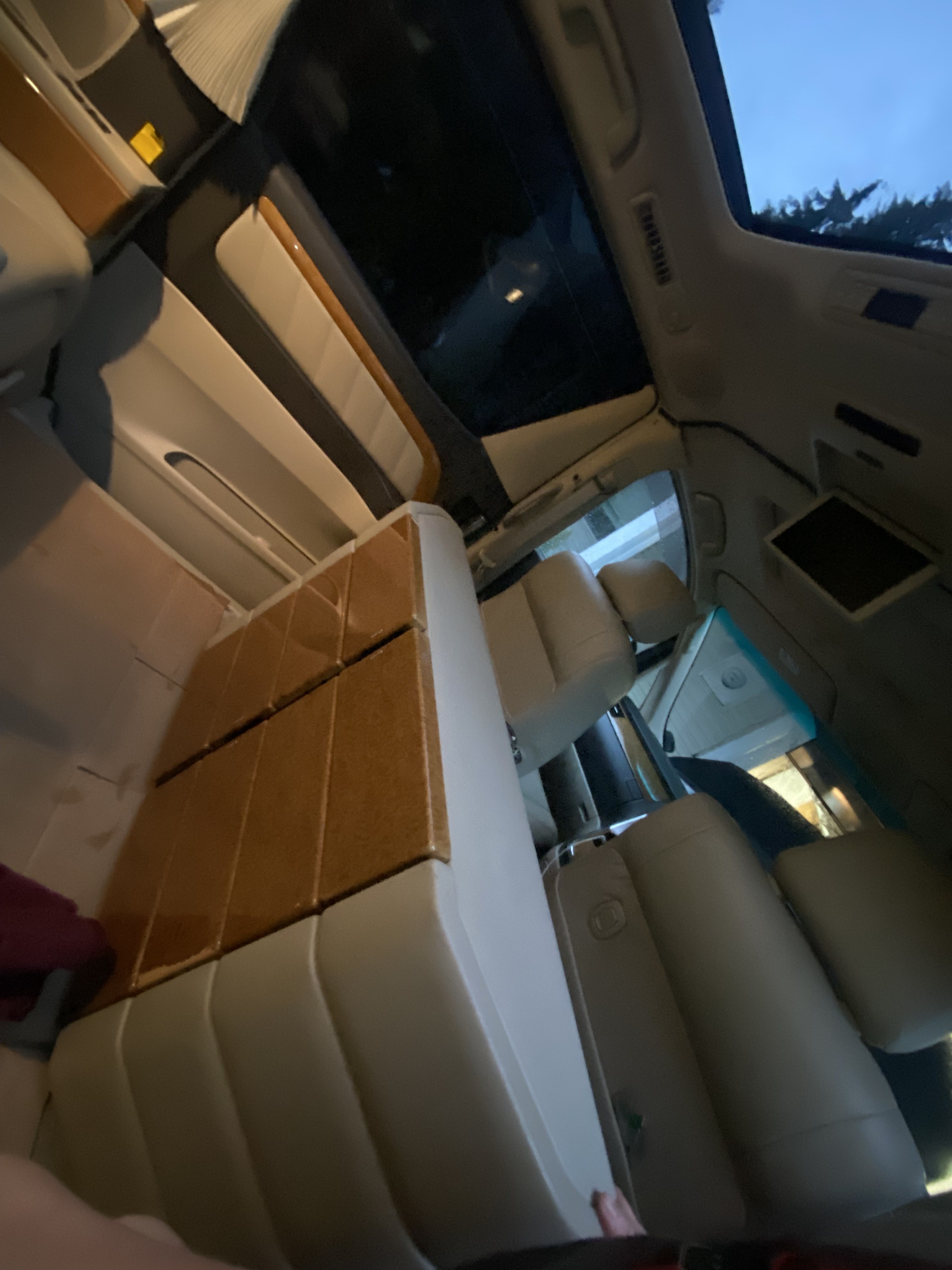
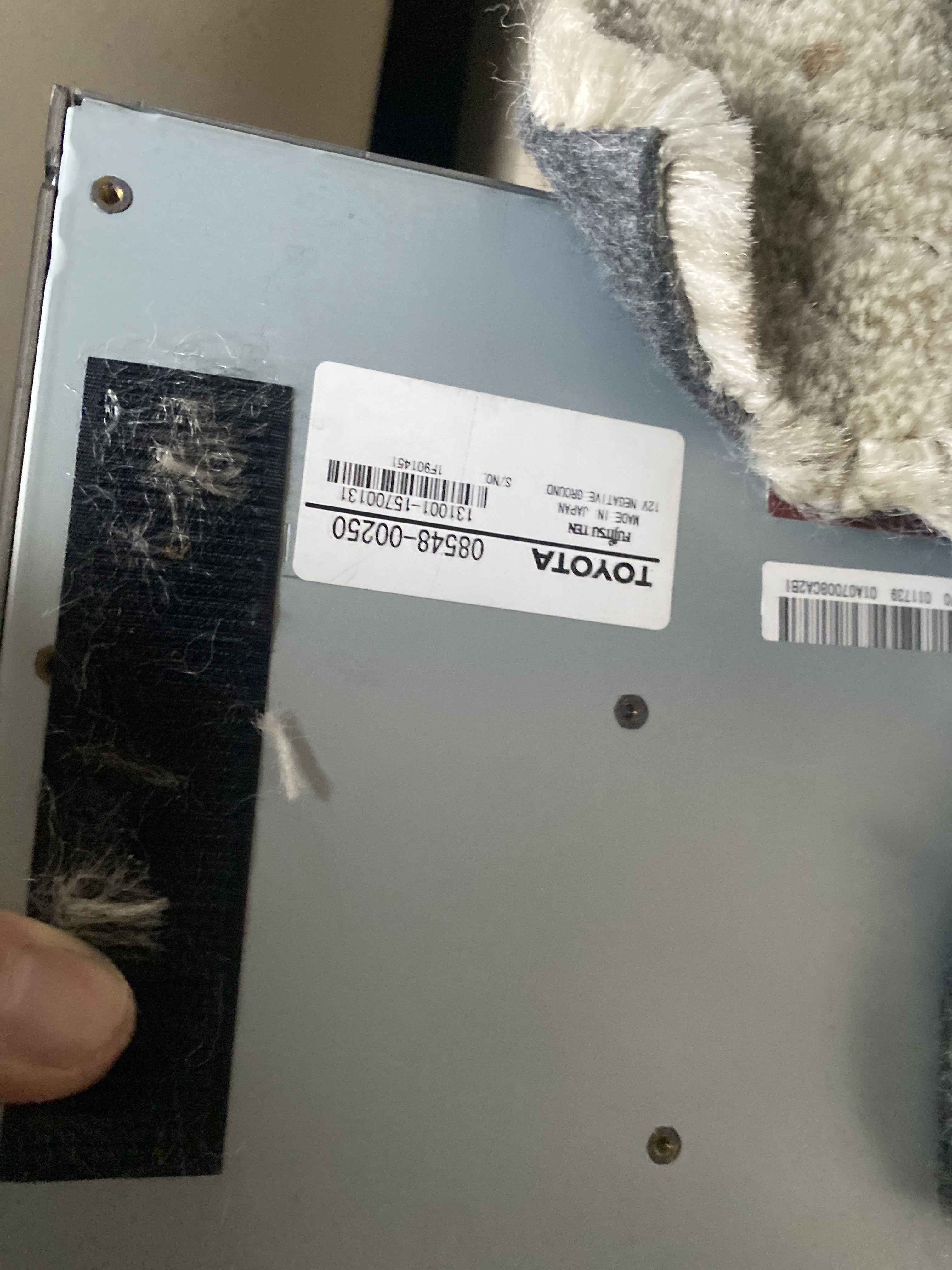
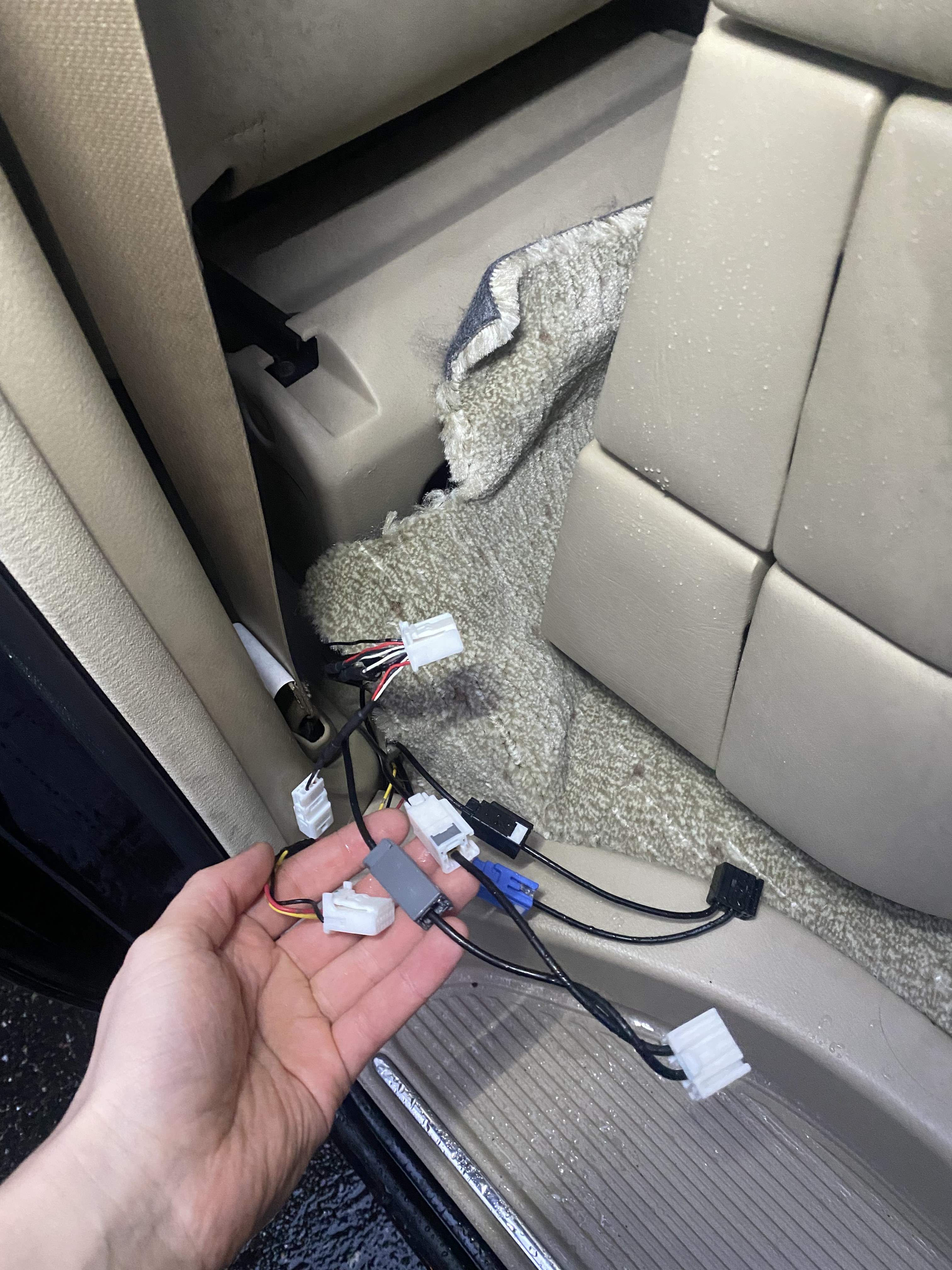
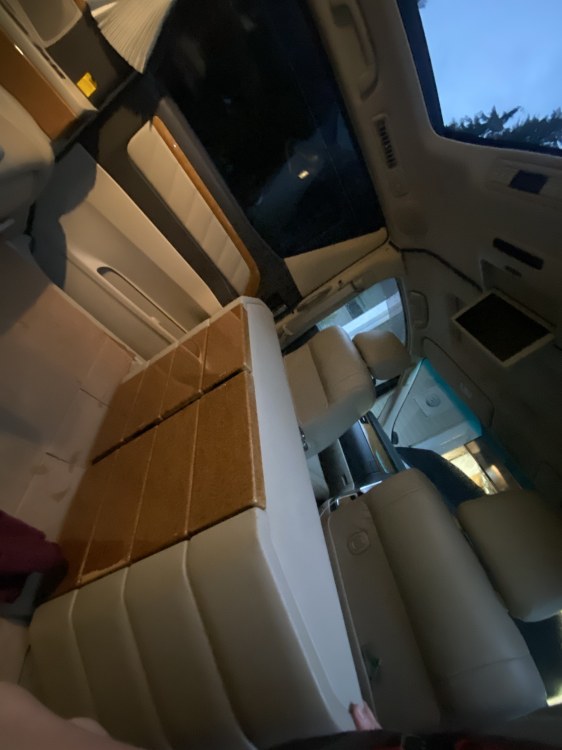
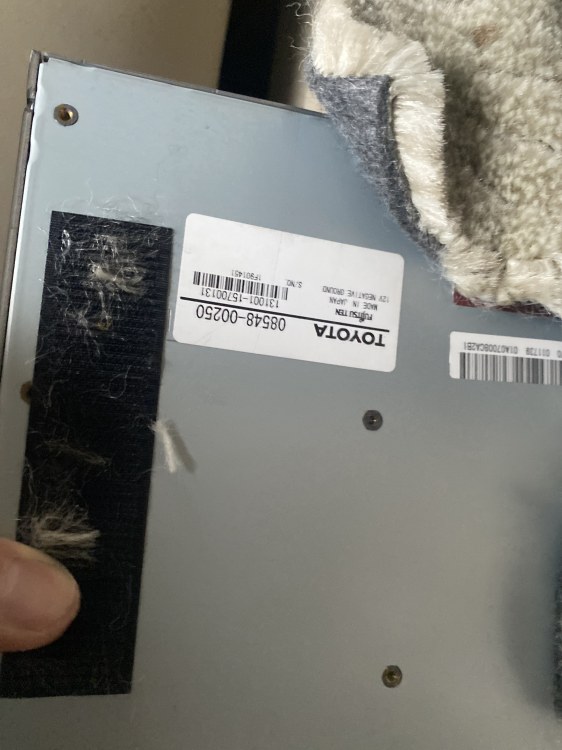
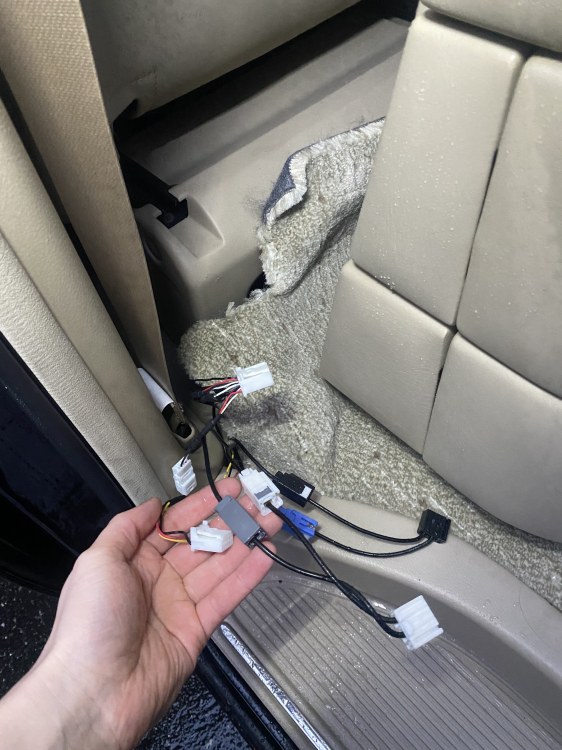
Hey All update on my end! So 86170-58030 remote just came in and unfortunately nothing changed...😥 though got a couple other goodies to tide me over - JPN Bluetooth receiver and smart key all worked effortless which at least made me a little less bummed out, So off I go further down the rabbit hole I've checked the wiring from the RCA connector and followed the wires as far as I can and checked for continuity all looks good so far, mine is just slightly different as its a Royal Lounge but I'm sure the thinking is the same, mine has a "fancy cabinet" with the inputs on the backend opening up the back the wires all go down to the floor and what I understand would go to the TV tuner under the passenger seat (08548-00250) I will be testing for continuity from tv tuner and see if the wires there meet with the wires at the VTR port - It does look like whoever did the install did tap into the wires from the tuner so possibly there is a break in said tap? Keep you all posted I'm feeling hopeful that I will find the issue but living in BC, Canada the rain decides if I'm staying inside or working on my vehicles as I'm sure the UK is very similar Let me know if anyone has any other ideas or guidance definitely learning alot more on whole entertainment system! - I've attached photos as well but unsure if they will popup seems all the photos other users have posted don't work all of a sudden Cheers!
-
Thanks Chris! Good to know - I assume you would be able to access the RCA input via remote as well? If so is there a certain button that needs to be pressed to enable the RCA? Again much appreciated I've slowly realized the can of worms I've opened up having my first JDM LOL and I've been absolutely enjoying the quirks of it (no sarcasm) I'm thinking Toyota may have realized with the 20 series that it may be a good idea to utilize multiple ways of changing to RCA - looking through what I have very little mentions using the Headunit to change to RCA, it begs the question why have a video button in the first place, I'm hoping the remote i've ordered saves the day but have already been tracking down the wiring and make sure connections are good and proper in the meantime while I wait Briefly researching other Toyota branded models here in North America with similar rear entertainment packages (Highlands, Siennas, Sequioa etc) It looks like many of them had multiple ways of accessing the RCA functions I.E remote, button on display or button in head unit - though looks like 2008 + is when North America had started getting this features more regularity!
-
Hey @ThuMentaliss, I currently am, currently have it running and utilizing DVDs currently just in the process of figuring out the VTR / RCA inputs
-
Thanks Chris! Yeah that blog been monumental in understanding the head unit - and the little details! Unfortunately the closest they've explained to the Video input was the DVD function but never really touched on the VTR/Video input function much - I plan on sending a email and seeing if they see it I'm sure that blog has been inactive since 2012/2013 so may not be as fruitful as I hope Referencing the 20 series is it similar in the sense it has RCA connectors you plug your device in and change the head unit to VIDEO/VTR or something of the sorts and it just works? One side of me says it should be simple like that on the 10 series though seeing other posts some say you need a remote to actually swap to the VTR feed and that the head unit doesn't control it Much appreciated!
-
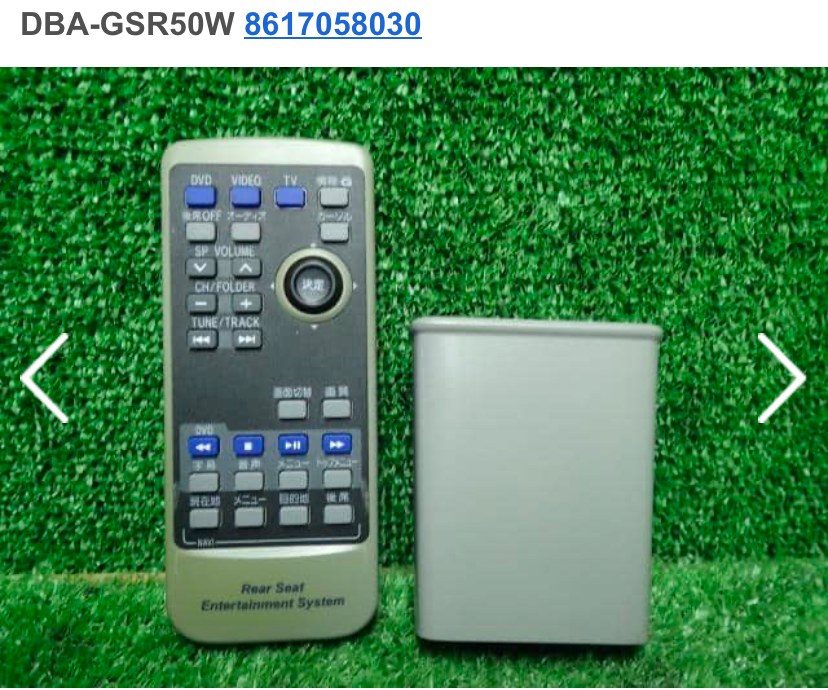
Hey all! Baby steps in my last post I was able to figure out the rear monitor how to it in next I’m trying to figure out how to get the VTR/RCA working properly Looking through other posts not much is said about this feature (though maybe since it stupid simple) but atlast seeing if anyone could give me directions on this? Currently I do not have a remote my plan is to purchase one 86170-58030 as I’m thinking it may have been lost when importing Currently I’ve tried plugging in a ps2 into the rca ports with no results black video no sound - I did set the input to video on the head unit yet nothing Anyone have any ideas on how to enable the RCA functions?
-
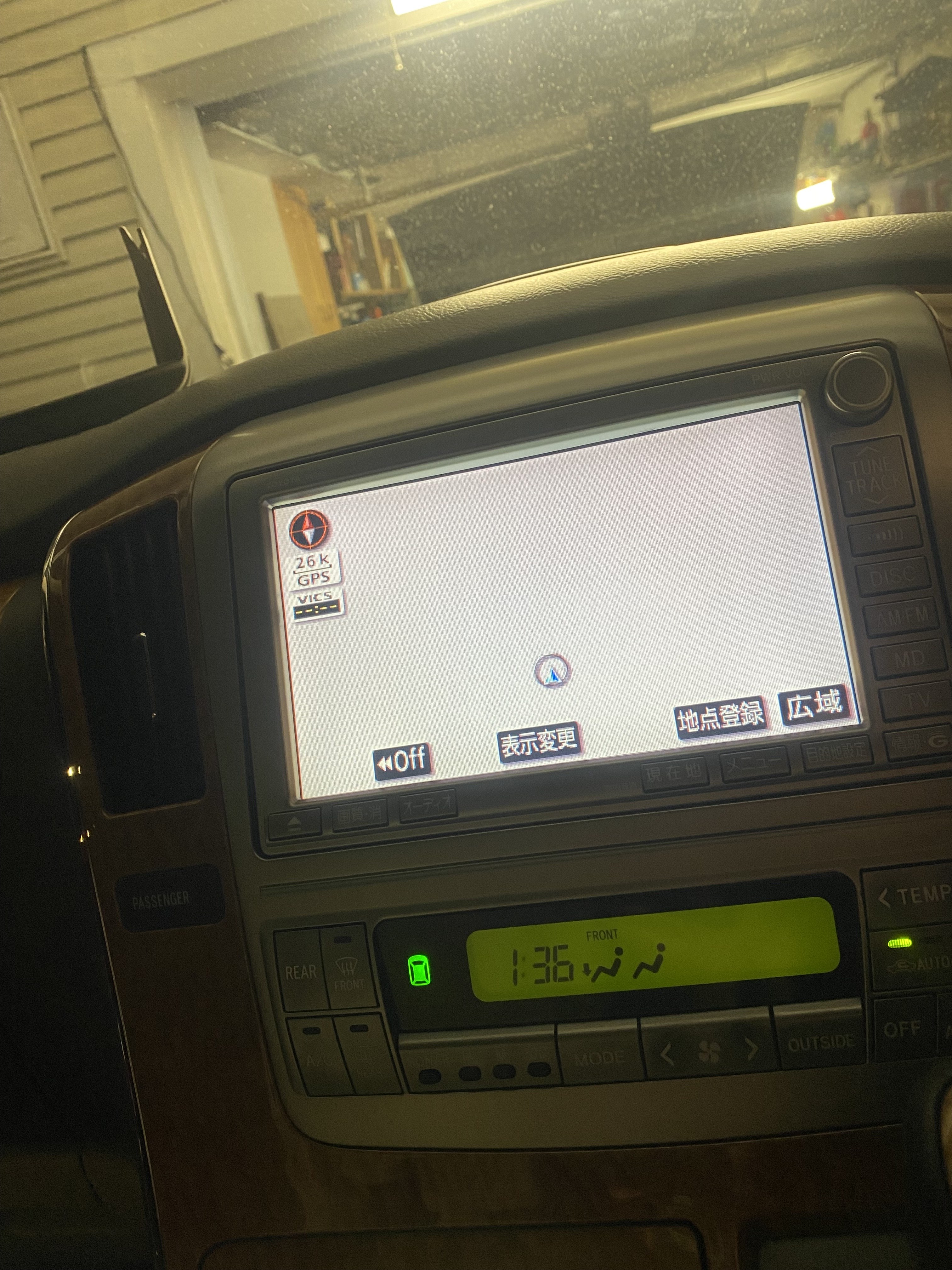
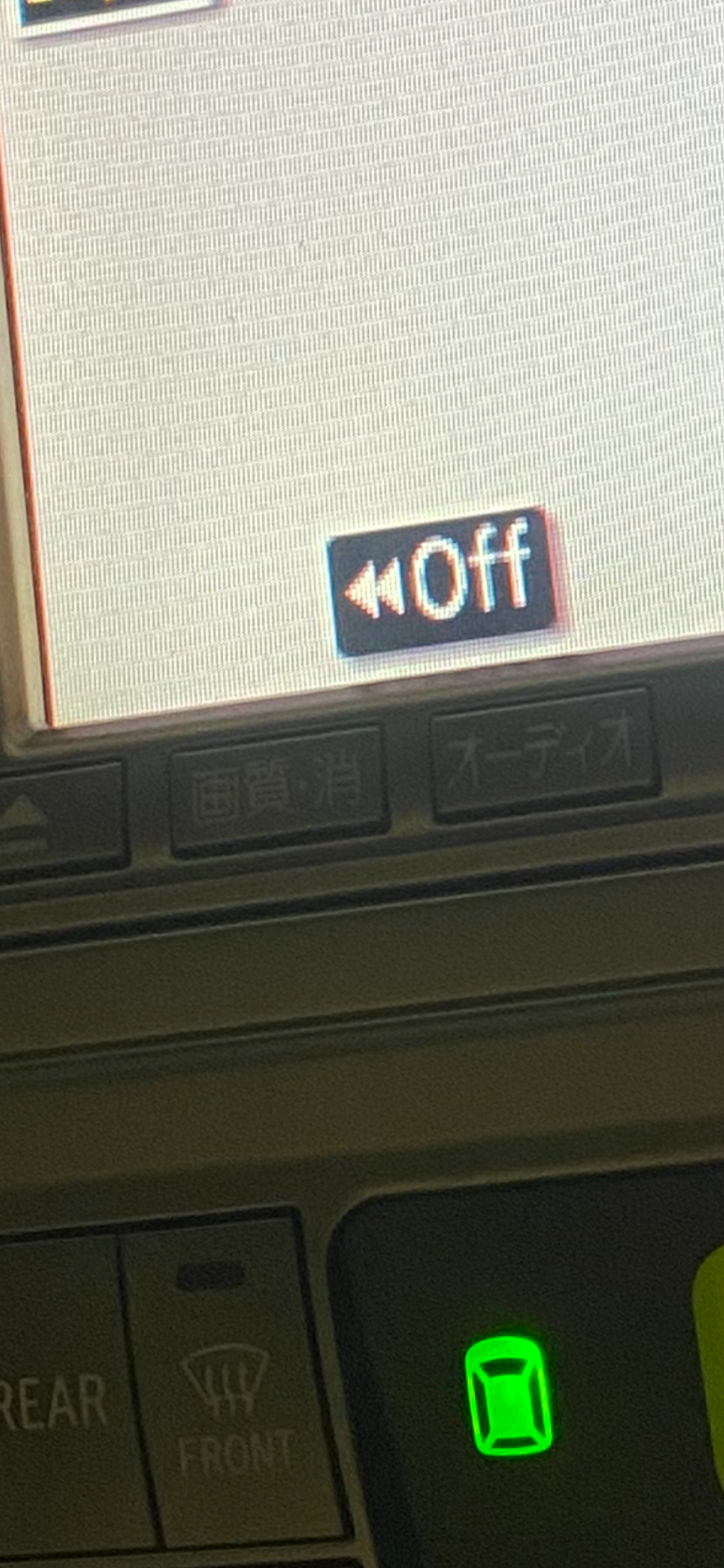
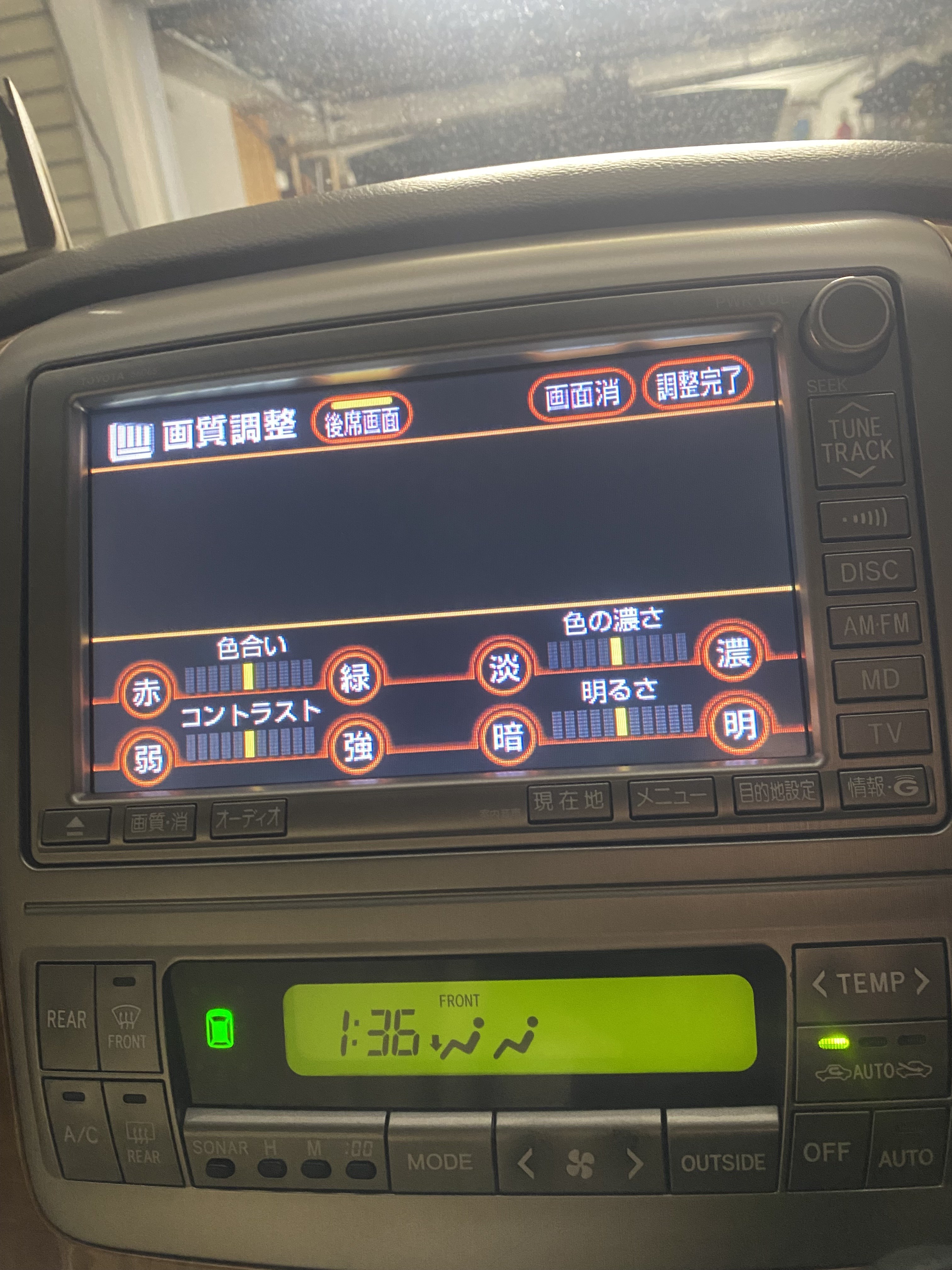
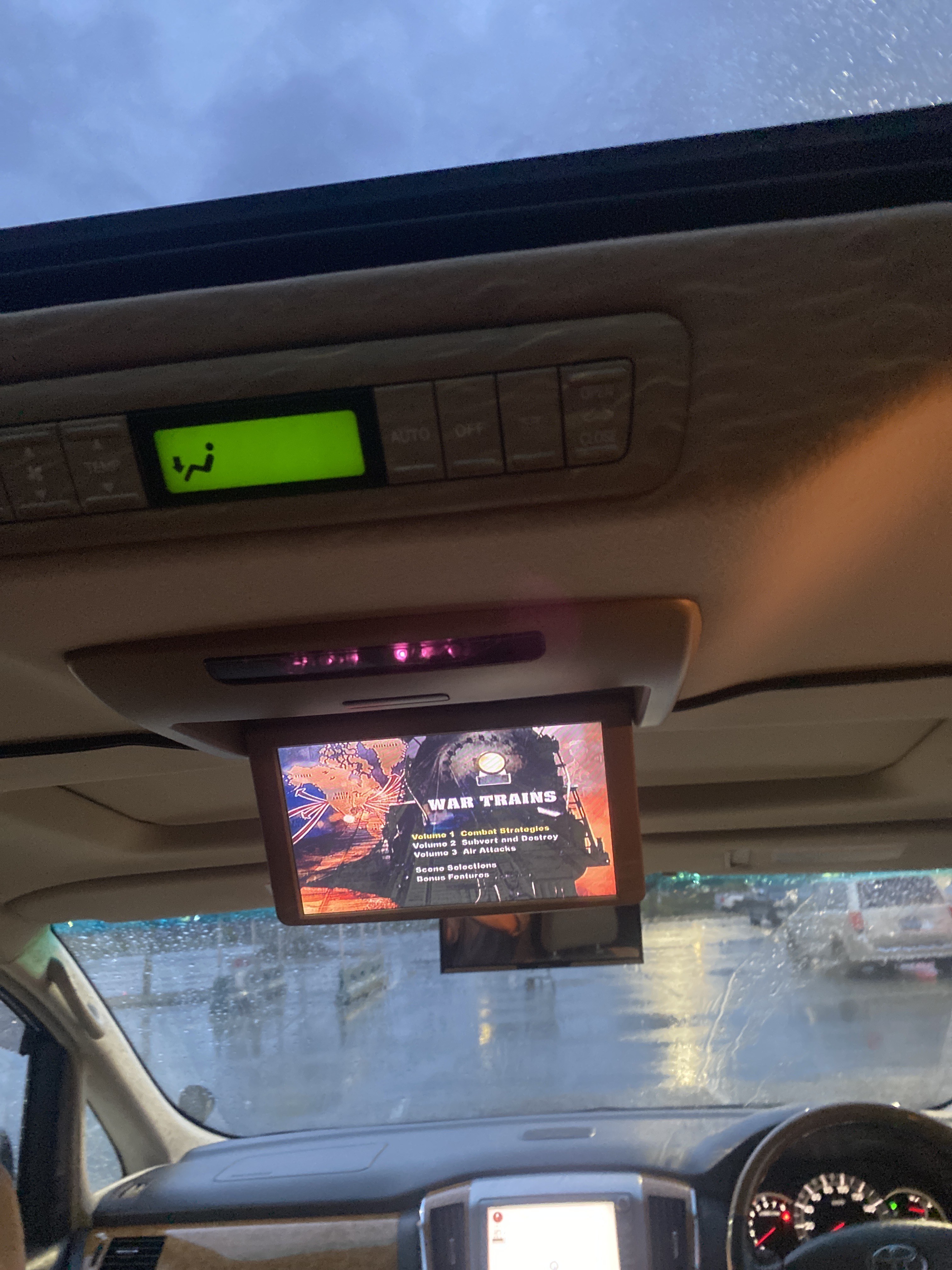
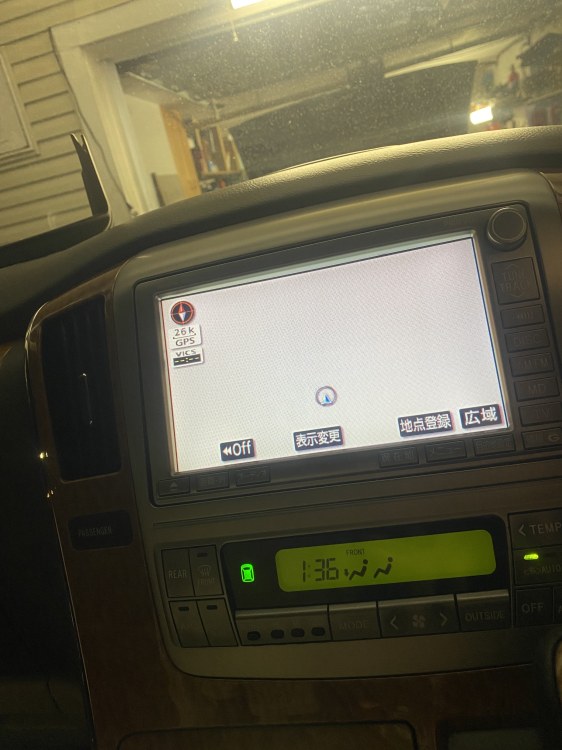
Solved!! Here is how I figured it out! 1- press 画質・消 2nd button to the right of the eject button on the corner of the radio 2- this should bring up another screen with 4 sliders at the bottom and three individual buttons at the top 3.press top button labelled 後席画面 - success you now should be seeing your rear screen light up and work as intended At this point you can either play a physical dvd (ensure parking brake is on first) or play video via VTR/RCA (still trying to confirm as I haven’t been able to figure it out)
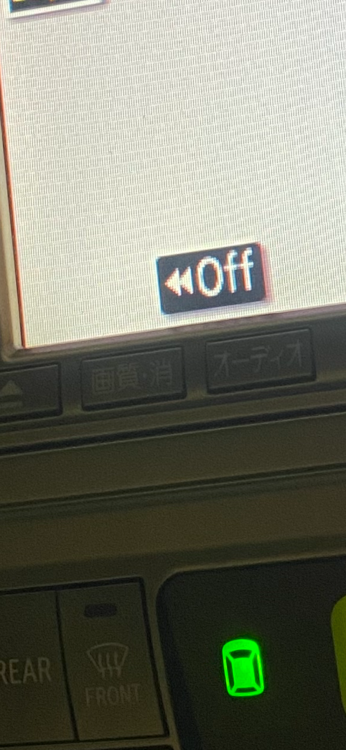
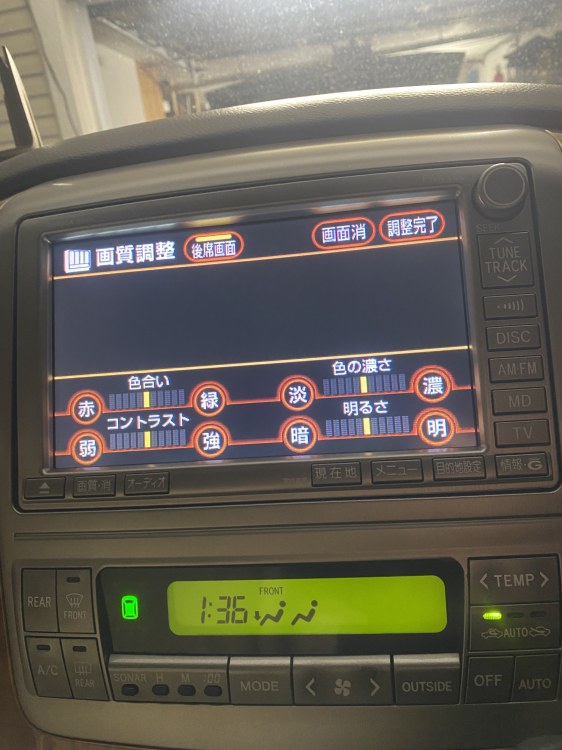
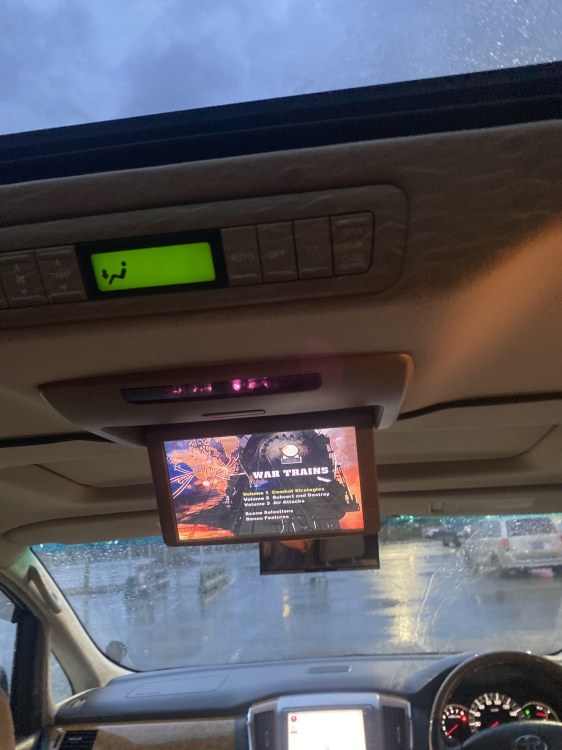
-
Hey everyone just got into my first alphard (1st gen 2008 royal lounge) here in Canada Regarding the rear ceiling mounted tv is it only able to be turned on via remote? does not have any I’d numbers on it) And if so would 2nd gens utilize the same remote / same frequencies? My initial plan was to use the rca connectors / 110 plugs to utilize a ps2 but seems both head unit and tv don’t properly display the ps2 screen (Blue on head unit when selecting Video, rear tv doesn’t turn on Head unit is 56065 both look oem and head unit does function with dvd when parking brake is on Let me know will post some picture if I can figure out how to Thanks!