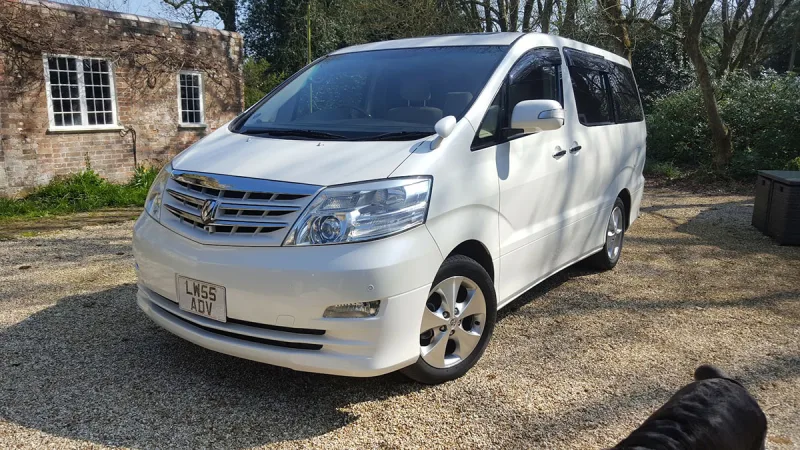
OC’s Review Summary
Kathryn’s 2004 Alphard 3.0 V6 has exceeded expectations and grown more appealing with use. She describes it as reliable and comfortable, with ample space and an easy conversion into a high-end camper. Used mainly solo on rural roads, it also impresses for performance, practicality and interior quality. Fuel consumption is a drawback, while running costs and value receive more moderate ratings.
AI-assisted · Based on this owner’s answersRead the owner’s words ↓
Ownership in four questions
How it feels
Overall owner feeling
10/10
Love itPeace of mind5/5
Connection5/5
Enjoyment5/5
What feels right
ComfortableReliableSmoothPracticalReassuringWell-builtSpaciousFunSafeSatisfyingResponsivePowerful
What could be better
Thirsty
What’s it like to drive?
On the road
Comfort10/10
Performance10/10
Interior quality10/10
Everyday ownership
Reliability10/10
Running costs6/10
Practicality10/10
Value for money7/10
Who does it suit?
Who the owner thinks it suits
FamiliesComfort-focused driversUsed car buyersDog ownersRetired driversLow-maintenance buyers
How they use it
Local tripsLong journeysWeekend drivesTouring
Why they chose it
ReliabilityValue for moneySpaceBrand reputationPerformancePracticalitySafetyComfort
- Vehicle mileage
- 60,000–100,000 miles
Would they buy again?
- Would recommend
- 4/10
- Would buy another Alphard
- Yes
Their ownership journey
- Current ownership stage
- Settled in with it
- Expectations
- Better than expected
- Relationship with the car
- I like it more now
- Bought with head, heart or both?
- Both
What changed once the honeymoon period wore off?
Selected by the owner in the survey
THE OWNER’S REVIEW
In their own words
A Reliable comfortable van, converted easily to a high end camper. I drive mostly rural roads alone. My lovely alphard has never let me down, I feel looked after by her!
DEALER EXPERIENCE
The main dealer
Not visited
This owner did not visit a main dealer. Dealer experience is separate from the car’s score.