



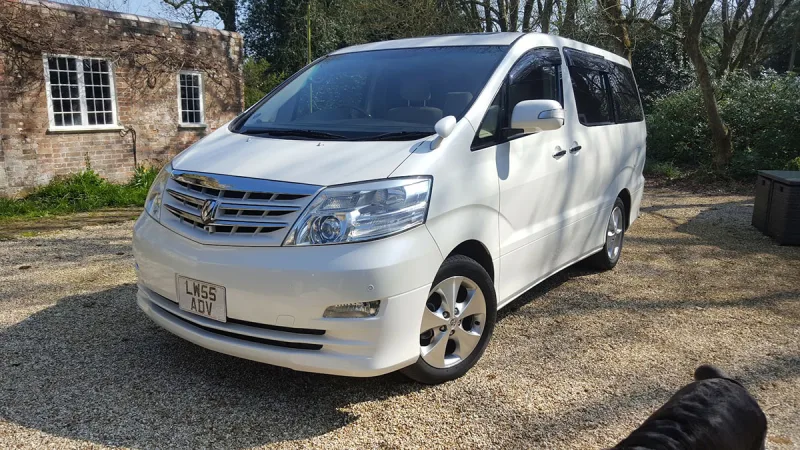
OC’s Review Summary
Jazz uses the 2007 2.4-litre Alphard as a practical camper and second car, appreciating its comfort, load-carrying ability, easy parking and flexibility for days out. Reliability is rated highly, although fuel consumption and running costs disappoint, and performance is middling. It has met expectations and grown on Jazz, who would buy another despite being less emphatic about recommending it.
Ownership in four questions
How it feels
What feels right
What could be better
What’s it like to drive?
On the road
Everyday ownership
Who does it suit?
Who the owner thinks it suits
How they use it
Why they chose it
- Vehicle mileage
- 60,000–100,000 km
Would they buy again?
- Would recommend
- 6/10
- Would buy another Alphard
- Yes
Their ownership journey
- Current ownership stage
- Long-term owner
- Expectations
- About what I expected
- Relationship with the car
- I like it more now
- Bought with head, heart or both?
- Both
What does long-term ownership feel like?
Selected by the owner in the survey
In their own words
Our Alphard is a practical camper. Very useful as a local driver (especially for load carrying). Convenient to park and as a second car. Great for days out and camping trips. A bit thirsty on fuel unfortunately. Comfortable to drive and more flexible than a motorhome. Fairly reliable, especially compared to our previous VW Type 2
The main dealer
This owner did not visit a main dealer. Dealer experience is separate from the car’s score.