



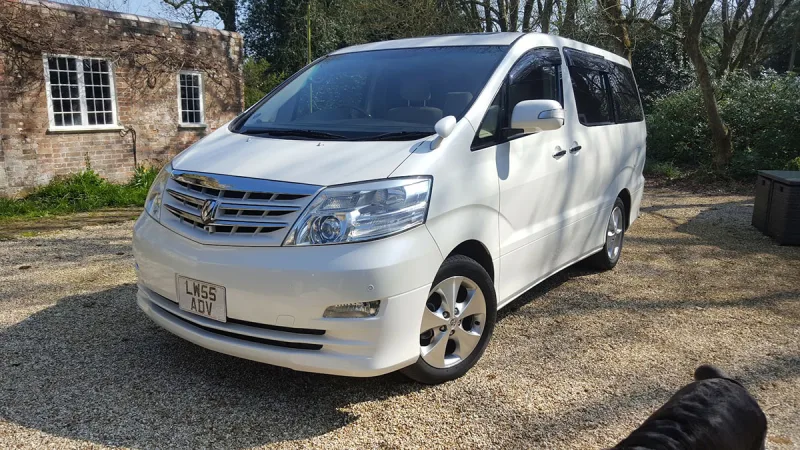
OC’s Review Summary
Gamith’s 2005 2.4-litre Alphard has grown on them and proved more useful than expected, with high marks for comfort, reliability, practicality and interior quality. It is spacious, smooth and well equipped, although thirsty and costly to run. The overall score is a more measured 6/10. Gamith also notes that the passenger footwell fuse box is awkward to access and sourcing the correct parts can take some searching.
Ownership in four questions
How it feels
What feels right
What could be better
What’s it like to drive?
On the road
Everyday ownership
Who does it suit?
Who the owner thinks it suits
How they use it
Why they chose it
- Vehicle mileage
- 100,000+ miles
Would they buy again?
- Would recommend
- 8/10
- Would buy another Alphard
- Yes
Their ownership journey
- Current ownership stage
- Settled in with it
- Expectations
- Better than expected
- Relationship with the car
- I like it more now
- Bought with head, heart or both?
- Head
What changed once the honeymoon period wore off?
Selected by the owner in the survey
In their own words
If looking after it yourself the fuse box in the passenger footwell is a pain and you will need to be flexible and have some long bent pliers or similar.
Expect that parts might mean a bit of a hunt around to get the right part numbers and then source the items.
The main dealer
This owner did not visit a main dealer. Dealer experience is separate from the car’s score.