



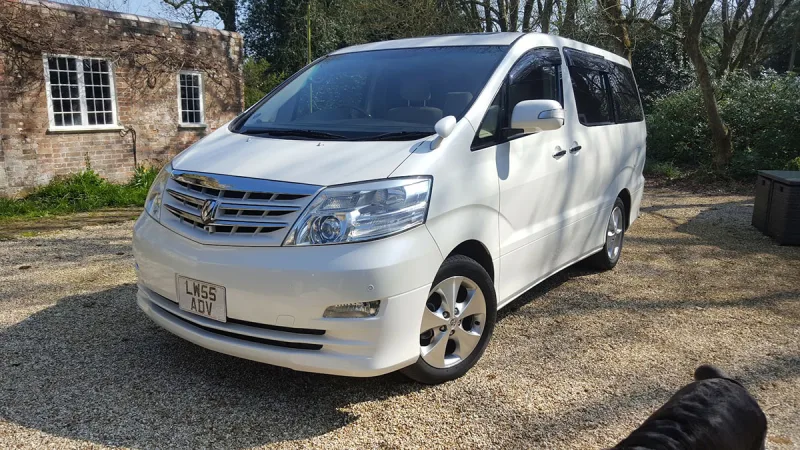
OC’s Review Summary
GB57 rates the 2014 Alphard 8 out of 10, praising its comfort, space, refinement and practicality for long journeys and family use. It met expectations and provided the comfort needed for their disabled wife on a long trip. However, they find it thirstier and less characterful than an earlier Alphard, and expect daily commuting to be costly. Their needs have changed, and they are unsure whether they would buy another.
Ownership in four questions
How it feels
What feels right
What could be better
What’s it like to drive?
On the road
Everyday ownership
Who does it suit?
Who the owner thinks it suits
How they use it
Why they chose it
- Vehicle mileage
- 30,000–60,000 miles
Would they buy again?
- Would recommend
- 7/10
- Would buy another Alphard
- Not sure
Their ownership journey
- Current ownership stage
- Thinking of changing it
- Expectations
- About what I expected
- Relationship with the car
- About the same
- Bought with head, heart or both?
- Both
What is pushing you towards a change?
Selected by the owner in the survey
In their own words
This is my 4th Alphard. I first bought one in 2016 when not many people knew about them. I have to say on balance, I enjoyed owning my earliest model a mint condition 2002 3.0 MZG high spec model more than I do my current 2014 3.5 'C' Package, as surprisingly it had more Japanese character - and my current version despite being quite luxurious seems to be missing something in character. That is just me, but as I only bought the latest one for my disabled Wife's comfort on a long trip, there is nothing to complain about in that regard. I can see it being great for family use, but a bit expensive to use as a daily commute I expect.
The main dealer
This owner did not visit a main dealer. Dealer experience is separate from the car’s score.