



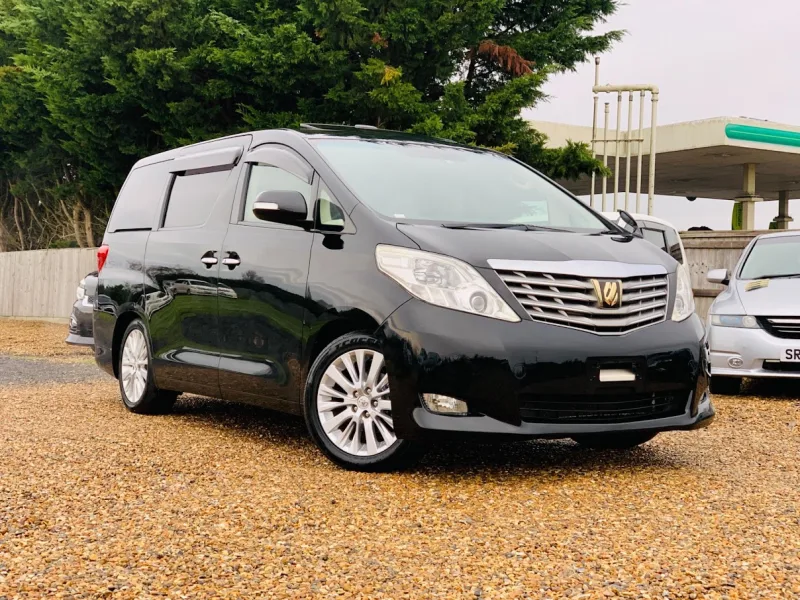
OC’s Review Summary
For CeeDeePee, the 2010 Vellfire combines exceptional comfort and interior quality with easy driving and enough space for a mobility scooter and walker. It has exceeded expectations, with the owner’s affection growing over time. Reliability and performance are rated well, though the vehicle is described as heavy and thirsty, and running costs score poorly. Its MOT was pending when the review was written.
Ownership in four questions
How it feels
What feels right
What could be better
What’s it like to drive?
On the road
Everyday ownership
Who does it suit?
Who the owner thinks it suits
How they use it
Why they chose it
- Vehicle mileage
- 60,000–100,000 miles
Would they buy again?
- Would recommend
- 10/10
- Would buy another Alphard
- Yes
Their ownership journey
- Current ownership stage
- Settled in with it
- Expectations
- Better than expected
- Relationship with the car
- I like it more now
- Bought with head, heart or both?
- Both
What changed once the honeymoon period wore off?
Selected by the owner in the survey
In their own words
I have been driving for58yeard,and have had many cars from mini to daimler.some comfy some not,i found myself needing a bigger vehicle too house mobility scooter and walker,looked around for mpv,that was petrol and automatic,hard call,then I see Alphard/vellfire advertised,had a drive and fell on love,had reservations running costs,but decided at my age go for it.lovr it too bits,so easy too drive.plenty of space.going for MOT tomorrow hope I still love afterwards.
The main dealer
This owner did not visit a main dealer. Dealer experience is separate from the car’s score.