Tez
Members
-
Joined
-
Last visited
Everything posted by Tez
-
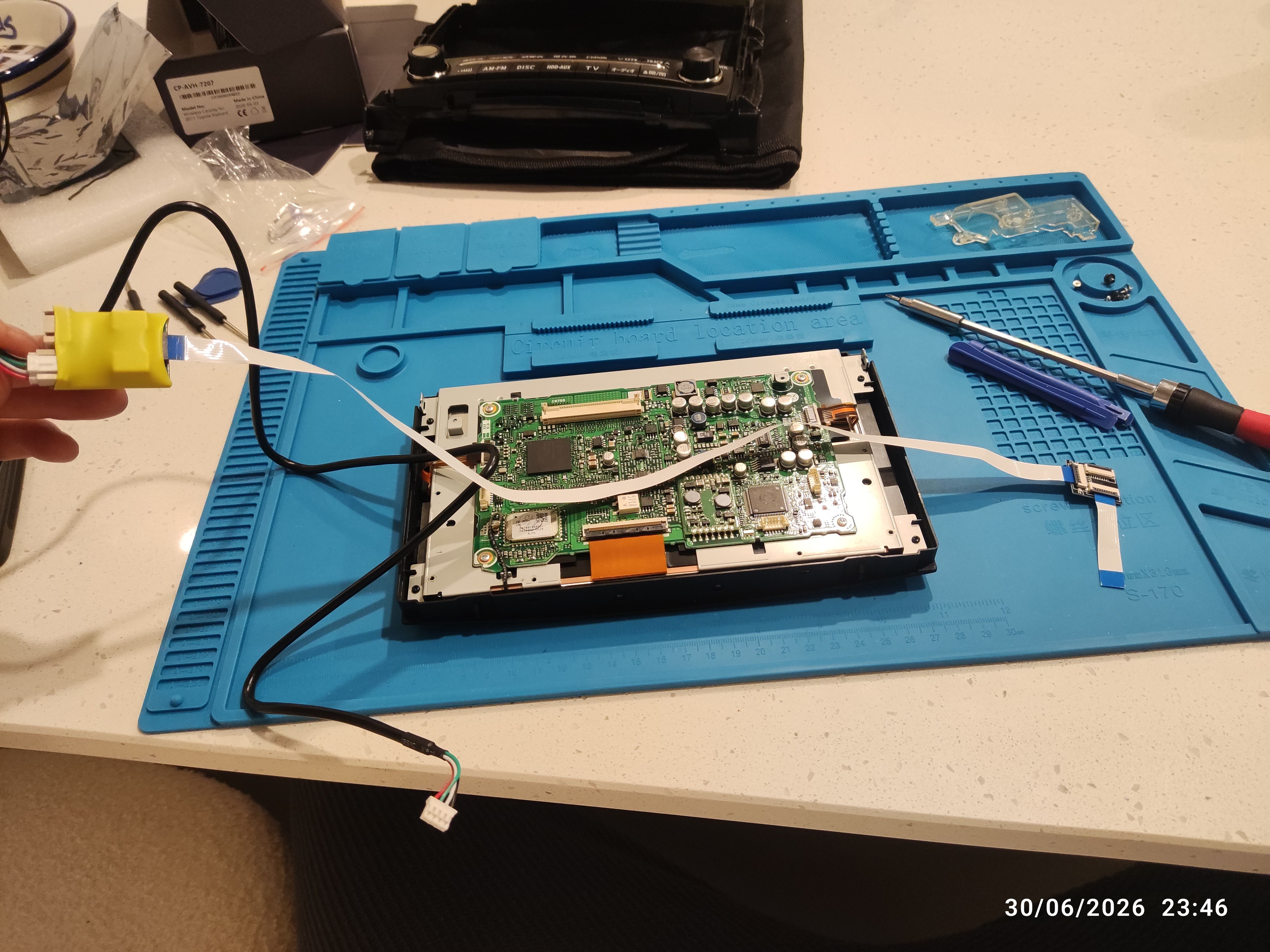
Hi, just a quick update. I managed to get the head unit put back together and have tested it out in the car. It seems to work, however; when try to interact with the box by touching the screen it takes me back out of the android box display, it sort of minimises it so you can still see it small in the corner. I can interact with the box and make selections using the knob. Does anybody have any ideas on how to resolve this? Kind Regards, Terence
-
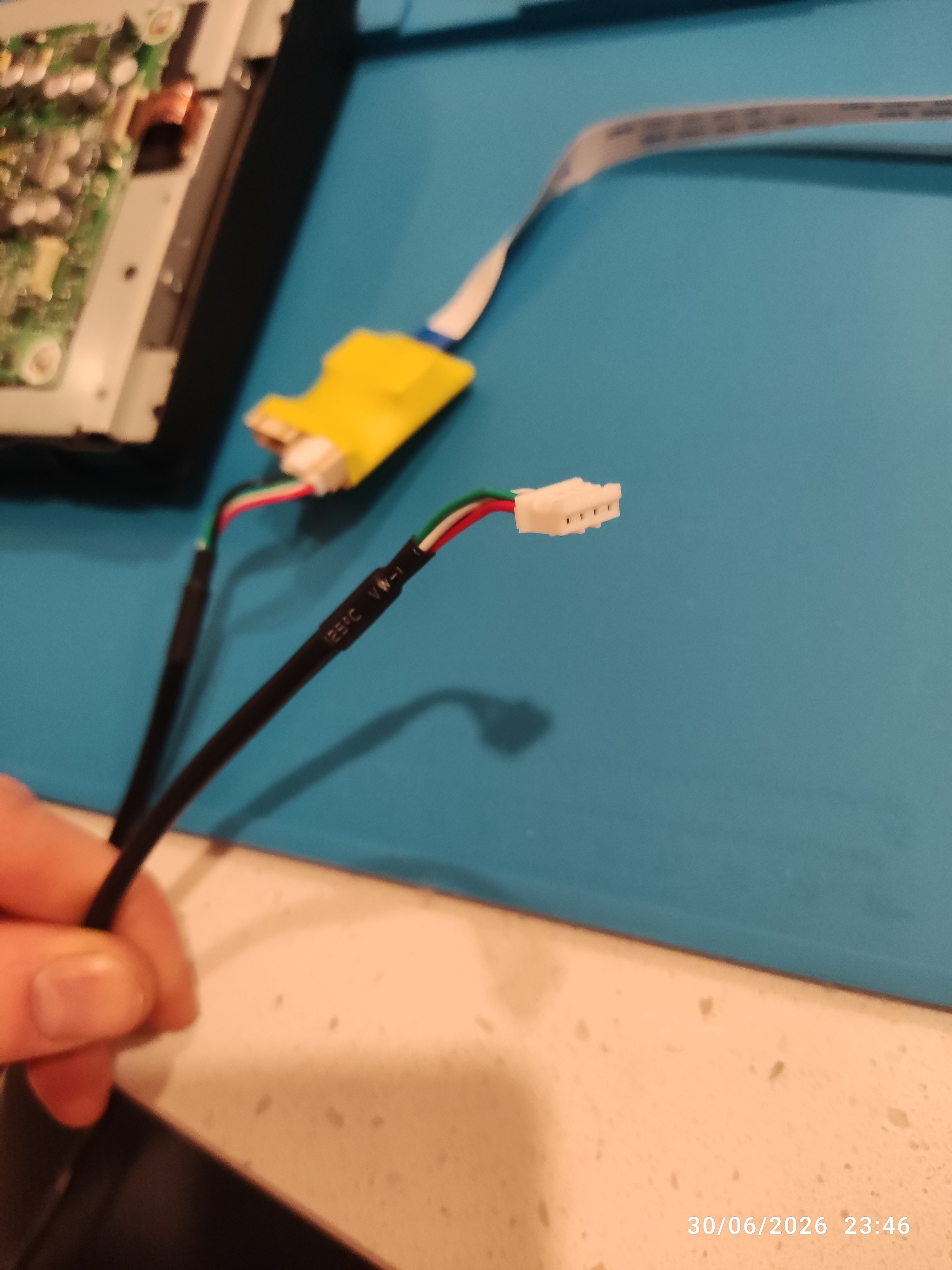
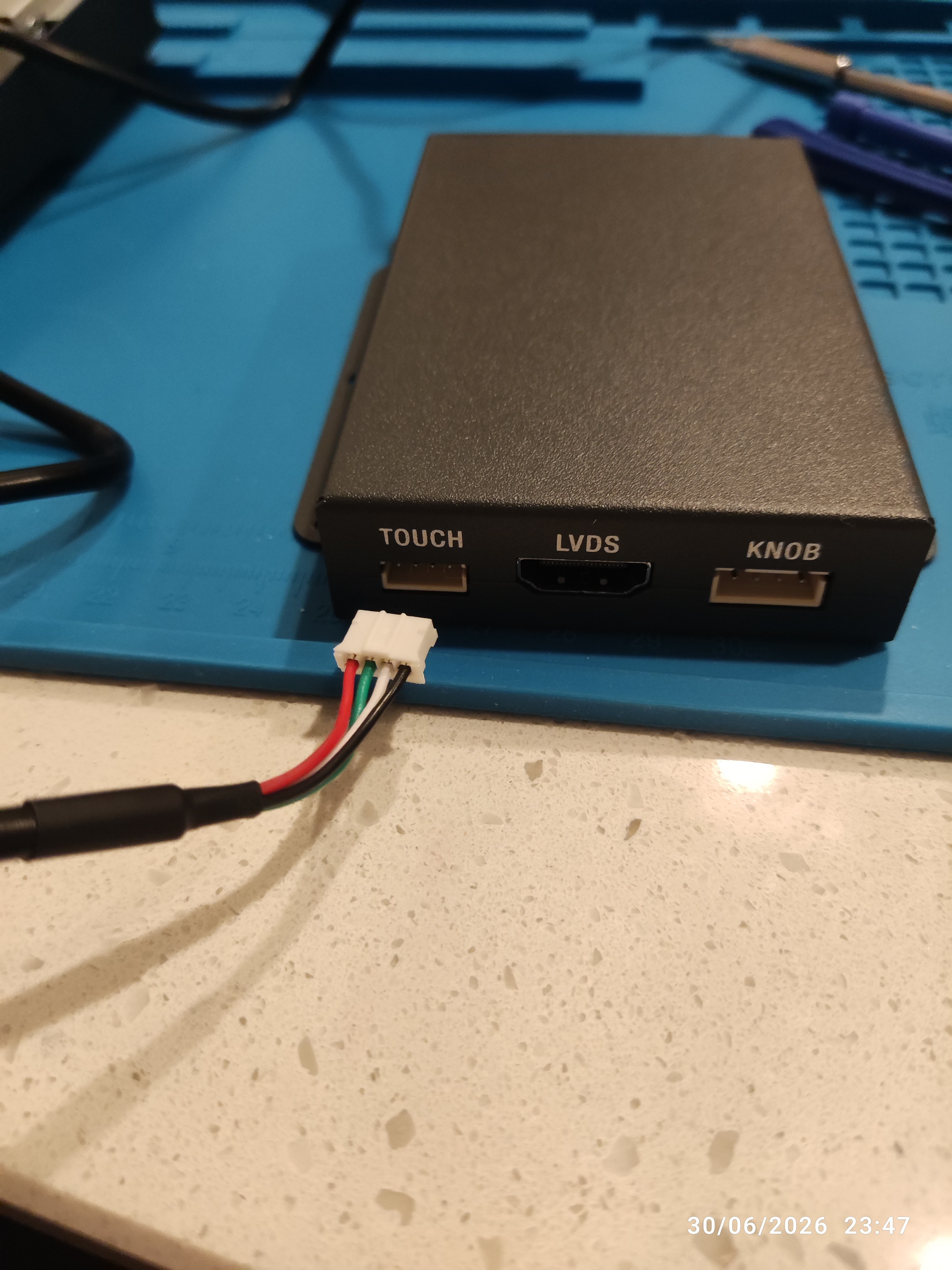
Once again thank you for your help Chris and thanks for uploading some pictures, which help a lot. I'll tackle this and hopefully it all works good. Do you have any idea what the empty female connection on the yellow taped PCB is for? Also the harness that has come with mine has got a usb lead, do you know what this is used for? Can movies or pictures be viewed on the screens from a USB stick or something? I presume people feed that through to the glove box to keep the install neat.
-
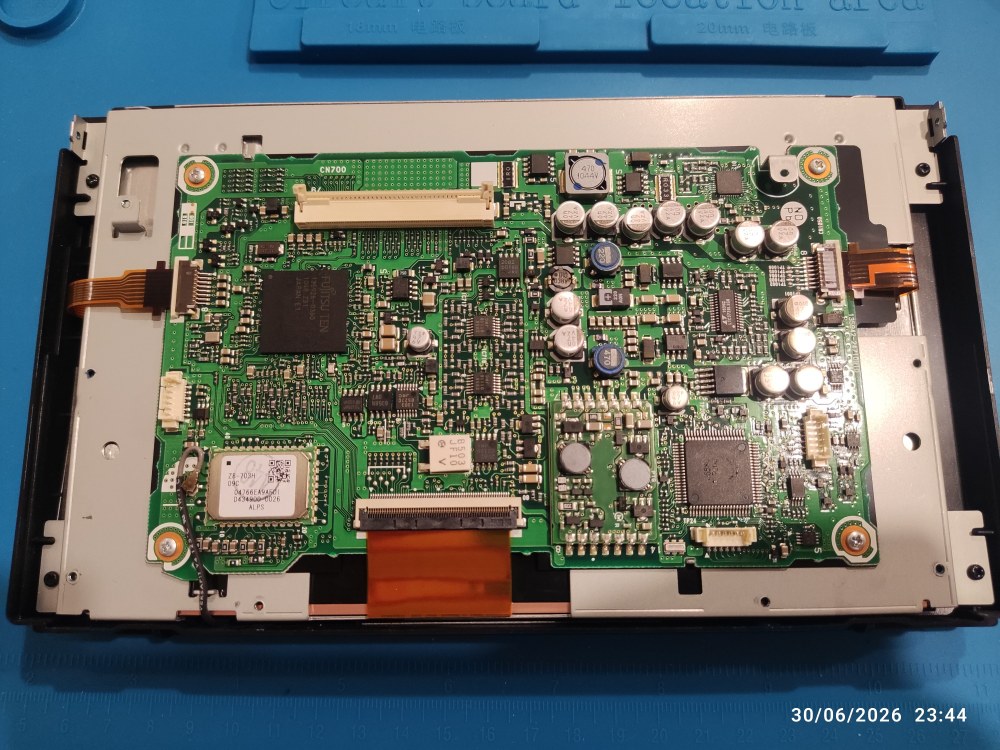
Here's a instructions they provided me with, both pictures that they have stated are ANH10 and ANH20 look different from my PCB. TOTOYA 56064 ANH10 Alphard 2010-2015.pdf
-
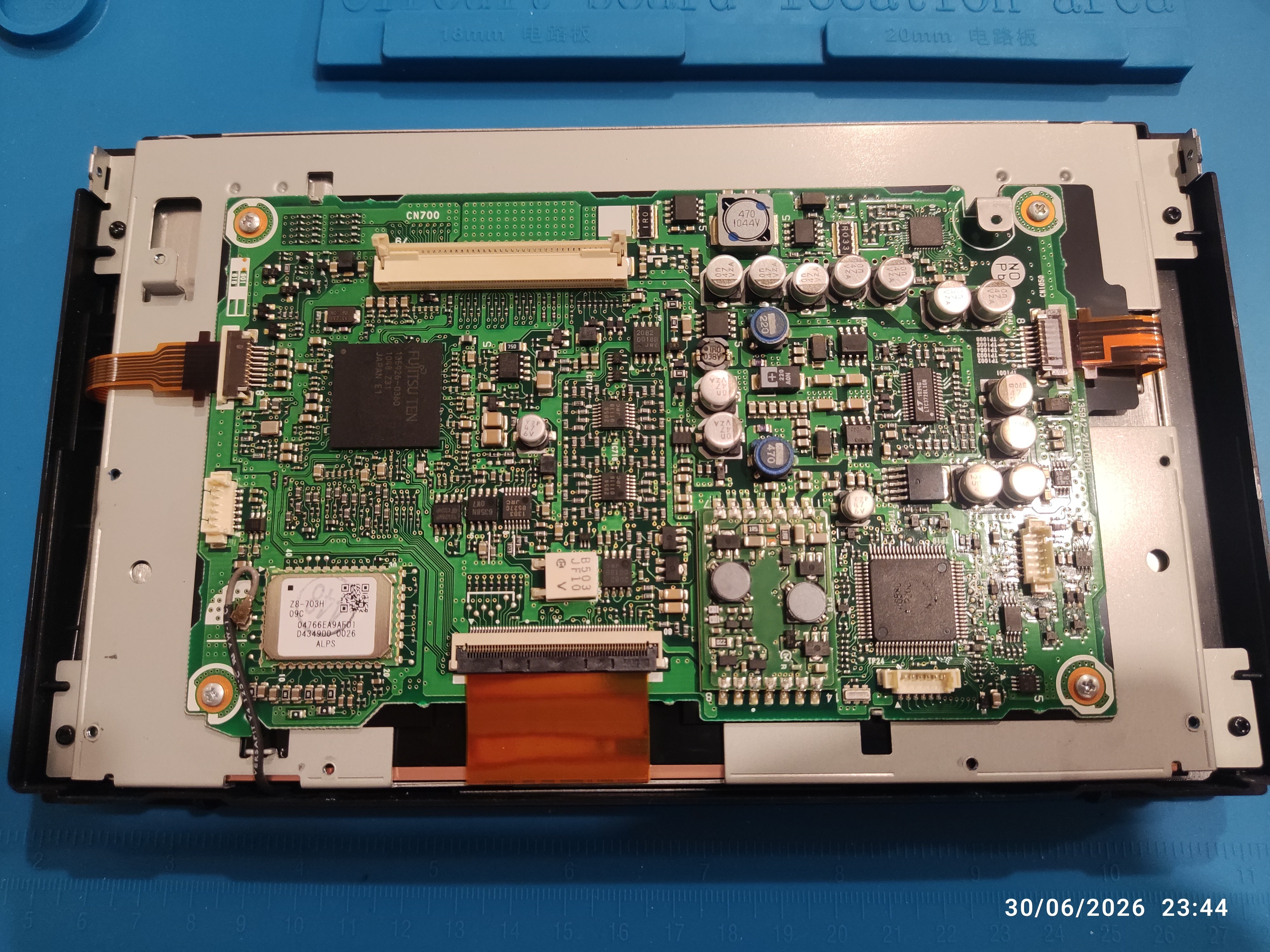
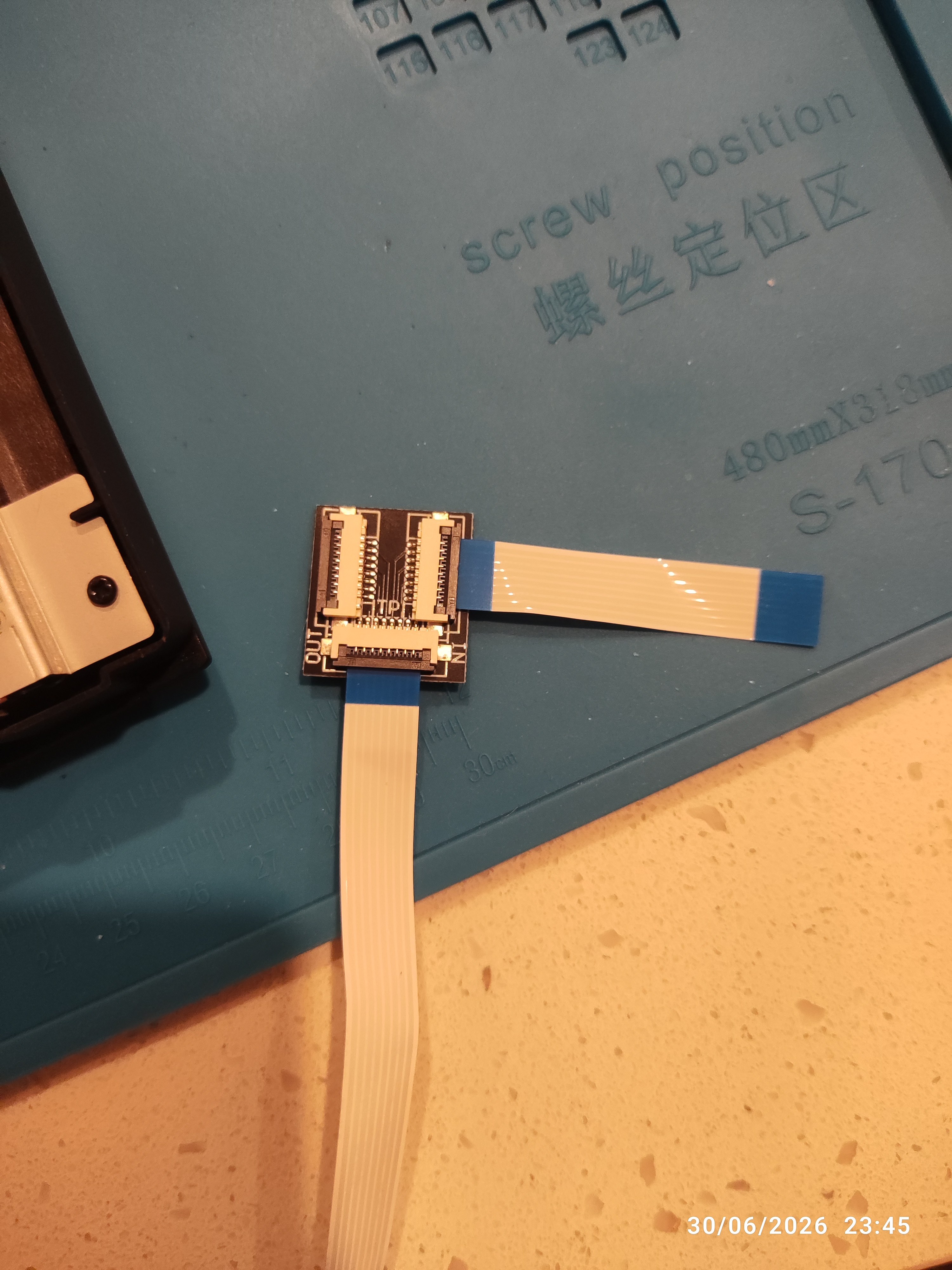
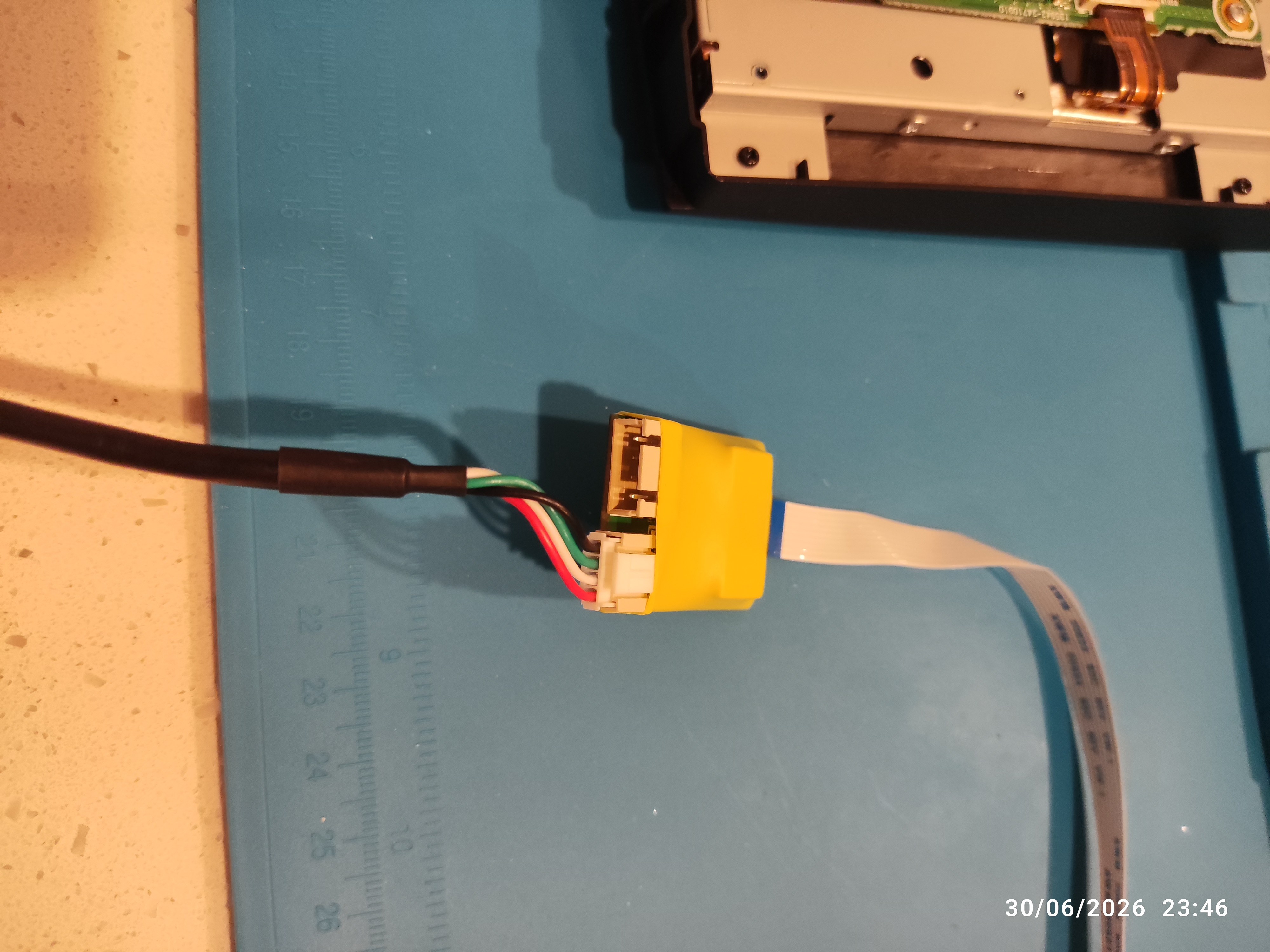
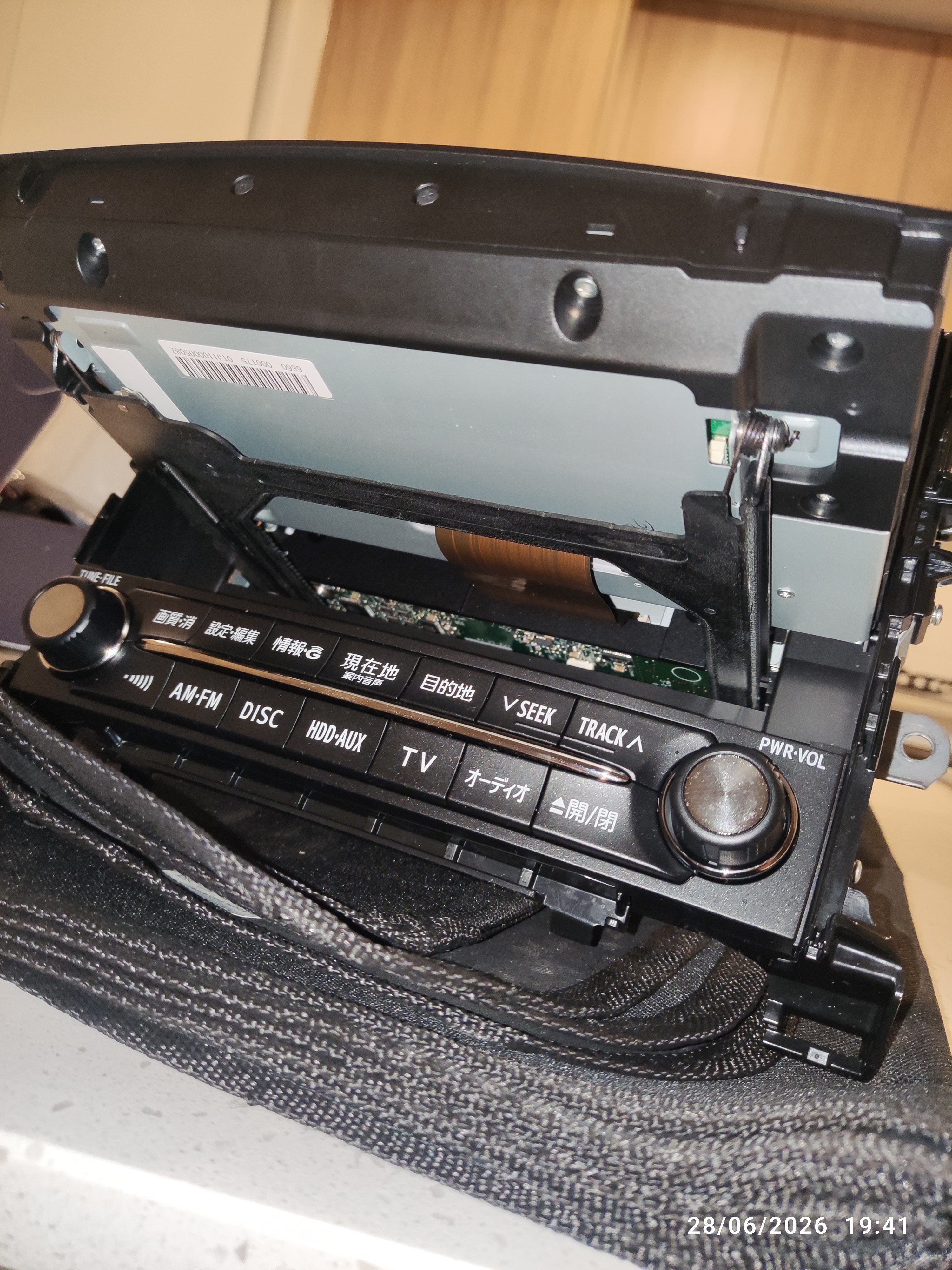
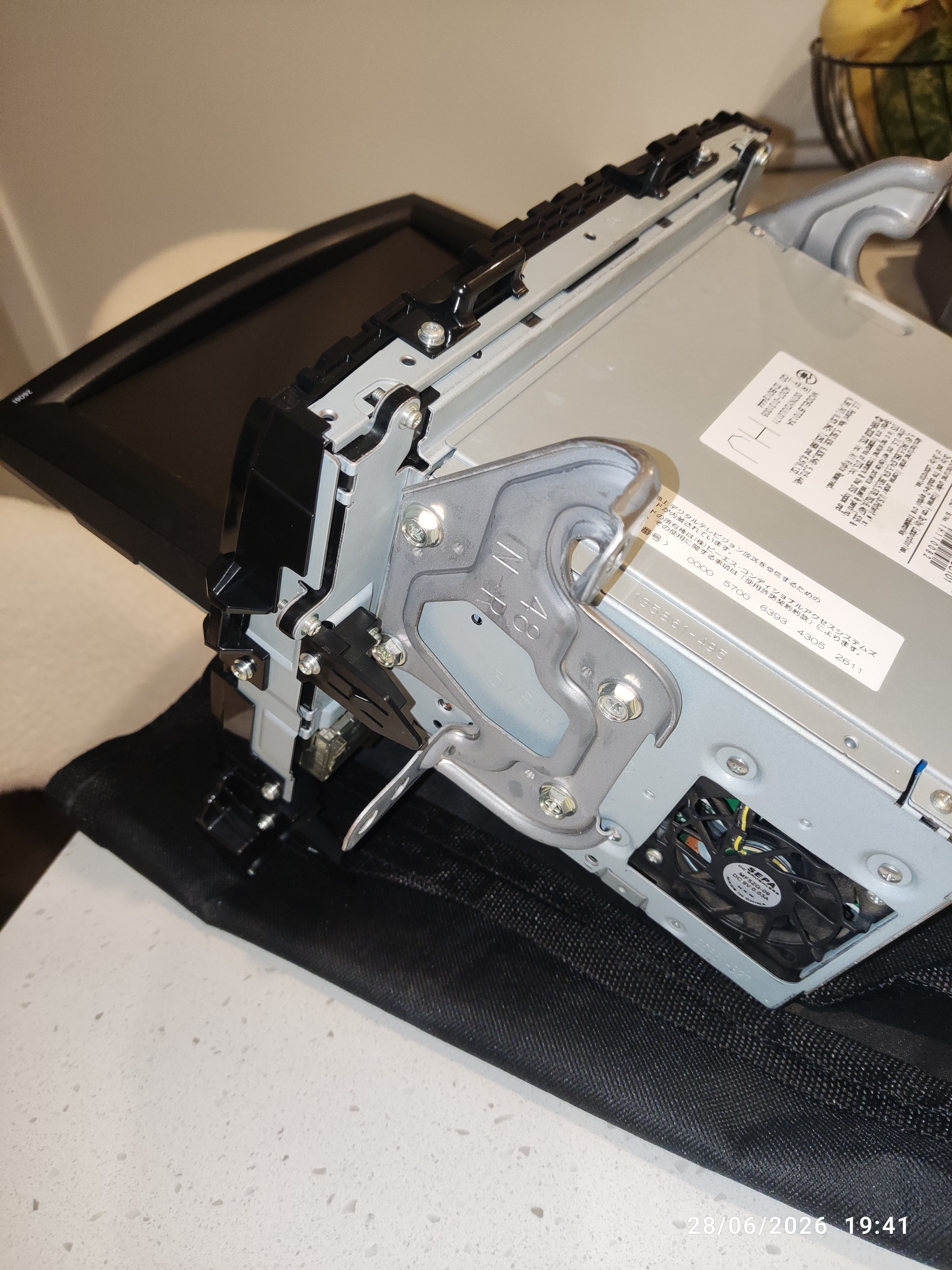
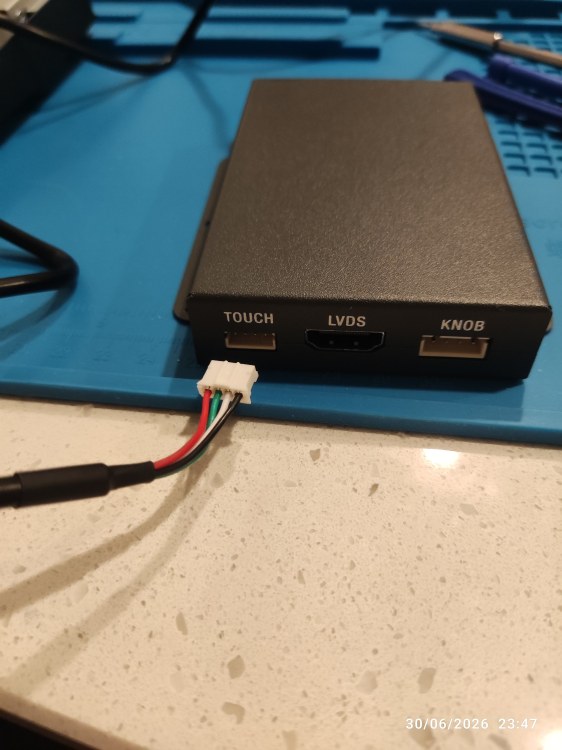
Thanks Chris, I played about and slowly got there with regards to removing the screen. I'm not 100% on how to connect the ribbon cable assembly they have sent me, as the instructions they have sent me appear to be from a slightly different model; however, do show two pictures with one that is meant to be one model and one another. I've attached some pictures as to where I am at! Not sure if and exactly how I connect it to the small connector on the left of the picture or the right as the document they sent me only has one small connector showing. Also not sure what connection the original ribbon cable has to go in on the small ribbon cable connector they have provided. If it will let me I will upload the document they sent me in case it helps. Again thank you so much for your help and if this works then I will also share the exact listing that I bought in case this post becomes of any use to anyone else.
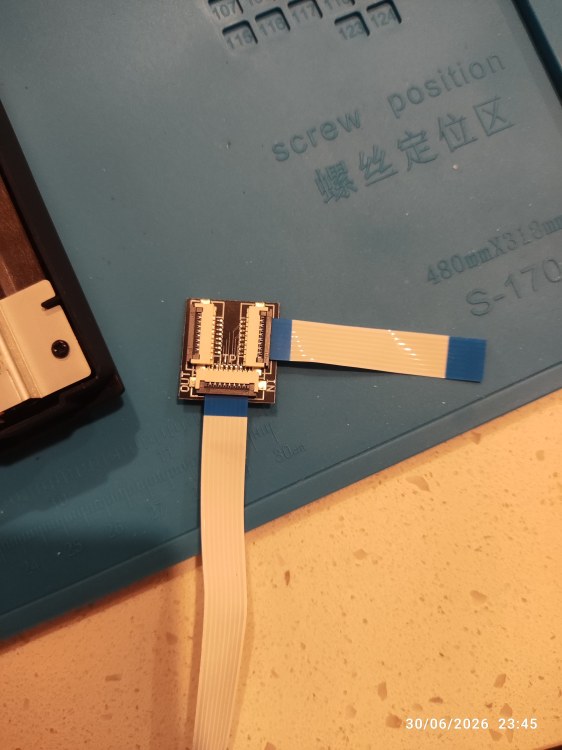
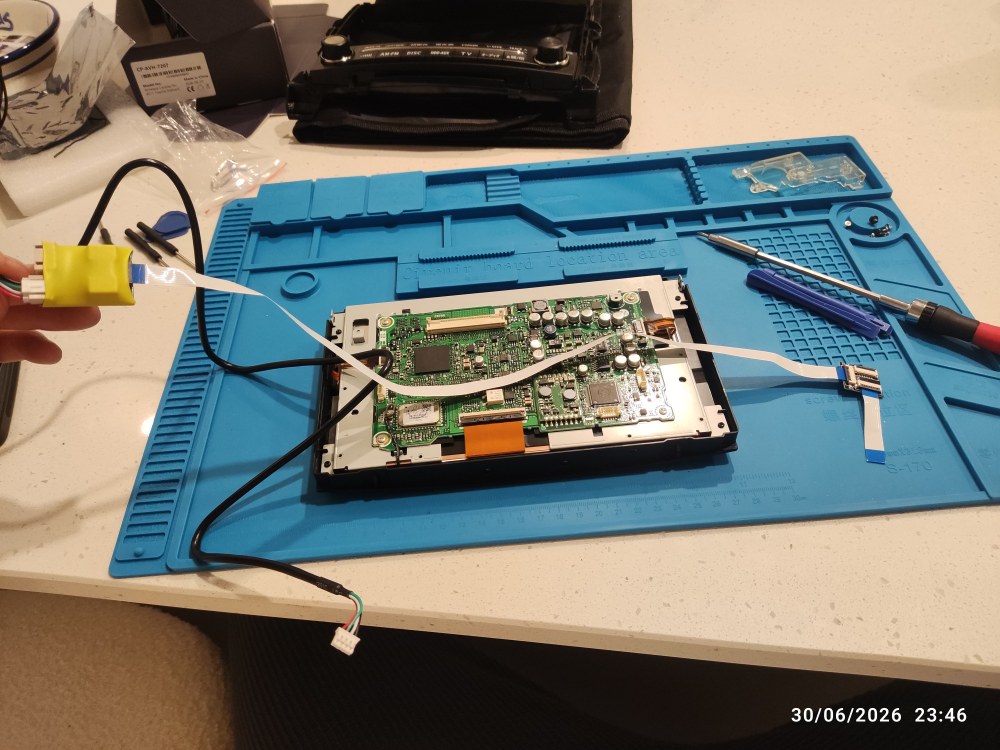
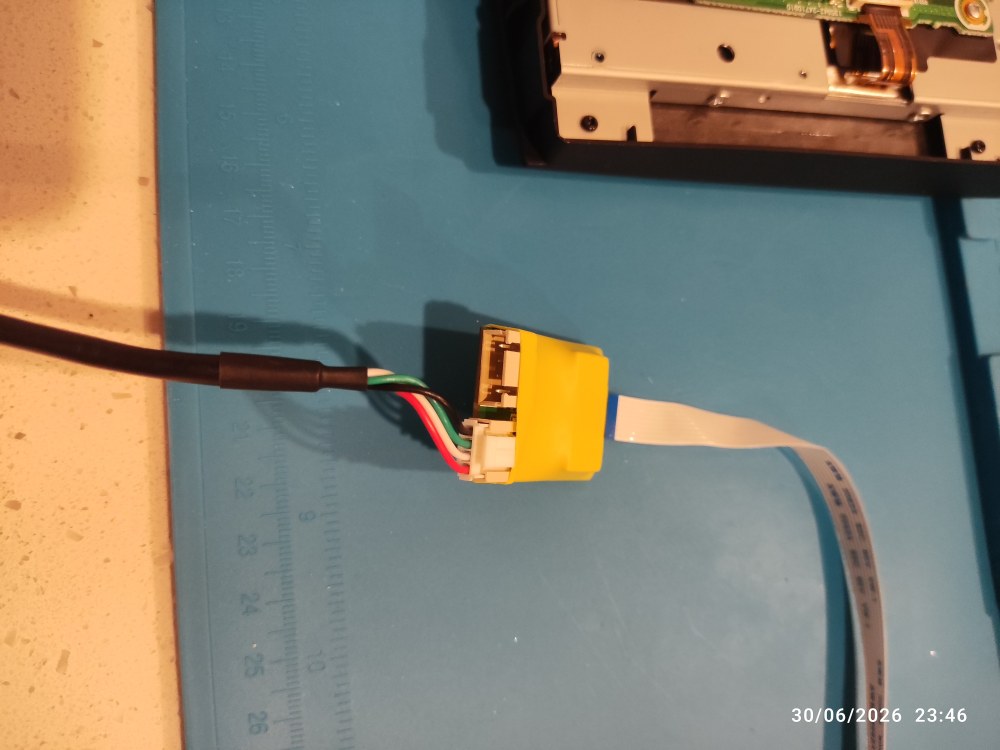
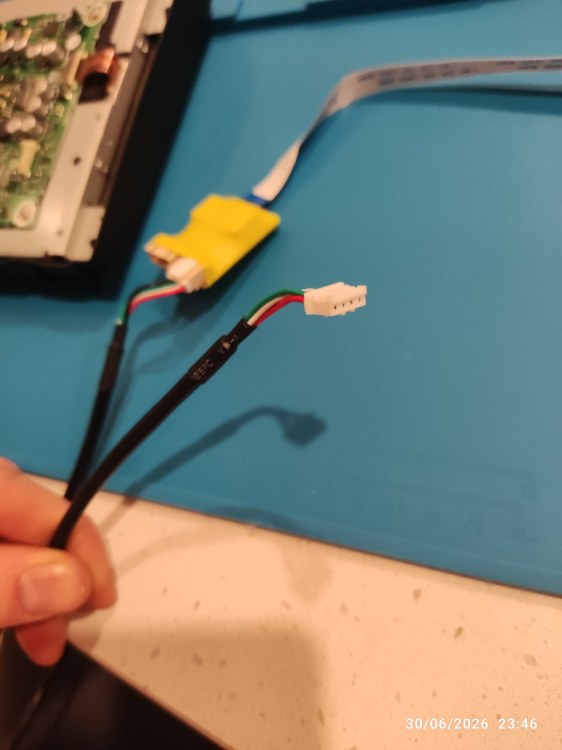
-
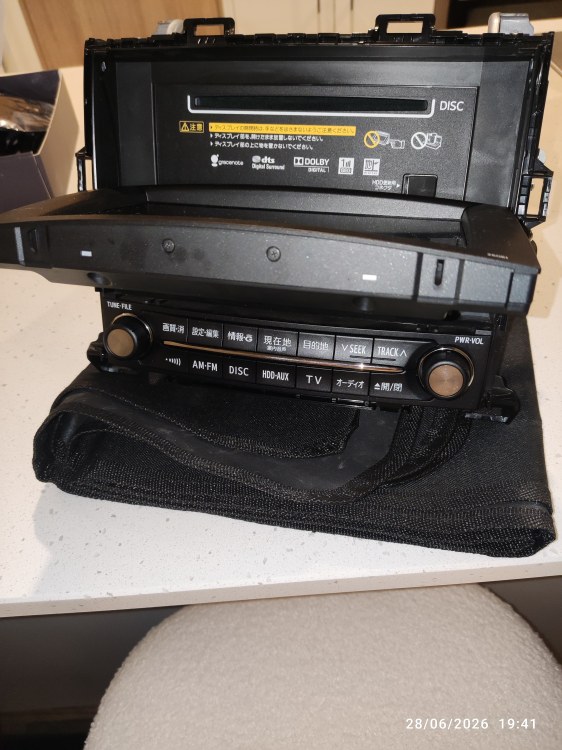
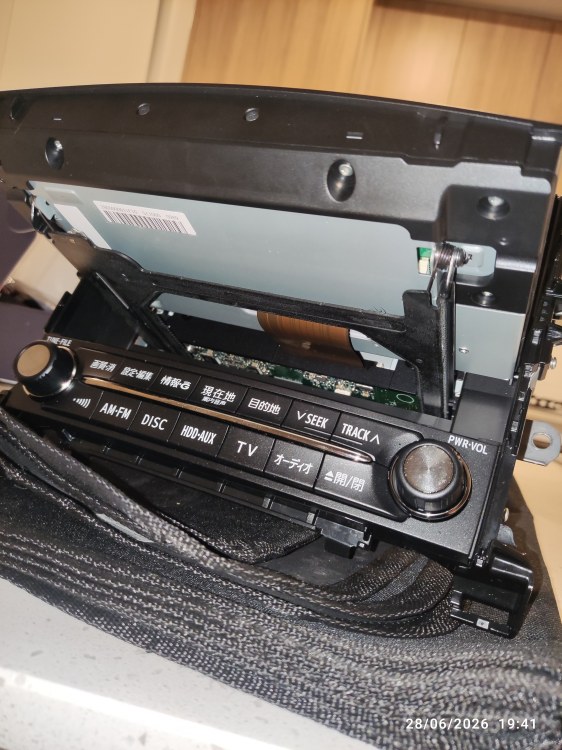
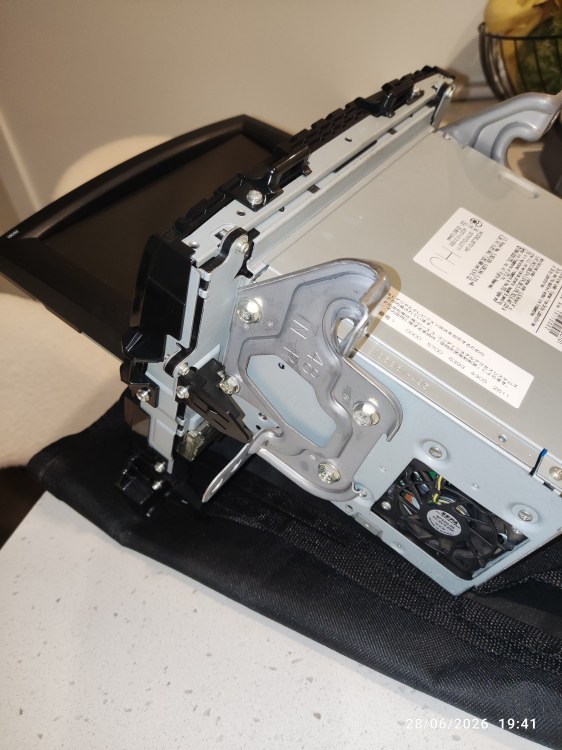
Just a quick update. I contacted the seller via Alibaba that Chris.ac kindly sent us all a link to. They were really friendly and helpful. They actually sent me a link to a similar module and advised that this came with the required wiring harness/plugs ready to connect up to my 2011 Alphard. They also advised that they don't actually support/sell the touch screen connector only the knob/toggle wheel; as they said customers were struggling to install it and therefore it was very time consuming for them to have to try to advise on how to install this. As I want to be able to use it via the touchscreen, they sent me a document with instructions on how to install the ribbon cable for me to take a look at and see if I was happy to try to install it and said they would send me the connector/ribbon cable assembly if I wanted. I also asked if they would send me the knob/toggle wheel assembly just to have as a backup in case I was unable to install the touchscreen ribbon cable assembly, which they kindly did. I received the package in good time and now have the head unit removed from the car. The instructions sent to install the ribbon cable don't actually show you how to split the touchscreen and it is showing a different model head unit. So I currently have the head unit/screen removed from the car but I am stuck on what I have to do next in order to remove the screen from the unit and what screws to remove to split it. I just wondered if I post some pictures, whether you may have any advice you could offer Chris? If so it would be much appreciated. Thanks once again for everyones help and hopefully this will help others too.
-
Hey Chris, that makes sense for it to not work through Android auto I suppose on case people are trying to watch stuff whilst driving maybe! Obviously I'm not interested in attempting that! All I'm interested in is that I could mirror the phone screen to the unit to view things like the YouTube app and Netflix app from the my phone on the rear flip down screen in the car, just want to clarify if you believe this to be the case? If you're not sure I can try and confirm with the seller that you kindly provided and I can report back on here what they say. Thank You
-
Thank you for all of the details Chris, this sounds like what I'm looking for and much cheaper than the other model I was looking at so probably worth a try. Do you know if you are able to mirror Netflix and YouTube from your phone with this and if so does it show on the rear flip down screen in the back? Kind Regards, Terence
-
Hi Chris thank you for your reply. That is really interesting and sounds quite a bit cheaper than what I am looking at. The Crownfocus unit I am looking at purchasing is just a module that fits the space behind the existing original screen. I am look at this because this particular module apparently lets you switch between it and back to just the original operating system as if it was never installed; therefore, allowing use of any existing features such as, the front/side cameras and the intelligent park assist system. I spoke with the owner of the company who mentioned something about splitting the screen and connecting a ribbon cable and PCB. This sounds like what you are talking about, I'm unsure which screen this is, front or rear flip down? Is the unit you are referring to a module or whole front head unit/screen replacement? Kind Regards
-
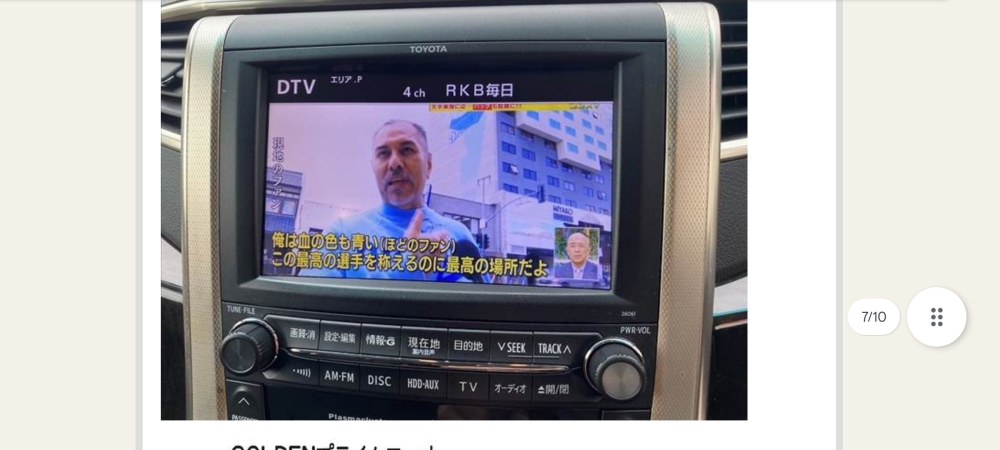
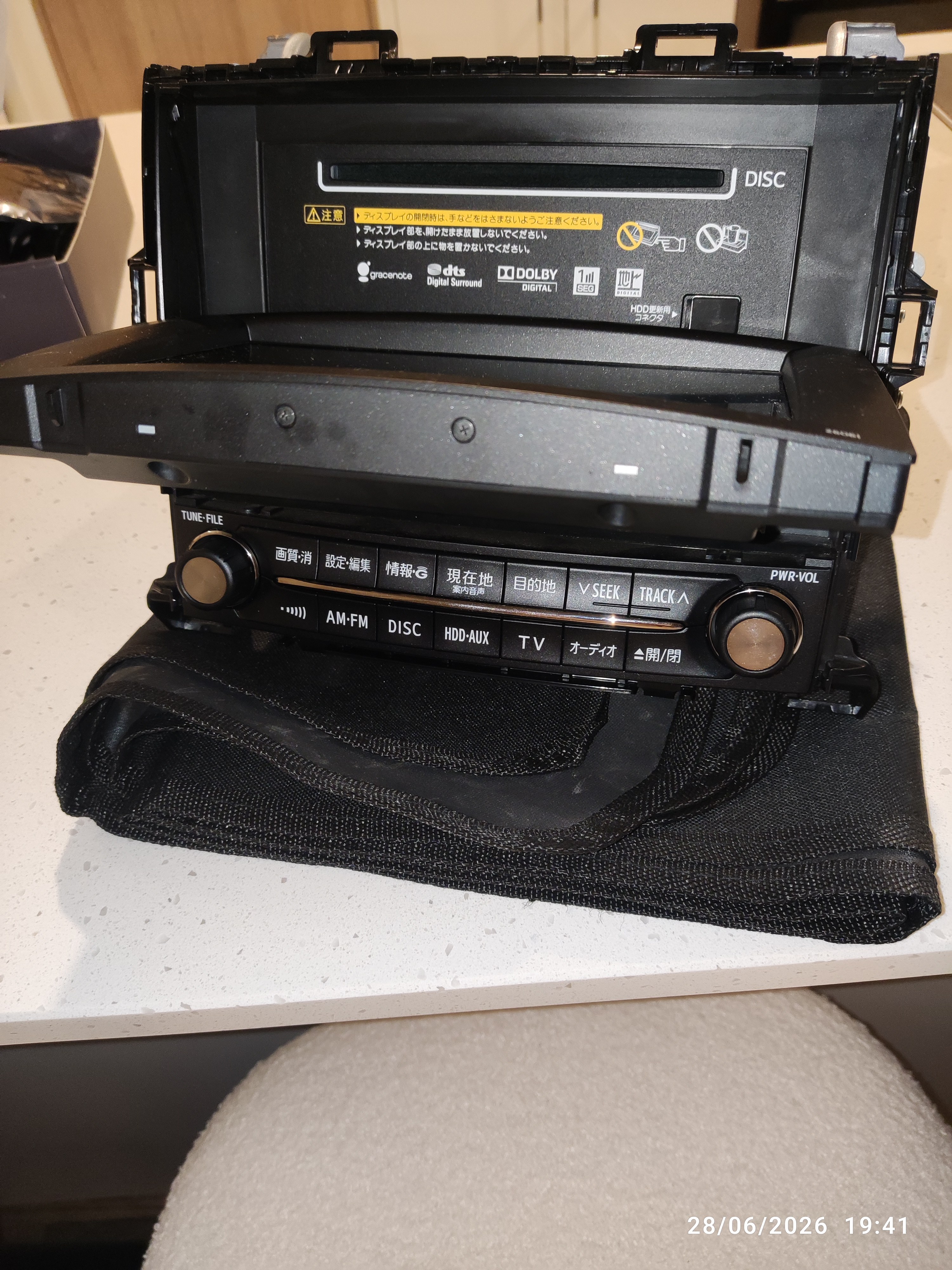
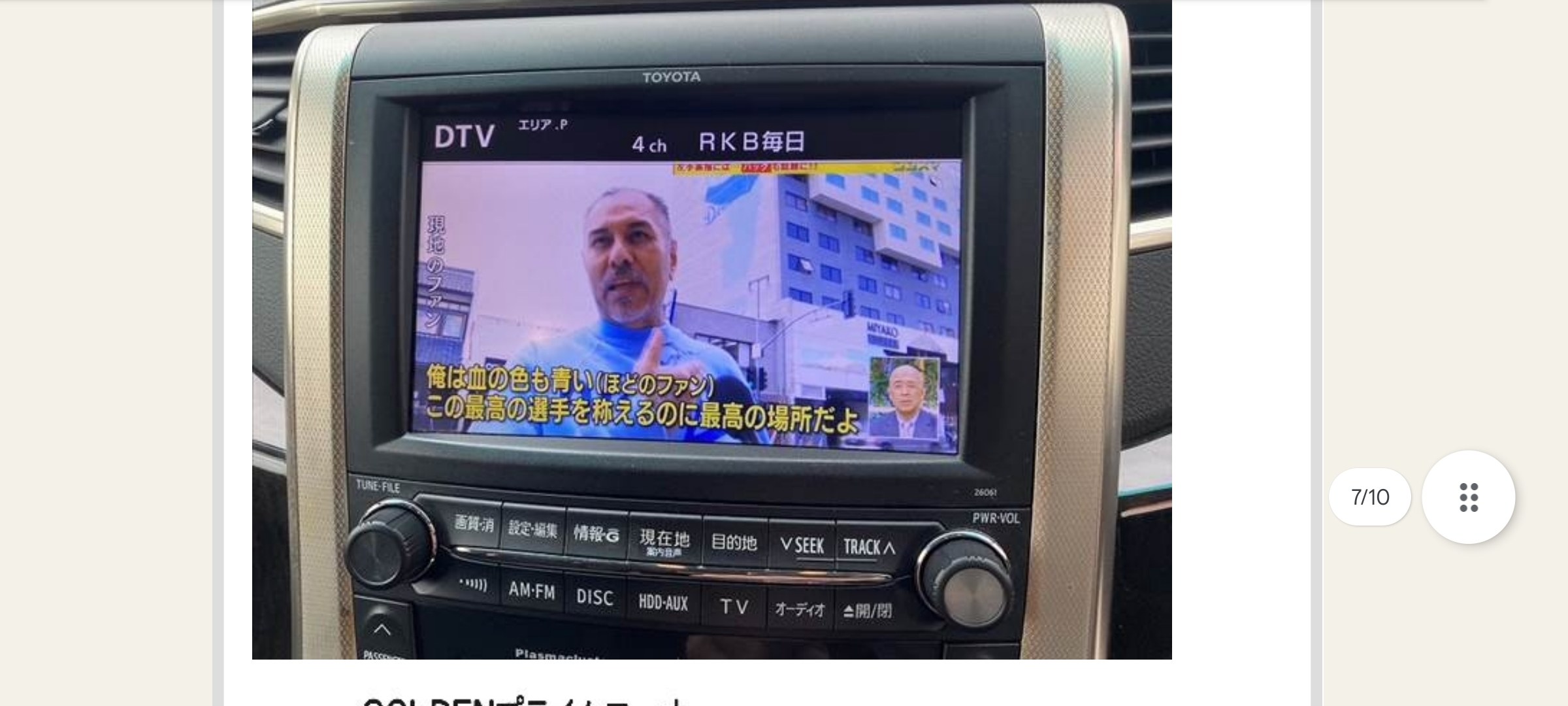
Hi I have looked through the forum for posts on this. There are some really good posts with some technical answers and due to my lack of knowledge I haven't been able to answer my question! I am due to shortly pick up my 2011 Toyota Alphard 350S Prime Selection 2 Type Gold, not sure if any of that trim matters in relation to the question. I don't think it does as I think it has the 8" Toyota Original Head unit, I'll attach a picture. The dealer I am purchasing from said they are going to get a quote from someone they use to replace the head unit and said it may need the screen in the rear replacing, which I don't see why. I just want to try to retain as much of the factory features as I can such as Toyota's Intelligent Park Assist feature which I believe uses the front and nearside cameras. The dealer said this wouldn't be possible; however, I have read of people doing it with certain head units or modules. I just want to be able to use the screen for Waze/google and phone connection to be able to mirror netflix/YouTube through to the rear screen and be able to make/receive phone calls(I have an android phone). Can anyone confirm if there are any known Carplay Modules will still allow me to use the Toyota Intelligent Park Assist feature(the little button near the steering wheel). My Alphard has the front and nearside and reverse cameras from factory too so would they still work too. I have found one that I believe does this by a company called Crownfocus. I believe it basically leaves everything original there to be used and you are just basically switching to and from viewing/interacting with the Crownfocus module by long pressing on the voice command button on the steering wheel? I hope someone can help with my query and for anyone in future too. Kind regards, Terence