Holeshot
Members
-
Joined
-
Last visited
Everything posted by Holeshot
-
How different is the Japanese 2GR bled procedure? I've bled north America spec 2gr and it wasn't a problem to get the air out.
-
I hope you installed a Toyota thermostat. I've never had luck with aftermarket ones. 2GR coolant bleed video. Should be similar. https://youtu.be/UJe1dbFVoqw?si=AET-oN19swXAOhjf
-
Thanks. I couldn't find the harness adapter for the wiper motor. I ended up running the wire inside the cabin and tapping a fuse on the passenger side. Thought about the drl module that monitors battery voltage but decided against it. Most only turn off below 12.5v and mixed reviews every where. So I running the wire inside and tapping an ignition fuse was the most reliable option.
-
I just received my 2009 Alphard in Canada and I need to install Drls to pass Inspection. Does anybody know where I can pick up ignition switched power from the engine compartment? All the fuses in the fuse boxes are constant power.
-
Do you have a link for the external carplay box that you use? Maybe that's the easiest way.
-
Ok, great thanks.
-
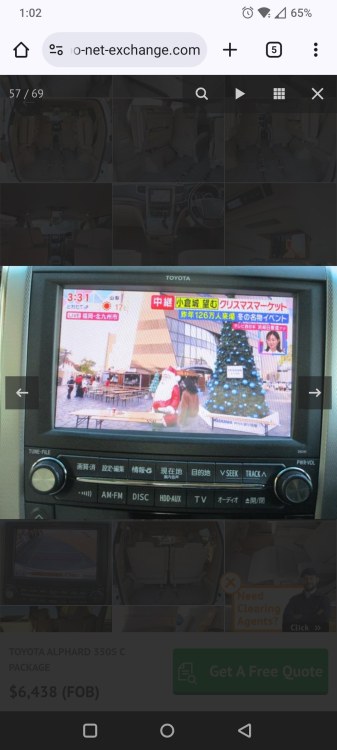
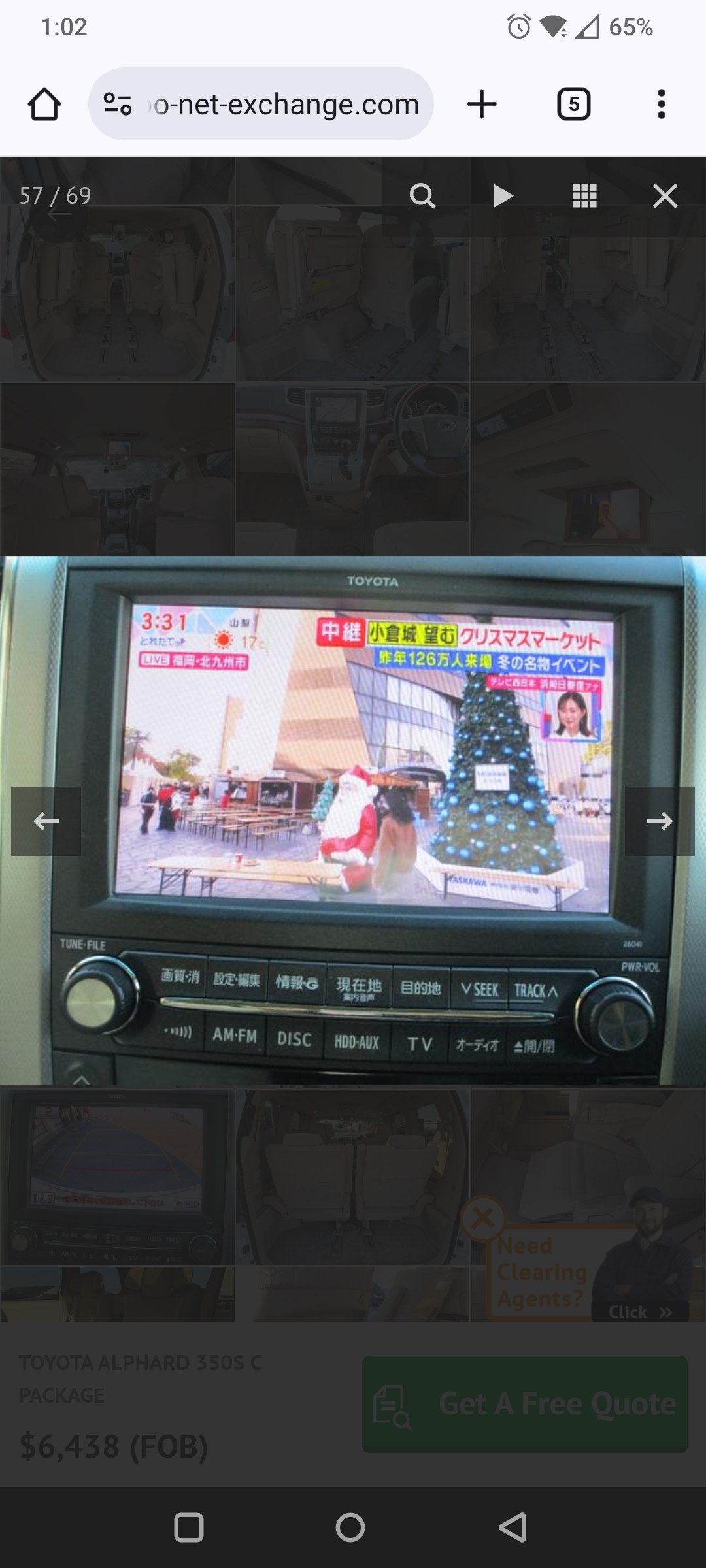
Ok. So would there be a easy plug and play solution for a replacement headunit that had Android auto/apple car play and still have a function 270 camera and the park assist sonar? Would this OEM head unit have Bluetooth as well?
-
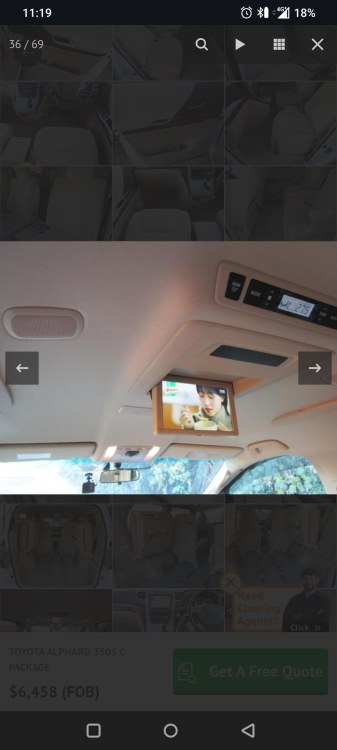
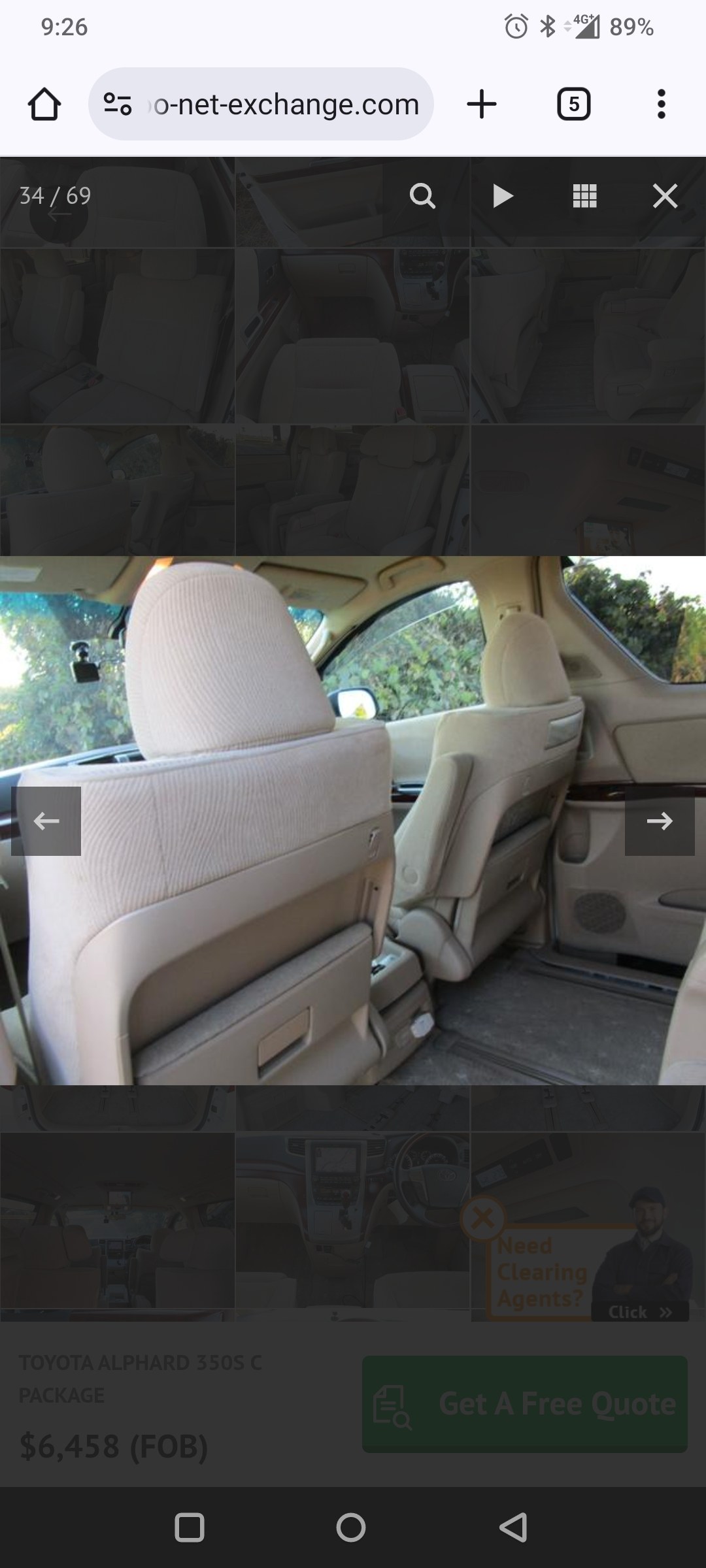
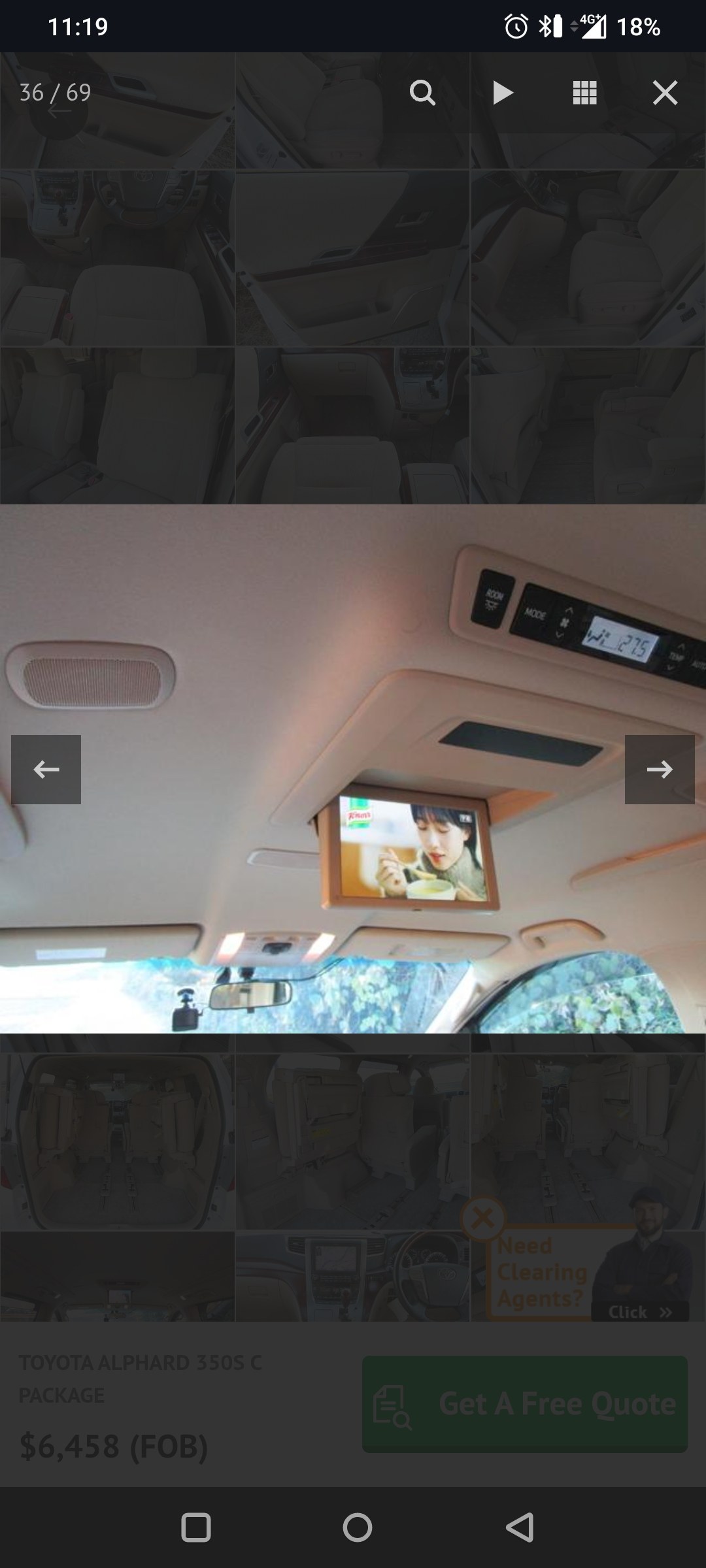
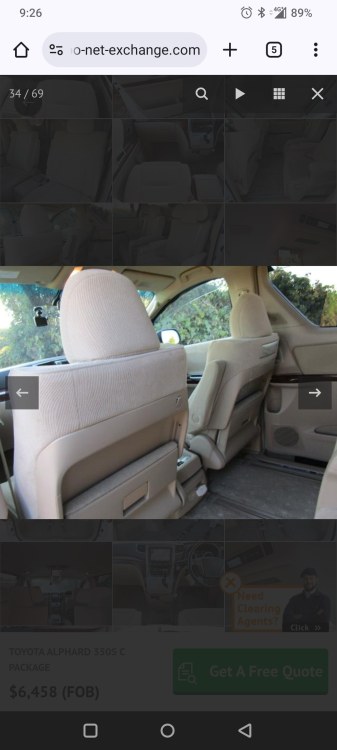
Pretty sure there's only 4 speakers in the roof. No sunroof on this vehicle. Vehicle is currently in Yokohama Japan. There looks to be tweeters in the sliding door. So this is the super live system I assume. Hard to see as I only have pictures from the selling website. Thanks
-
Looking to buy a 2009 Alphard but I want to be about to install a English head unit and have all the OEM features. The 2009 I'm looking at has the 270 camera and 4 speakers in the headliner. Which Oem stereo system is it equipped with? Amplified? From the pictures I seen of the interior there are only 4 speakers in the headliner maybe a 5th. Will it be simple headunit swap or will I need a canbus box and wiring diagrams and splicing of wires to get a head unit to work?