



Skip to content

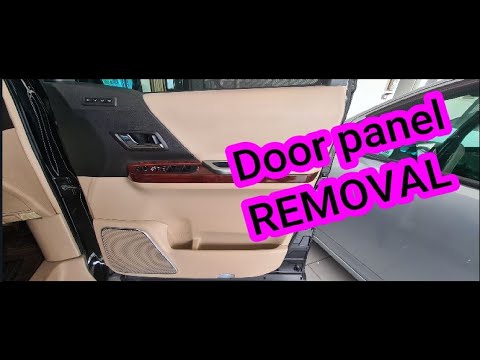
Video: How to remove front door panel

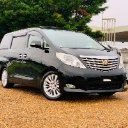
Today we are looking at how to remove the front door panel of the Alphard/Vellfire 20 series.

User Feedback

Recommended Comments

There are no comments to display.

Guest
This is now closed for further comments

Important Information

We have placed cookies on your device to help make this website better. You can adjust your cookie settings, otherwise we'll assume you're okay to continue.

Background Picker
Customize Layout

Account

Navigation

Search

Search

Configure browser push notifications

Chrome (Android)
  1. Tap the lock icon next to the address bar.
  2. Tap Permissions → Notifications.
  3. Adjust your preference.
Chrome (Desktop)
  1. Click the padlock icon in the address bar.
  2. Select Site settings.
  3. Find Notifications and adjust your preference.