
Jimmympv
Members
-
Joined
-
Last visited
-
You can actually buy the replacement rubber blades rather than the whole thing if you still have the original wipers. I think it was about £50 when I ordered the full set of wipers last, genuine Toyota parts from Japan. Then when I've needed to replace them I've just bought the replacement rubber blades which are about £25. I found that the only UK versions that have the correct fitment were too short, so it would leave a larger portion of the passenger side windscreen untouched at the bottom which was annoying.
-
Hi all, I've unfortunately experienced the same issue as a lot of people in here. With regards to the TV unit is it just a case of prying the plastic surround from the roof lining to get at the wires?
-
Would that be the purple and brown wires? Purple to purple brown to brown, then audio should return just minus a tv in the back.
-
Double checked all the fuses again today just to be sure, definitely none of those. Pulled the trim out on the passenger side to be able to see the amp and the fan runs when powered on so at least the amp is getting power. Chris, I see a lot of MOST loop bypass modules online is there a particular one I need? I’ll grab one and check the screen first. Hopefully it is just that. Shame though as the little one loved watching DVDs in the back on trips. If it is the MOST loop to the screen is there a fix for it or just not worth the hassle?
-
Did you ever solve this issue? I’ve just had the same thing happen to me, had to jump start my battery and everything works just no sound. It’s the stock head unit with the 18 speaker system. Key things I’ve noticed is that pressing the volume buttons and knob no longer shows the volume on screen. I’ve got the rear TV and have noticed that no longer drops down and the option on the head unit to select the rear no longer exists. I’ve checked no end of fuses, both engine bay and under the drivers side all look fine. My guess is the amp might be knackered. Anyone got any ideas?
-
I replaced them with OEM blades from Japan ordered via Amyama. Not cheap, about £50+/- if I remember. Then I've just ordered the rubber when replacing them as that only cost £21.
-
-
It's possible to do if you have the non electric middle row seats as these can be converted to swivel but it isn't cheap, it was around £1300 to get the seats done when I checked back in 2024. I know North Star Conversions will do this, New Dawn Conversions will also do it but I haven't got a quote from them, their site lists from £540.
-
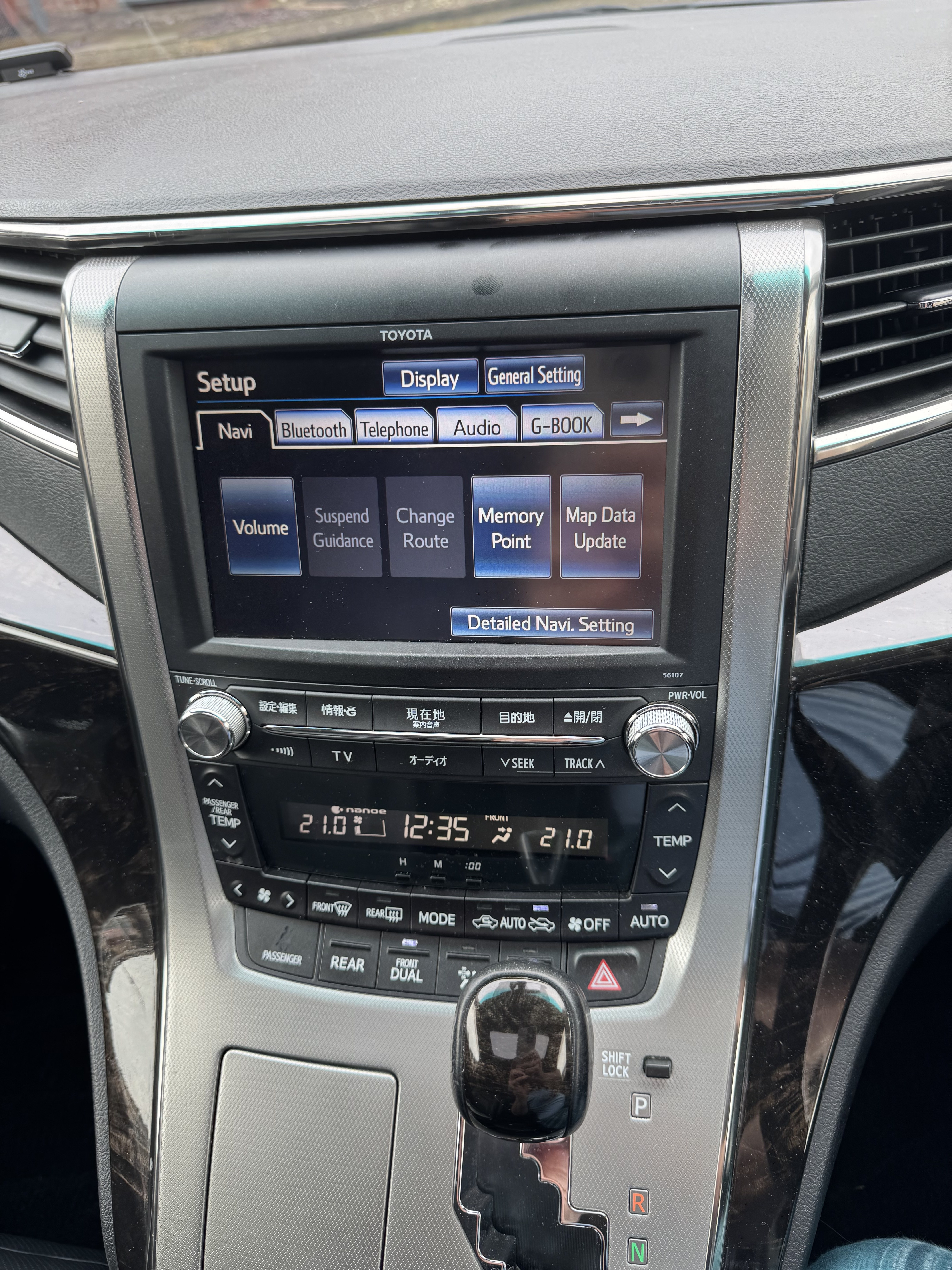
Glad you sorted it out. I’ve got a 2012 Alphard, radio has 56107 on the front
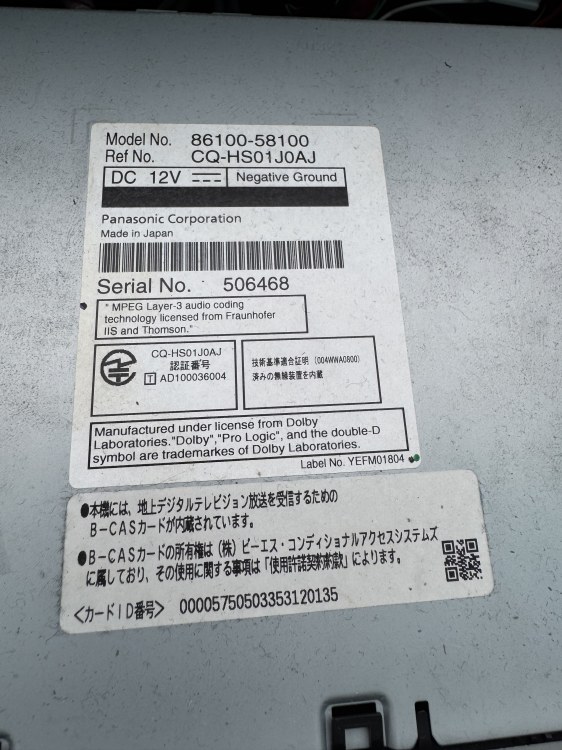
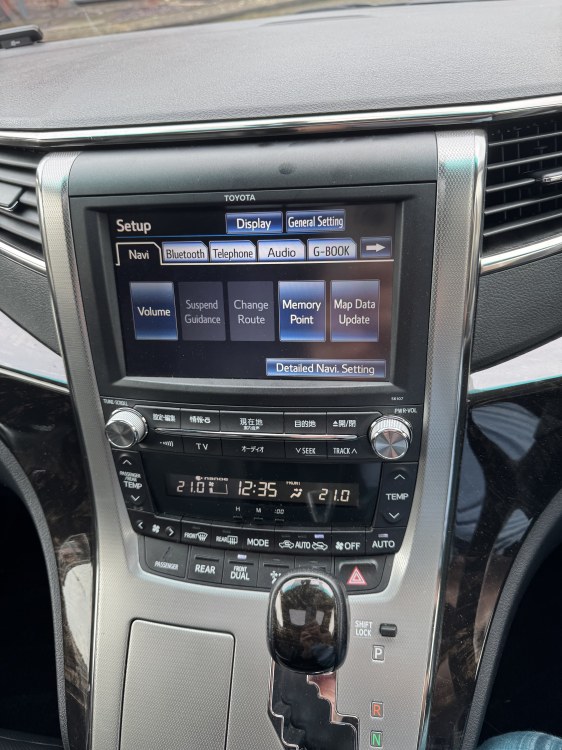
-
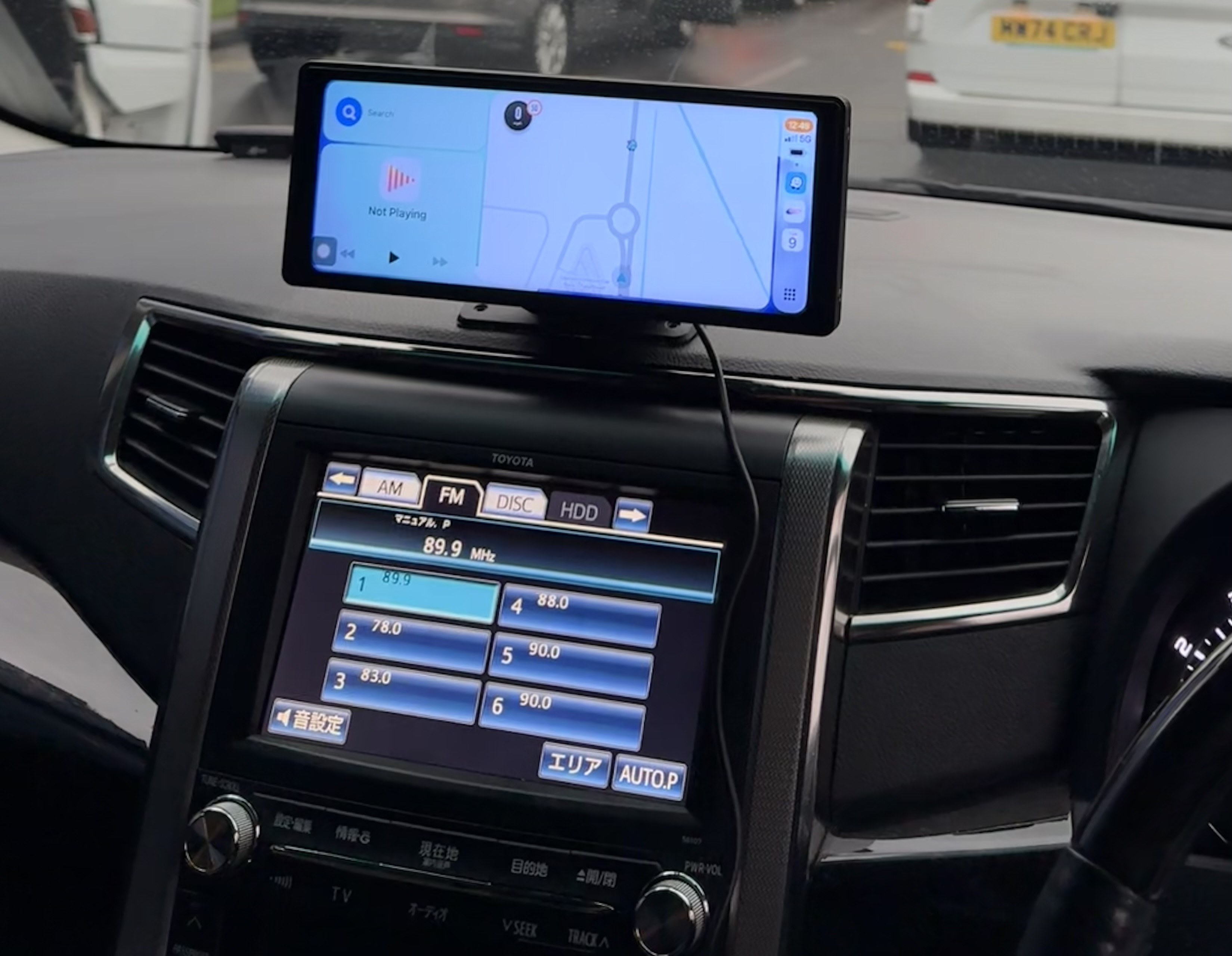
I can't offer any advice but I have a similar issue except it's just the two rows of buttons under the touch screen on my headunit that don't light up.
-
Without seeing a picture of it, my guess is it could possibly be an ETC box, do you have a small antenna on the dash near the windscreen at all?
-
You would be looking for a "low" awning which is a height around 180cm-210cm so that one checks that box. We used this one over the summer and it was great. https://www.vango.co.uk/galli-cc-ii-air-low
-
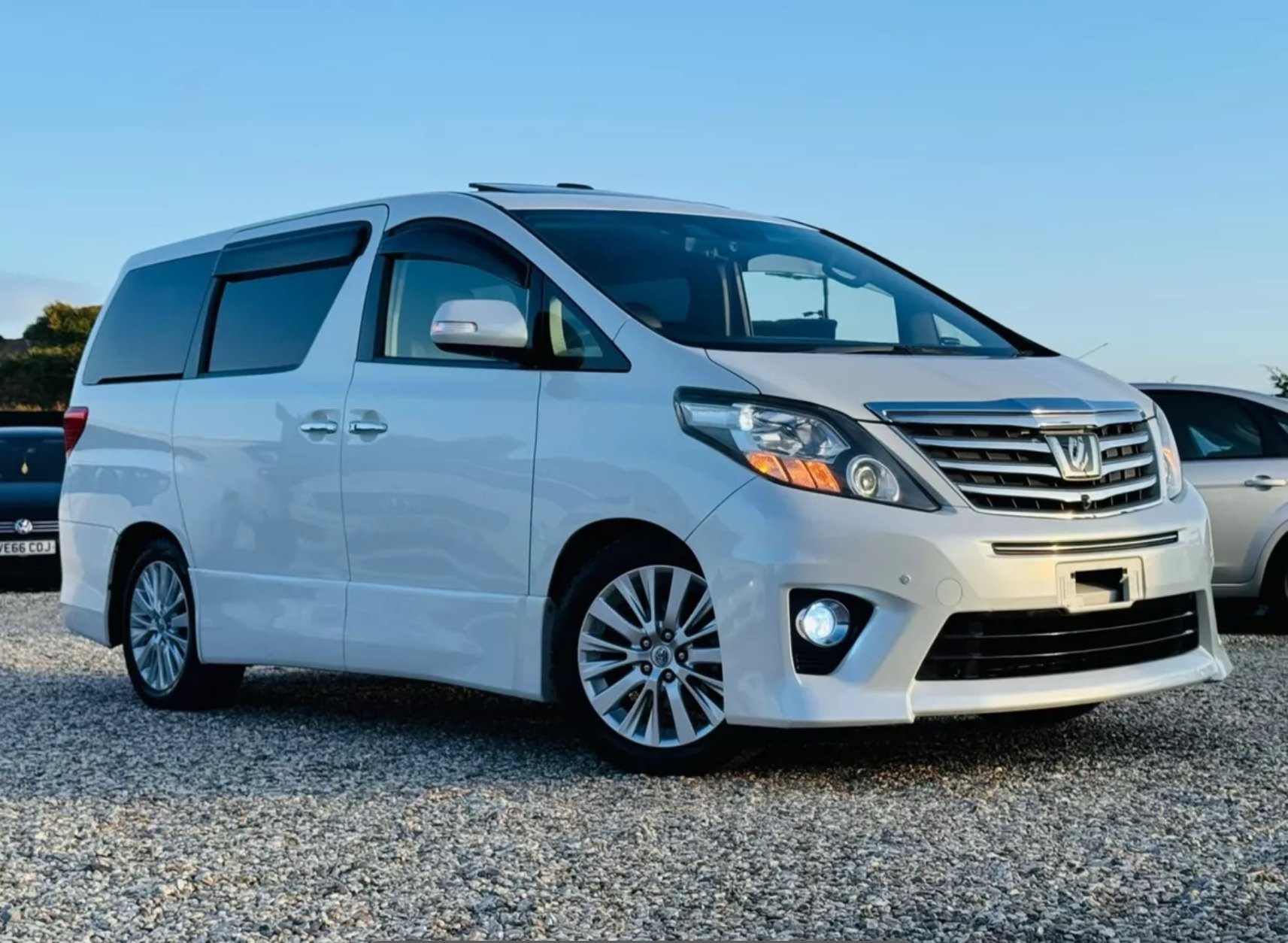
I'd love to get to a big meet up. Had my Alphard for a year this month, it's great when I get people knocking on my window when I'm sat in it asking all sorts of questions about it. I'd love to see what others have done if anything to theirs, especially if they have been converted as that's something I didn't intend on doing but have since started to get the itch to do it but really want to see some in person.
-
The rocker switch could well have been for switching the indicator lights on as DRLs. I have this on my Alphard, my switch is on the steering column but it's no longer active as the wiring was used for the rear fog light, so now the switch does nothing. The passenger light is a seat belt warning, it will flash if someones in the passenger without a belt and you start driving. There may also be a tone that sounds at the same time. The tone can be turned off via OBD though. I'm not 100% certain but I'm pretty confident that the button above the rocker switch with the P in an arrow is related to the auto park feature called Intelligent Park Assist (IPA) I'm assuming that you don't have 360 cameras installed as it wasn't common to have IPA and 360 cameras on the same car. If you look at the button next to the ODO button that's also related. If you had 360 cameras that button would have a camera icon and will display the cameras on the radio display. You can also tell from the sonar sensors on the outside of the car, if you have sensors on the side of the bumper then you have IPA
-
Funny I was just looking for a battery myself. I've had a couple of close calls the last few weeks where it's taken a couple tries to crank. It's still got the Panasonic battery in it from Japan with the LifeWINK attached which indicates the battery health which was flashing red at me yesterday so I think it's time. The battery was fitted in 2021 thanks to previous installer writing the date on it. Gonna have to measure mine too as I'm getting conflicting info online. For example I'm reading that the Bosch S4 026 fits but when I've used part checkers on some sites it comes back as not compatible but on Tayna it comes up as a suitable option. Apparently Toyota recommend at least 550 CCA for the 3.5l so I'm just going to go with the highest CCA rating I can get my hands on with the cold season on its way. My shortlist is currently the VARTA Blue Dynamic E23, Bosch S4 026 or the Yuasa Silver YBX5068.