



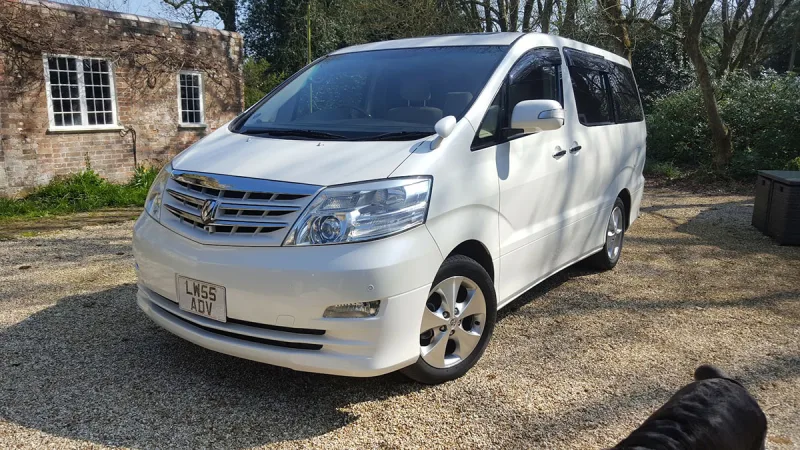
OC’s Review Summary
Bob A rates the 2008 3.5-litre Alphard exceptionally highly, praising its comfort, reliability, practicality and value, especially for long journeys. The refined, quiet drive and economical running costs also stand out. It has met expectations, and the dealer experience was good. The main quibble is that the built-in sat nav cannot be adapted to UK specification, though a cheap standalone unit provides a workaround.
Ownership in four questions
How it feels
What feels right
What’s it like to drive?
On the road
Everyday ownership
Who does it suit?
Who the owner thinks it suits
How they use it
Why they chose it
- Vehicle mileage
- 100,000+ km
Would they buy again?
- Would recommend
- 10/10
- Would buy another Alphard
- Yes
Their ownership journey
- Current ownership stage
- Settled in with it
- Expectations
- About what I expected
- Relationship with the car
- About the same
- Bought with head, heart or both?
- Both
What changed once the honeymoon period wore off?
Selected by the owner in the survey
In their own words
For the money a top class vehicle which has been used on salt free roads in Japan and cared for by previous owner/s.
Wish it was possible to adapt the inbuilt sat nav unit to UK spec, but have a stand alone workaround which is a cheap solution. A very minor quibble.
The main dealer
The owner’s main-dealer rating. Dealer experience is separate from the car’s score.