


Join The Toyota Alphard & Vellfire Club
Our community has been built by enthusiasts, for enthusiasts, and proudly run by Alphard owners' for over 7 years. As an independent, non-official club, everything you’ll find here, advice, support, and opinions, comes directly from members with genuine Alphard & Vellfire ownership experience. By being a member you can gain access to active community forums, videos, news, events and more...
Most Viewed Club Topics
-
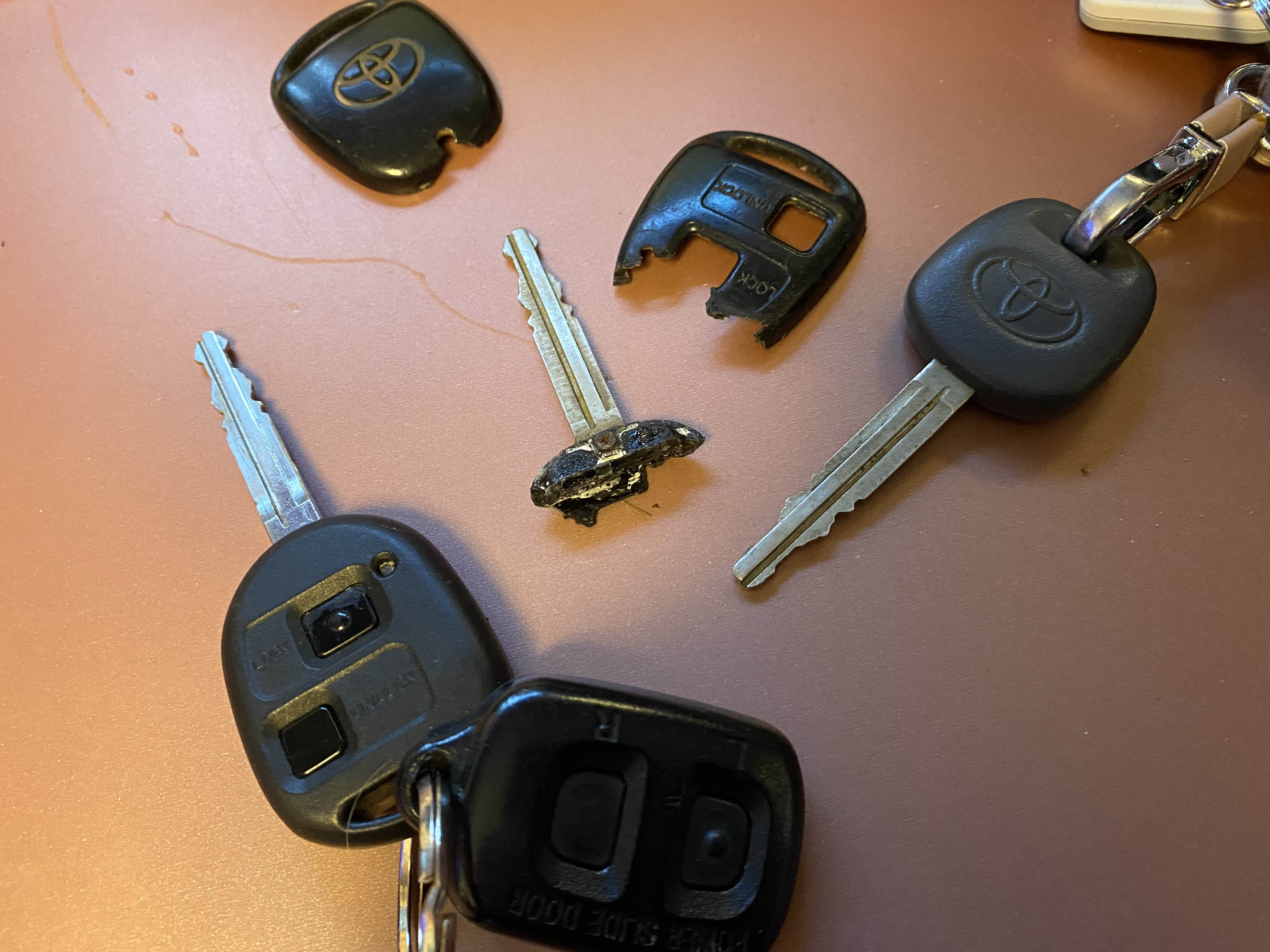
Hi ALL I have just purchased a 2007 ALPHARD. So far impressed but still learning about the vehicle. The vehicle came with 1 key. I have got spare key cut but only to open the doors. I would like to clone the current remote but would like to know how I can either buy a genuine Toyota key or a decent copy that will program. I can get the car in programming mode after watching some videos but would like to know where I can buy a programmable remote wi
-
When my gauge read 1/4of a tank left , it runs out of fuel . Does anyone know how I can cure the problem so that the gauge can read correctly
-
Hi I am still looking for wiring diagram for 2003 Alphard 3ltr if anyone has one.Regards G.Kydd.
-
So I want to replace the fuel pump and filter on my Alphard (ANH10, 2006). I understand that access is via a hatch under the floor behind the front seats. Unfortunately I've got lovely flooring in place which was done as part of the conversion to a camper. Searching around, it doesn't look like there's any good option here - I'm not sure it can be realistically done by dropping the fuel tank (I'm guessing the clearance needed would necessitate a pit as the pump is on top of the tank). I suspect
-
Alphard 2006. MOT from February this year advised "Axle swivel pins and bushes swivel pin and/or bush slightly worn Rear (both rears slight cracking)[5.1.2( b )( 1 ) ]". A couple of local garages will not touch an Imported car. I think this should be a common maintenance job. Any help guys ?


Latest Alphard / Vellfire posts
-
Brilliant mate - thanks a million. I'll give them a ring. The trouble with doing a google search is that you can never be sure if the results are for local firms - and they often aren't. Do you know if they programmed your key as a 'master', or not (based on what I read higher up in the thread, it can make a difference if you need to clone it at a later stage)?
-
I got a spare key cut and programmed at a place in Stevenage if that's of any interest: Lock Tech Solutions, Unit 5, Parsons Green industrial estate, Boulton Rd, Stevenage SG1 4QG http://www.locktechsolutions.co.uk/ Tel: 07866203030.
-
Does anyone know of a reliable automotive locksmith in the SE Herts area, please? I was supplied with an ageing key fob when I got my 2006 Alphard and I'd like a spare. I've bought the basic key fob, with 4D67 chip, off AliExpress, but it will need coding. .
-
I did a step-by-step series of pictures on changing the fuel pump filter (https://uk.alphardclub.com/forums/topic/8621-fuel-filter-change-24l-52005-anh10w/), and there is a helpful video from cuttothechase here: https://www.youtube.com/watch?v=5gb3NWKcctE
-
Jerry Vaughan , Facebook, Toyota Alphard by go green. He has a disc on Alphards
-
Hi I am still looking for wiring diagram for 2003 Alphard 3ltr if anyone has one.Regards G.Kydd.