
MonsterS
Moderators
-
Joined
-
Last visited
-
43502E - BEARING (FOR FRONT AXLE HUB LH) 90369-45003 ANH1#,MNH1# 05.2002 - 04.2005 01 19.00 90369-45003 ANH1#,MNH1# 04.2005 - ... 01 19.00 43501E - BEARING (FOR FRONT AXLE HUB RH) 90369-45003 ANH1#,MNH1# 05.2002 - 04.2005 01 19.00 90369-45003 ANH1#,MNH1# 04.2005 - ... 01 19.00
-
-
Ah okay, have you lifted it underside to see from the wheel arch?
-
I have the same, its worn suspension mounts.
-
Umm yep, i've changed 3 in my lifetime (Estima, Toyota Aygo & Smart Fortwo). all about an hour to do. Looking at my 3Ltr Alphy i would say the exact same amount of time. Unplug battery, take of all old lines from replacement abs module, take off all connectors (electrical) and bolts holding the old unit thats on the van off. Take a 10mm/12mm spanner and undo all nuts from brake lines, then swap over quickly making sure to securly put the nuts on and make sure all pipes are in the right holes. (no-one wants a pipe in the wrong hole). Then tighten all up and plugin eletrical connector. Then plugin your odb reader/software and run the pump to bleed the system. then bleed the brakes. I do have Toyota Tech Stream I can send you to use, but you will need to have a laptop and a usb ODB reader todo this. If not then run the bleeding sequence a few times, take it around the block (carefully) slamming the brakes on to make the abs pump kick in. then re bleed. (i used to just fire the pump from the battery using some wire to the + and - from the battery to the pump about 5 seconds should do it no more though, *at your own risk as i've burned one out doing that before).
-
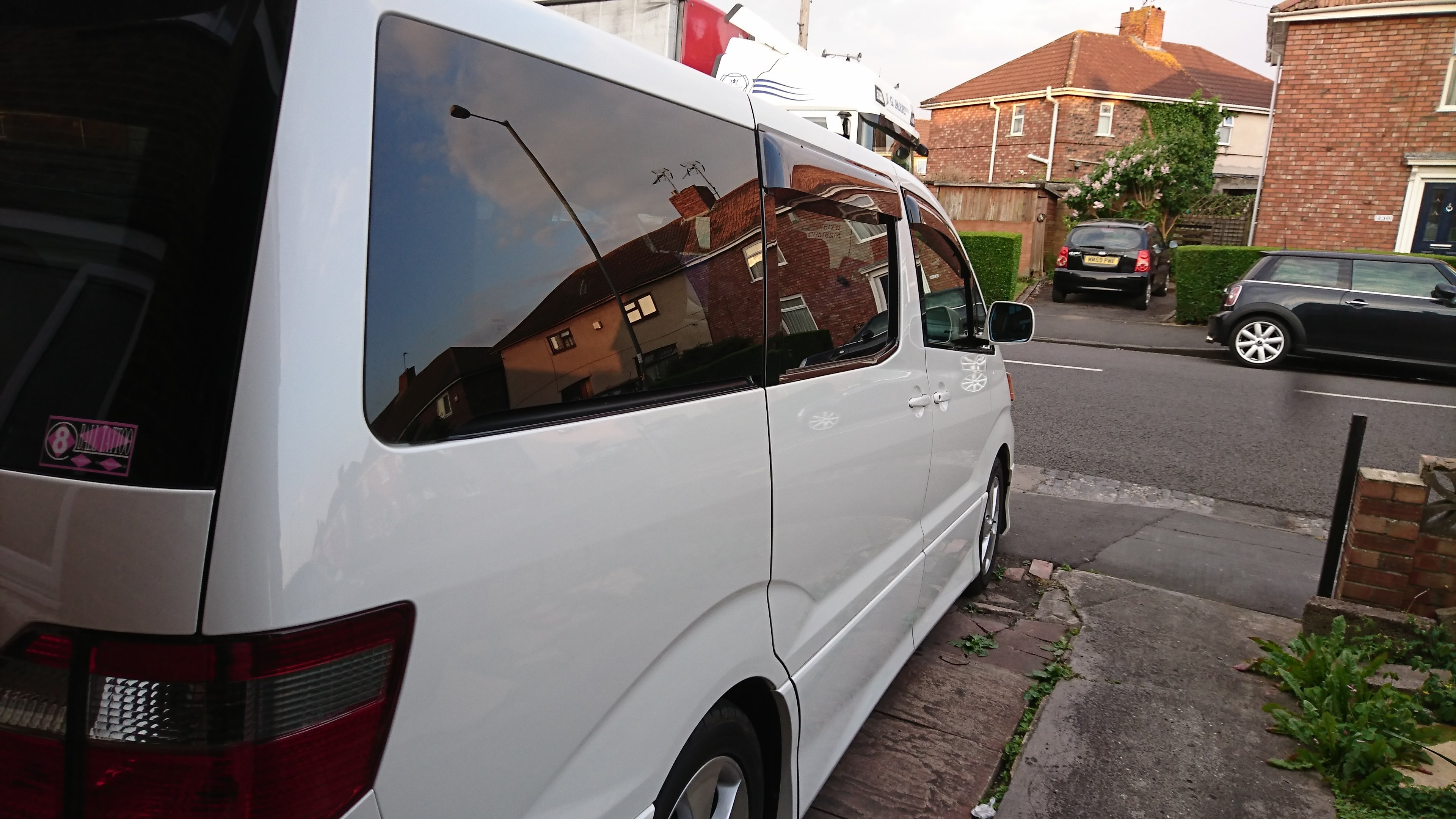
Welcome, if you post up your vehicle pics here we can have a gander...
-
Gulp. I shall take a pass. However for anyone wanting them maybe stick any links in.
-
How much did they set you back. ME wants one.....
-
Welcome, a Gweegee lad. Hope you enjoy this forum.
-
-
Great to hear it. Send some images to me, im looking at converting mine.
-
They are fine to repair.
-
-
-
Hi Appretice Camper. 😀 This is a good topic. Personally I have a portaloo in the back. the camping one. We've blacked out the back of our standard alphy and then put a sheet between the 2nd row and 3rd for privacy. then i had a windscreen cover for the rear window (fastened jacket poppers to it and put them on the trim so it's a nice private space). Then this is where it gets interesting, I have bought an extraction fan which goes on a window and locks into position. We did have a camping stove but got rid of. Next is a plugin fridge we use that goes onto the 120v behind the drivers and passenger console. As for sleeping, not got around to that one yet. This way it does not affect our insurance. :)