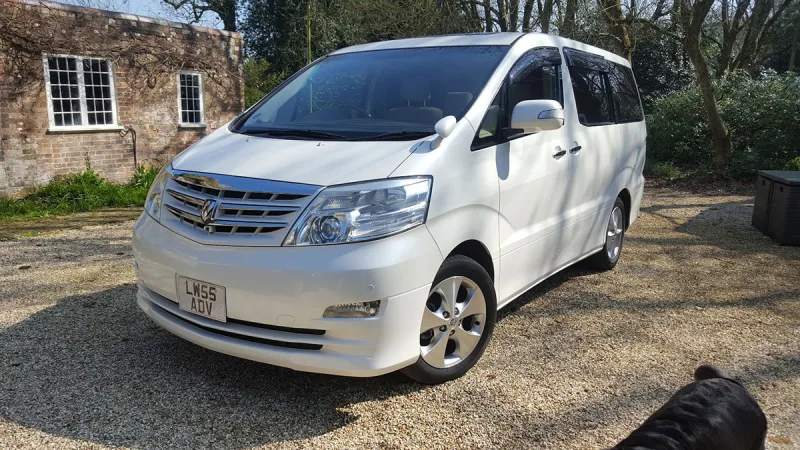
“My Alphard has been converted into a 4 seater 4 berth campervan and its amazingly versatile as a campervan, school runs and transporting large items. I would buy…”
“My Alphard is the only vehicle I have ever owned where people approach my wife and I to ask where I bought it and finally how much was it. They are Stunned when they…”
“Best vehicle I have owned.We use it for day trips, transporting all the family, towing, as an occasional work van and, tip trips and long distance trips . Only slight…”
“Comfort. Reliability. Used for camping. Loads of room because of the versatile seating options. Great for bikes and the occasional trip to the council dump”
“I had a Toyota Previa when the kids were at home and it was a fabulous answer to my needs So none of my subsequent cars matched up to the Previa. I had a Honda CRV…”
“I don't need my Alphard at the moment as we have a WAV {wheelchair assessable vehicle} a VW Caddy, but I won't sell my baby because we are in love, she fast yes so…”
“I purchased this for our family. With the swivel seats in the rear we liked to go out at weekends and sit near the beach and relax, have a bite to eat while watching…”
Important Information
We have placed cookies on your device to help make this website better. You can adjust your cookie settings, otherwise we'll assume you're okay to continue.