Join The Toyota Alphard & Vellfire Club
Our community has been built by enthusiasts, for enthusiasts, and proudly run by Alphard owners' for over 7 years. As an independent, non-official club, everything you’ll find here, advice, support, and opinions, comes directly from members with genuine Alphard & Vellfire ownership experience. By being a member you can gain access to active community forums, videos, news, events and more...
Most Viewed Club Topics
-
2008 ATH10W: After returning from pleasant drive in the rain yesterday, I turned into my driveway and then.... Warnings lights, loss of power, shuddering rear axle. Limped into my garage. Talked to AI, because I don't have an OBD reader. Asked me to bridge pins 4 and 13 and look for a flash sequence to identify/clear the fault. No such luck. Plenty of flashing but no patterns to read. AI gave up. But I can't really, can I? After bridging pins 4 &13, the engine warning light had gone when I t
-
Looking for a nearside wing mirror indicator. Can anyone help please .
-
My lighting on my 2010 3.5l 4wd Vellfire is HID for main beam , I’m going to change , if I can, to an all LED assembly, which will not change the MOT requirement, has anyone else done this and if so do you have the part number for said assembly, at the same time I will be changing the rear sets as well, the vehicle has been superb throughout my ownership, but the lighting lets it down
-
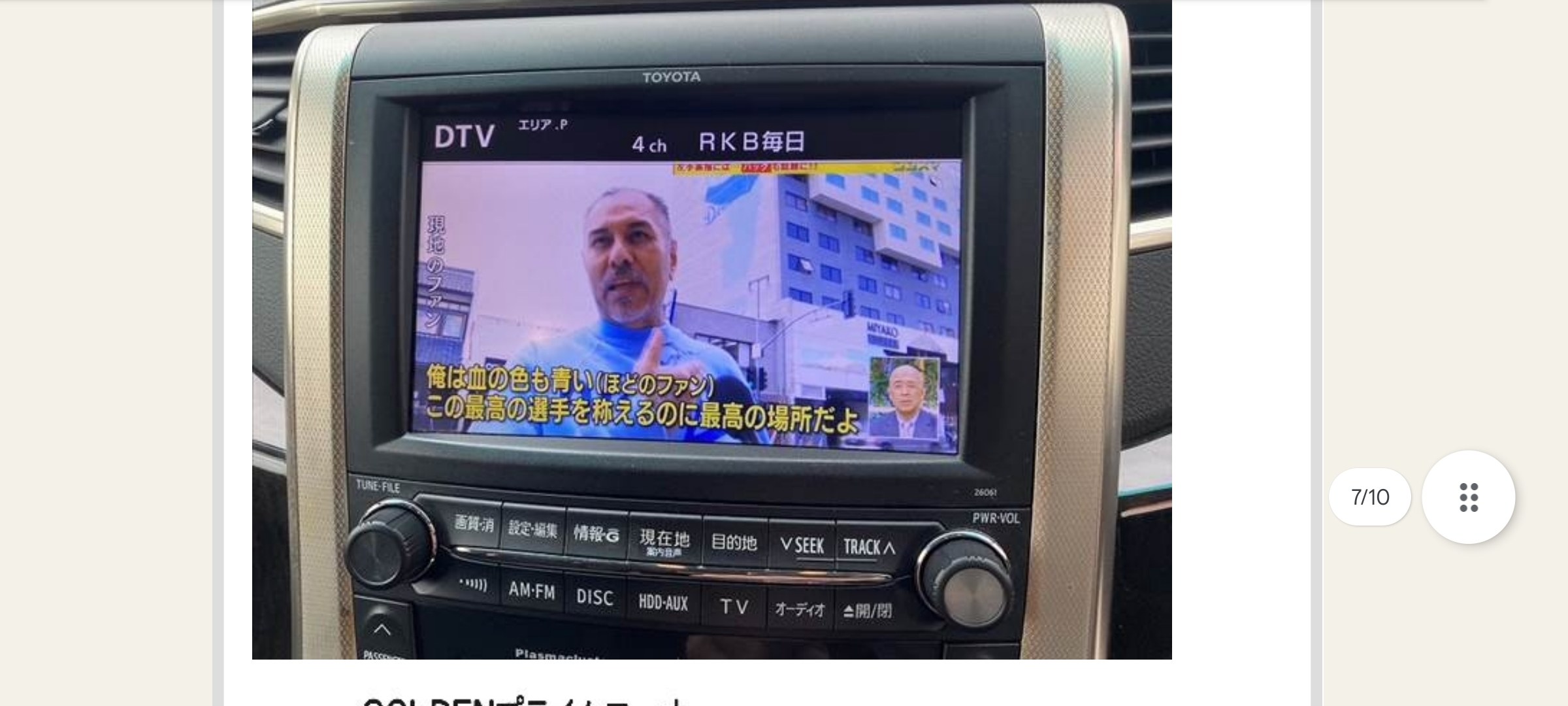
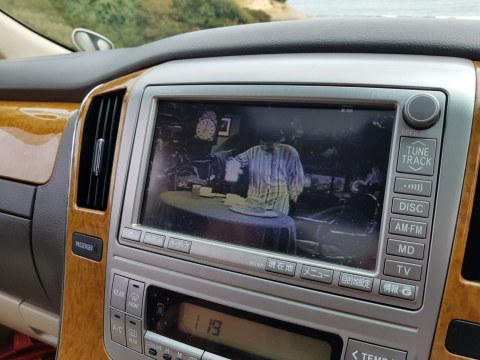
Hi I have looked through the forum for posts on this. There are some really good posts with some technical answers and due to my lack of knowledge I haven't been able to answer my question! I am due to shortly pick up my 2011 Toyota Alphard 350S Prime Selection 2 Type Gold, not sure if any of that trim matters in relation to the question. I don't think it does as I think it has the 8" Toyota Original Head unit, I'll attach a picture. The dealer I am purchasing from said they are going to get a
-
MOT advisory so hunting for part no. Any help appreciated. I’ve looked at guides and find them more confusing (as I get older!) Considering age of vehicle I’m thinking bearing and hub might be sensible choice.




Latest Alphard / Vellfire posts
-
2008 ATH10W: After returning from pleasant drive in the rain yesterday, I turned into my driveway and then.... Warnings lights, loss of power, shuddering rear axle. Limped into my garage. Talked to AI, because I don't have an OBD reader. Asked me to bridge pins 4 and 13 and look for a flash sequence to identify/clear the fault. No such luck. Plenty of flashing but no patterns to read. AI gave up. But I can't really, can I? After bridging pins 4 &13, the engine warning light had gone when I turned on the ignition. The engine started. Whew. But when I moved the shift into D, warnings lights low power, shuddering rear axle. Mmmm. So I would like to hear from anyone who has some time to offer advice. PS There are 4 dash warning symbols when put in gear: red engine warning and three amber, 4WD VSC & Brake icon.... Thanks
-
Looking for a nearside wing mirror indicator. Can anyone help please .
-
My lighting on my 2010 3.5l 4wd Vellfire is HID for main beam , I’m going to change , if I can, to an all LED assembly, which will not change the MOT requirement, has anyone else done this and if so do you have the part number for said assembly, at the same time I will be changing the rear sets as well, the vehicle has been superb throughout my ownership, but the lighting lets it down
-
Hi, just a quick update. I managed to get the head unit put back together and have tested it out in the car. It seems to work, however; when try to interact with the box by touching the screen it takes me back out of the android box display, it sort of minimises it so you can still see it small in the corner. I can interact with the box and make selections using the knob. Does anybody have any ideas on how to resolve this? Kind Regards, Terence
-
Many thanks!
-
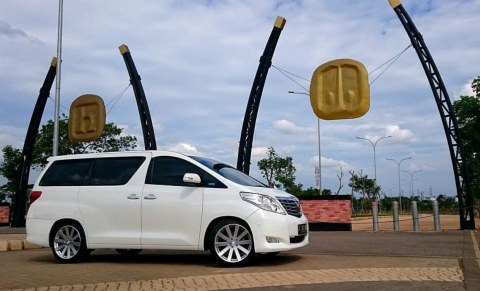
Registration plates now received. Car is available.



.jpg.7d1630ed0d89847d0527886b0616c34c.jpg)