Chris.ac
Moderators
-
Joined
-
Last visited
Everything posted by Chris.ac
-
It's in the manual. It makes a difference, especially for me driving past all the muck spreading in the farm fields
-
-
-
Easy easy to check. Does your rear wiper sit under the roof spoiler? 20 series. Does it attach to the tailgate below the glass? 10 series.
-
For the alphard 2gr, you have to bleed it with the coolant system closed and pressurised. Open bleed valve on top of engine block, to up coolant into expansion bottle until you see coolant come out of bleed valve. Close bleed valve. Fill coolant to the upper B-line marked on expansion tank ( the left side of tank looking grim front of engine) Seal the cap on expansion tank. Start engine and run it at 2500 RPM until you see coolant start to enter the top of the tank. You will see bubbles, keep the engine running at that speed until the coolant turns from cloudy back to red. Done. Switch off. Leave to fully cool down, check if coolant is between the full and low mark, top up to between these marks if necessary. If coolant has dropped below the low mark, repeat.
-
Did the American 2gr bleed involve radiator cap and a tube from the bleed valve running back to a coolant funnel?
-
It's AC. Like the Japanese domestic electricity system
-
Everything is working perfectly now. Even in this recent heatwave, temp in traffic doesn't rise more than 89c You must follow the Japanese air bleeding process. Trying to follow any of the YouTube videos for a 2gr-fe will fail. I took several days retrying to bleed air, and reach time I thought I had completed it, as soon as the car went up or downhill, the temps would start climbing past 100c.
-
Yeah the extra connector on the PCB is because some head units have a different size Flexi. The usb is for removable media if you are using the video or MP3 player instead of the carplay
-
Glad you got it fixed. The relay box is an absolute bugger to get out, but the solid state relay was the problem for me, too. I can understand that they form part of the security system, but Toyota could have made these more accessible.
-
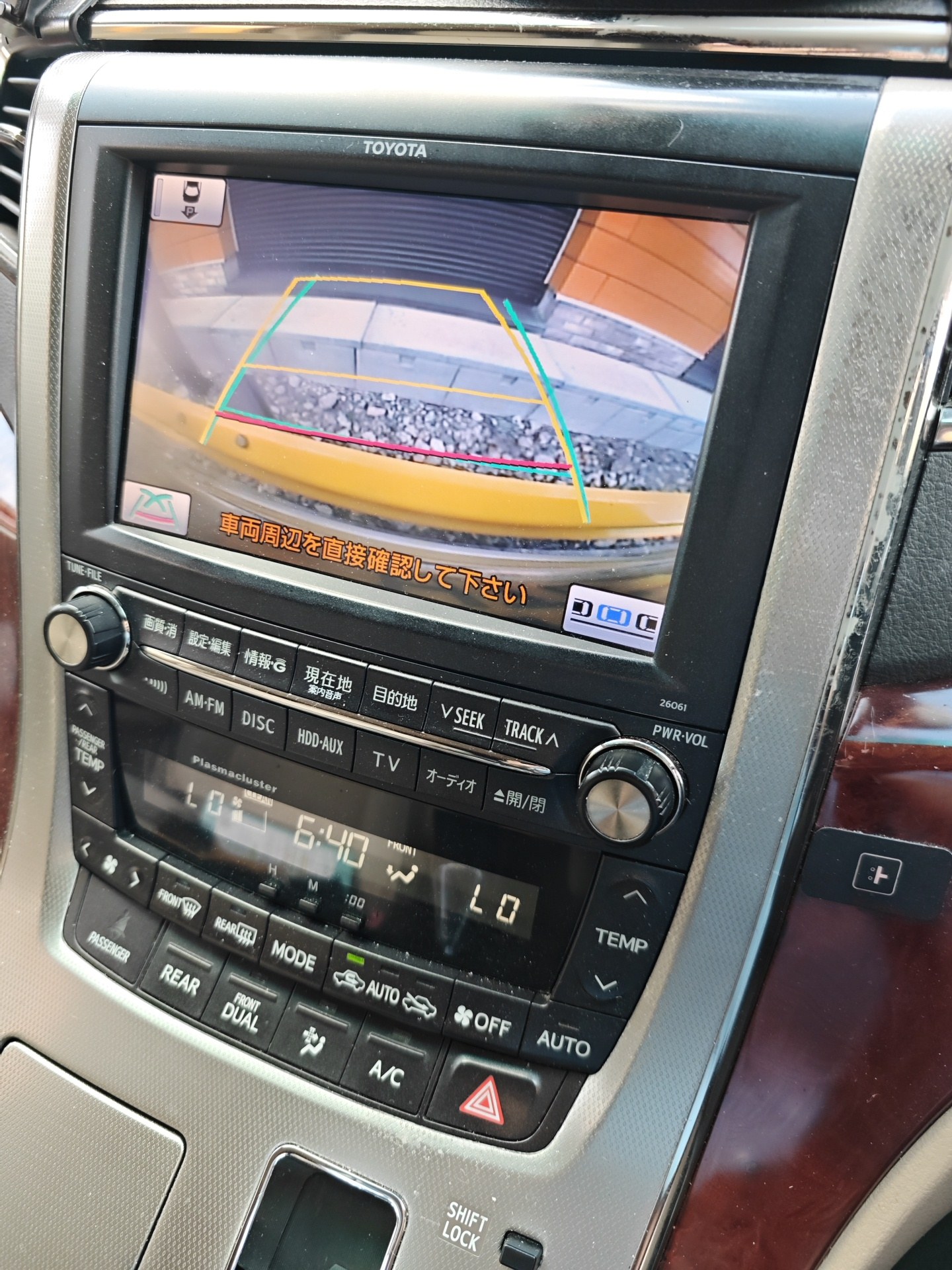
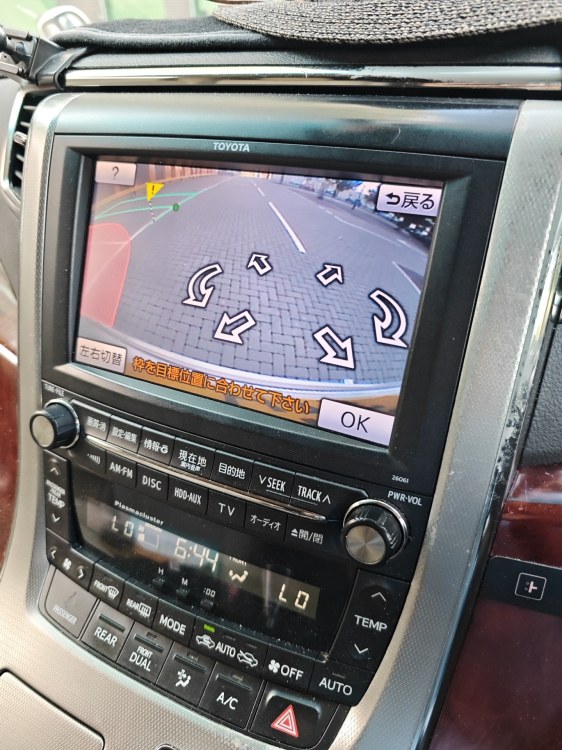
Auto parking still works
-
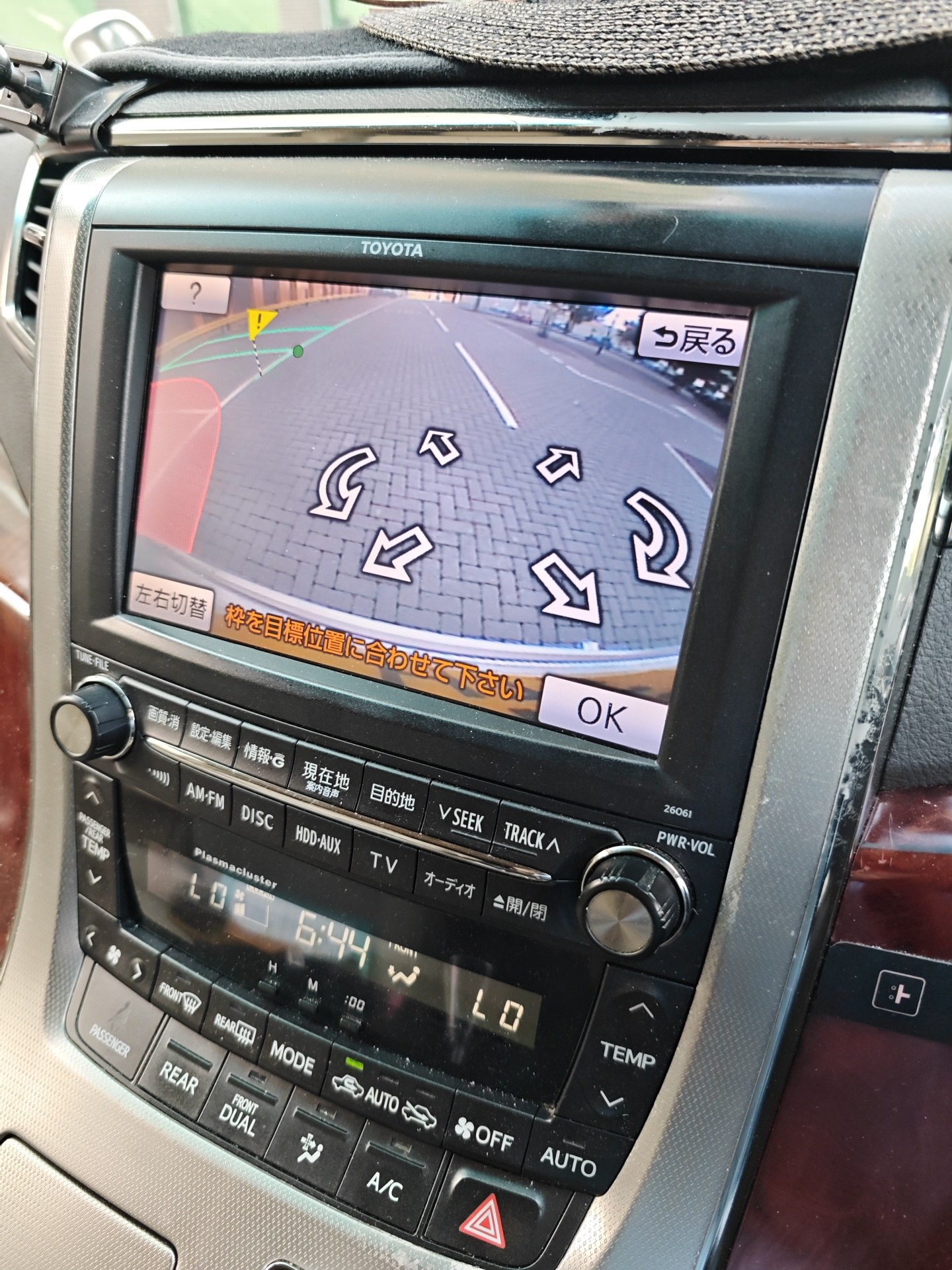
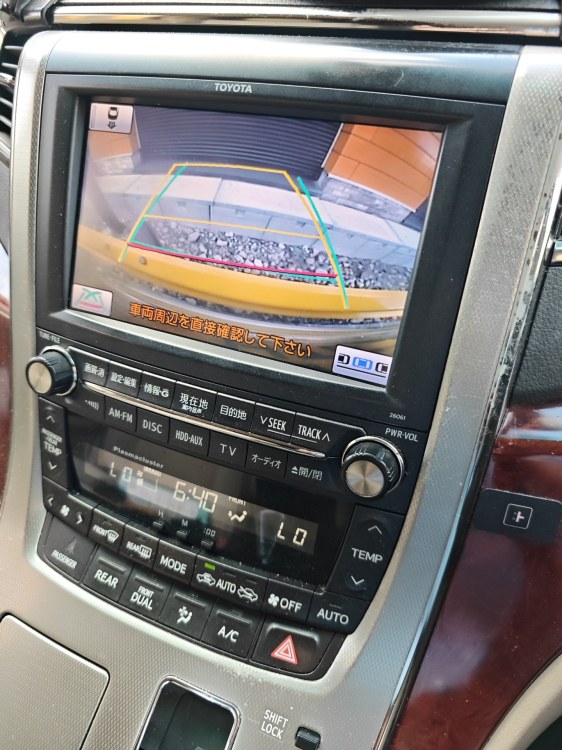
Reverse (overrides carplay)
-
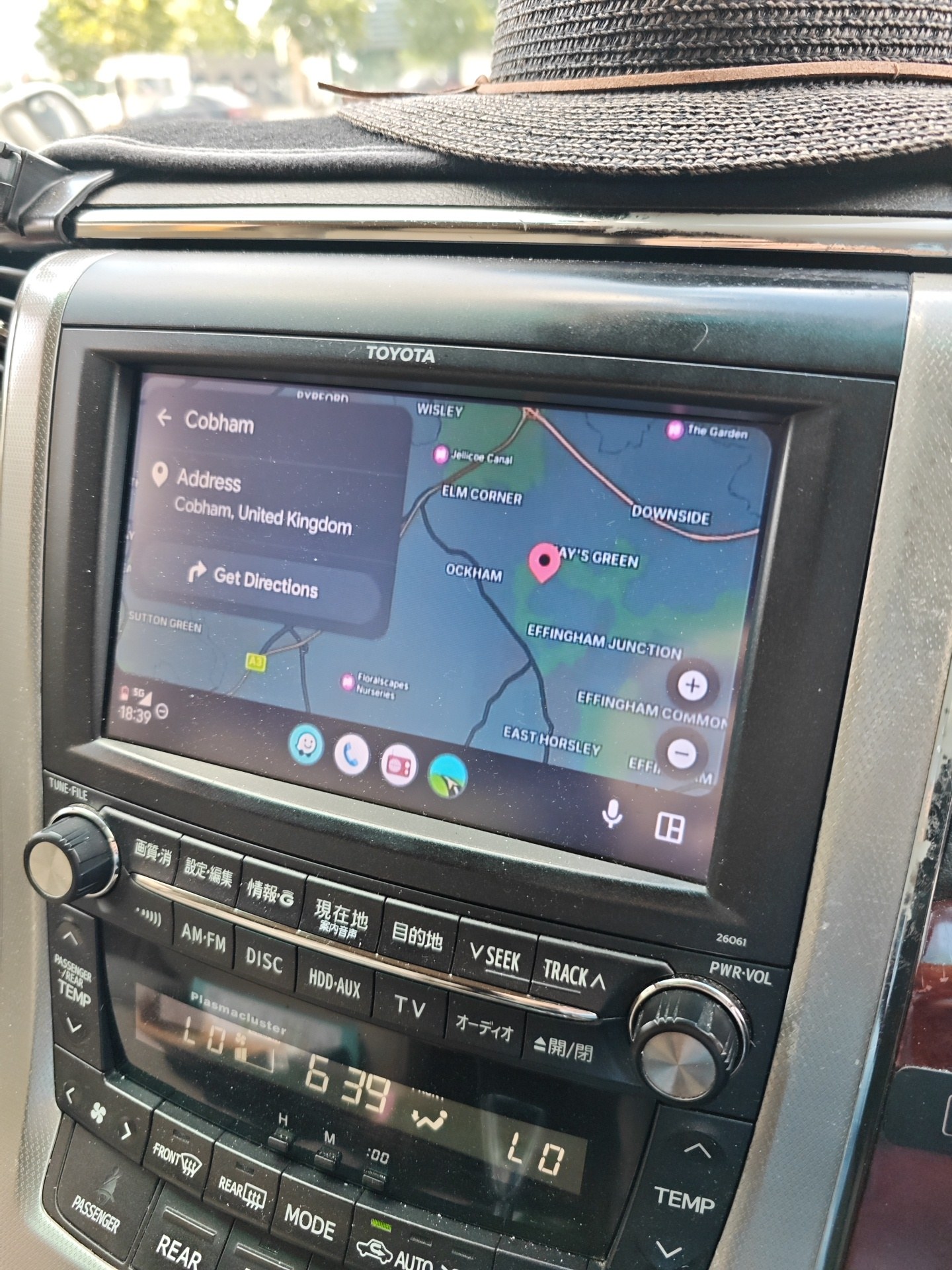
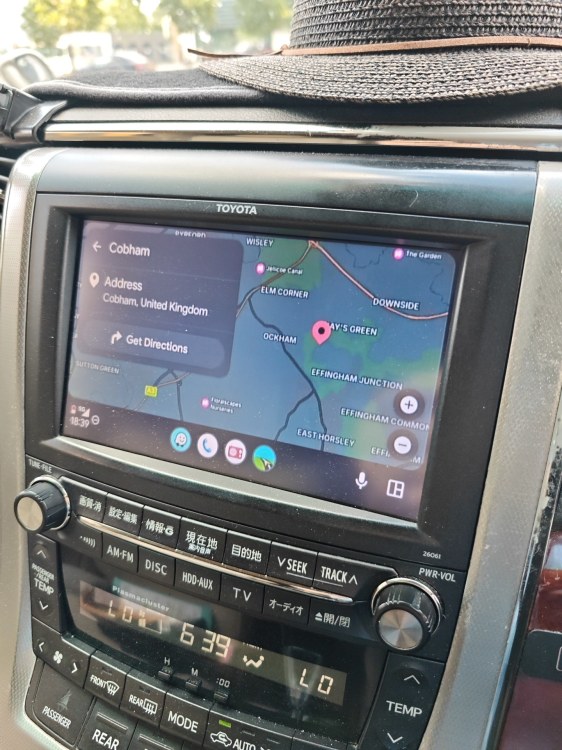
Sygic
-
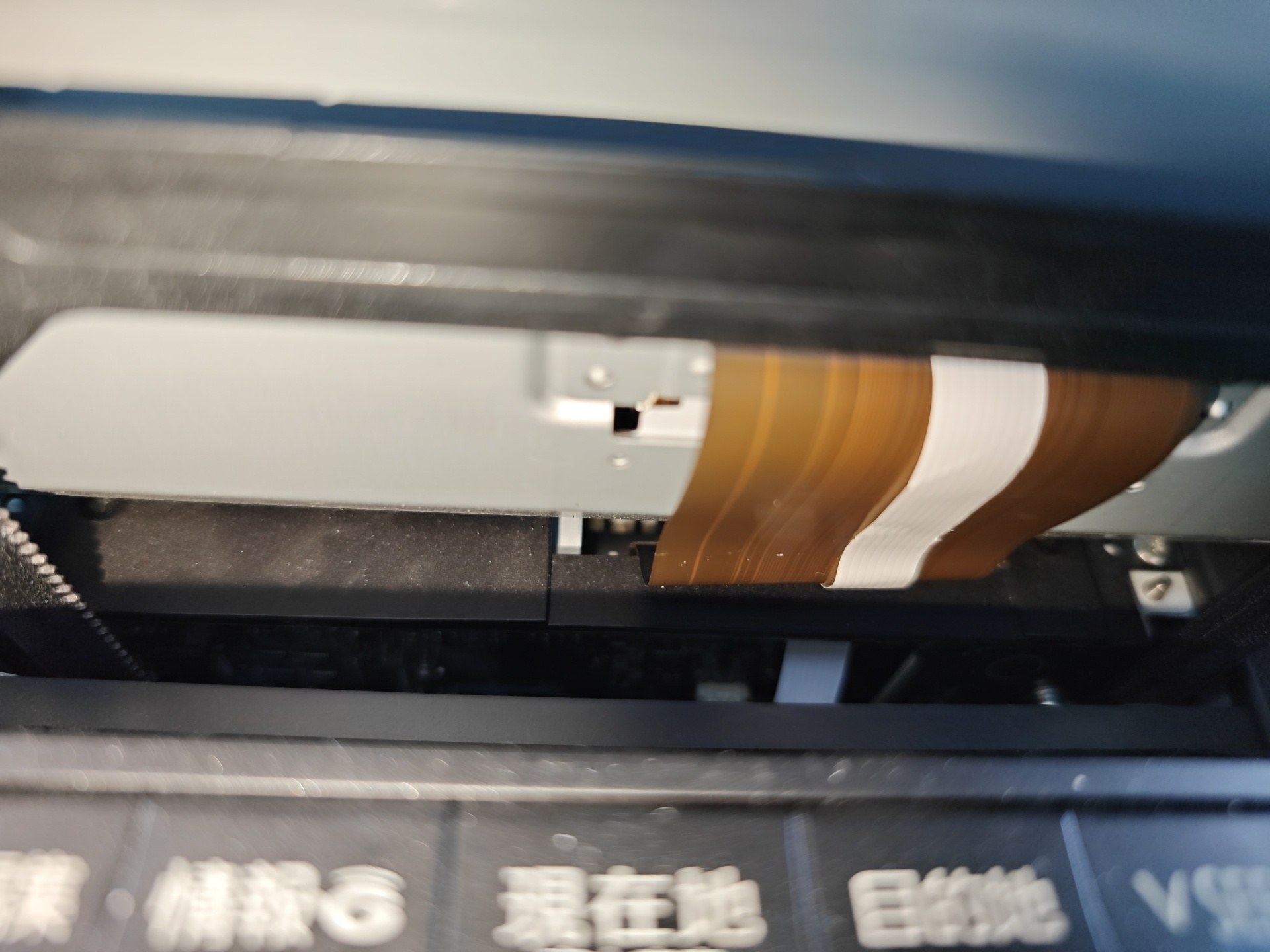
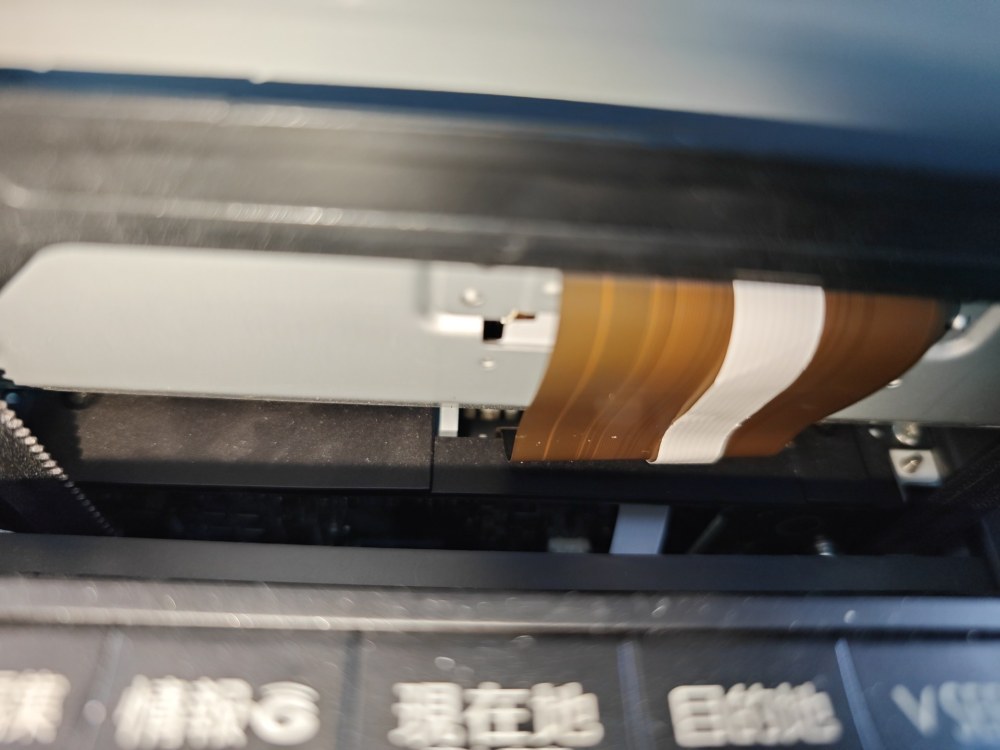
My extra Flexi
-
I then routed the Flexi out of the same slot as the big brown one and tied it out of the bottom of the headunit case through one of the slots in the case.
-
One of the onboard flexi goes to the LCD, the other is the touch panel. I thought I had my electronics screwdrivers on me, but they are at home in Devon. I believe it's the one on the right of your first image, the one that has pins called TP for touch panel.
-
Good to hear you found them helpful. I removed the screen by undoing the screws that guide the screen along the runners. Then just some manual manipulation to get it out of the guide rails mechanism. Then it's the screws holding the two halves of the screen together. I will post an image later today, after work. Once it's open, it starts to become clear where to connect, and then it's routing the new cable ( I'll post photo)
-
Would love to hear a comparison between the factory 18 speaker system with it's 640watt amplifier and active amplifier subwoofer Vs an aftermarket setup. The factory setup blew me away when I started hearing sounds that I didn't hear on my home system.
-
Just to say. If you have an old android tablet or phone, you can convert it to a carplay box using a new launcher and connector app. It then acts like this unit and your regular phone connects to it. You will probably benefit from the fact that your older tablet or phone is more powerful than these units they are selling. The main thing to consider is the mounting method and where it is mounted.
-
Sign up to Amazon Japan. Can you confirm your rubber on the wipers have a metal rib running along it? If so you should be able to buy just the rubber 'refill' and not the entire blade.
-
When does it overheat? Each time you run engine? Could be the thermostat is not fully opening.
-
Via android auto you cannot, as it's blacklisted by android, but the unit does have a usb connector and a separate media player. It does also have screen mirroring, but I've not tried it being an initial go several years back, with the app installed on the phone it does mirror the screen so you can use YouTube etc.
-
Does the central locking control on the drivers door unlock and lock, or only lock? It sounds like the solid state relays on the ECU are 'sticking'.
-
I'll add a photo of mine, tomorrow.
-
🛍️ Found exactly what I needed on Alibaba — check out this product! 👉 https://www.alibaba.com/x/1lAhnV8