Chris.ac
Moderators
-
Joined
-
Last visited
Everything posted by Chris.ac
-
My experience with aftermarket? I bought a pair, one of them i had to cut off after the thread seized during fastening, I'd put down to poor tolerances. The second one the boot split split 2 months, vs the genuine Toyota that were fitted that lasted 15 years
-
-
-
Will be hard, due to copyright. But there are cdroms/workshopmanuals you can purchase from Japan. Some of us own these cdroms.
-
Well done on getting the right sizes, good price too, for the pair. Let us know how they perform after a few heavy rain days.
-
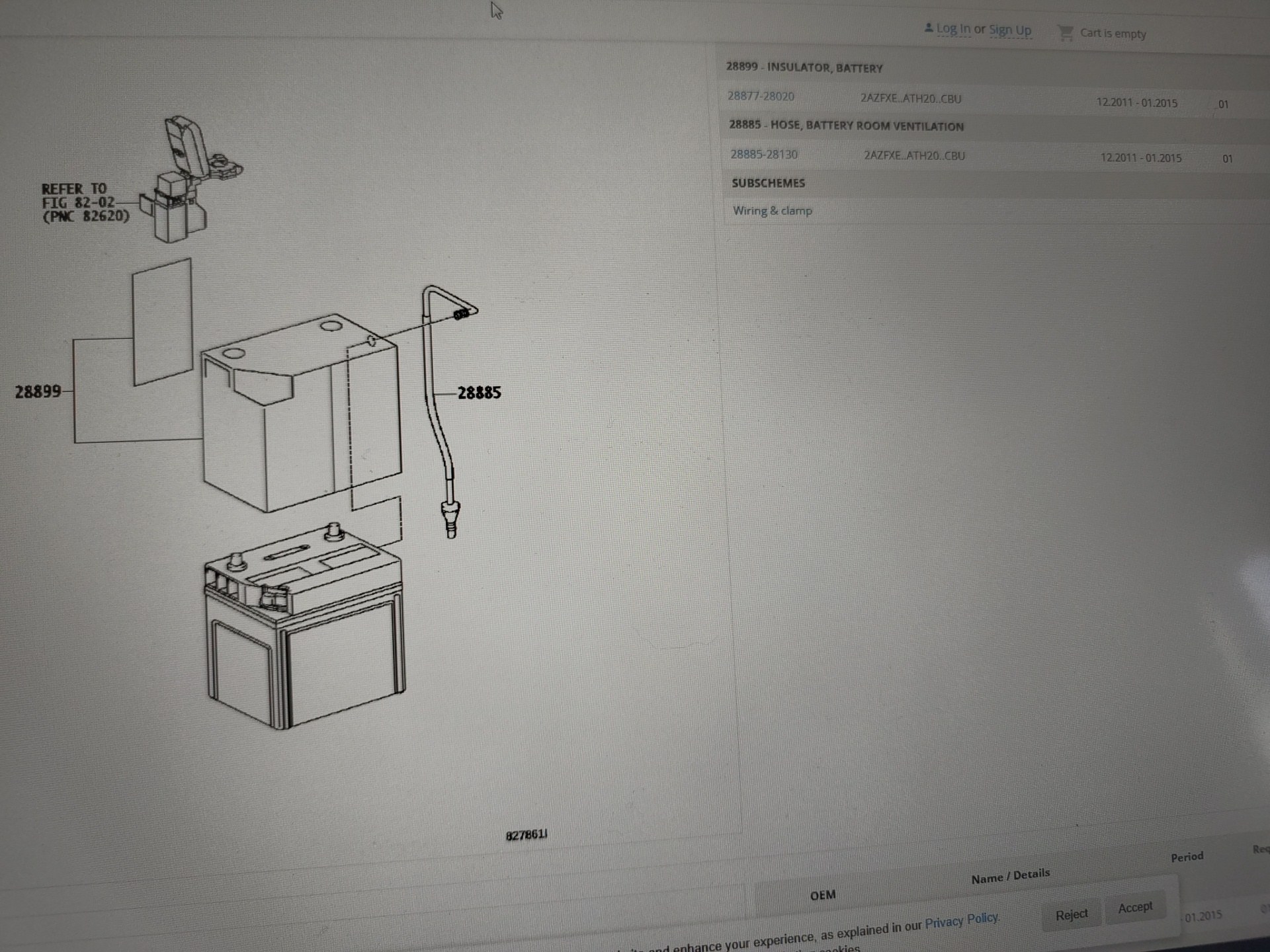
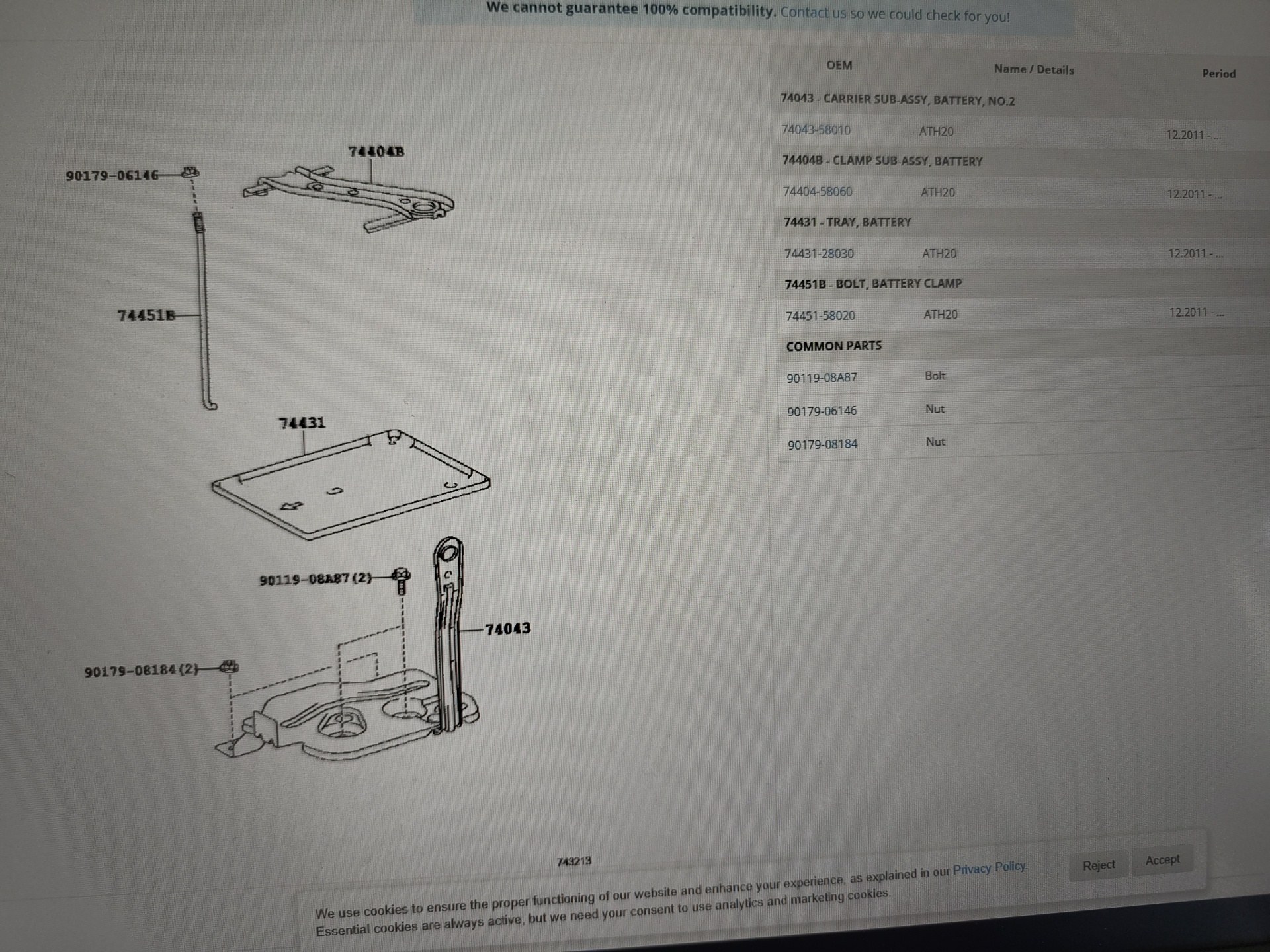
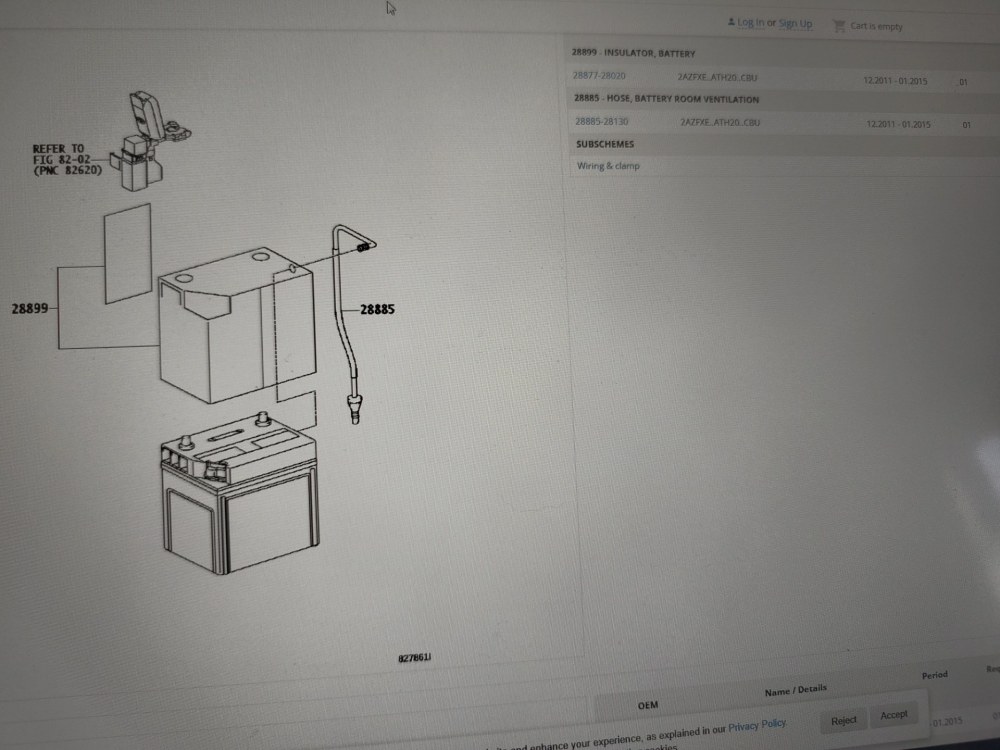
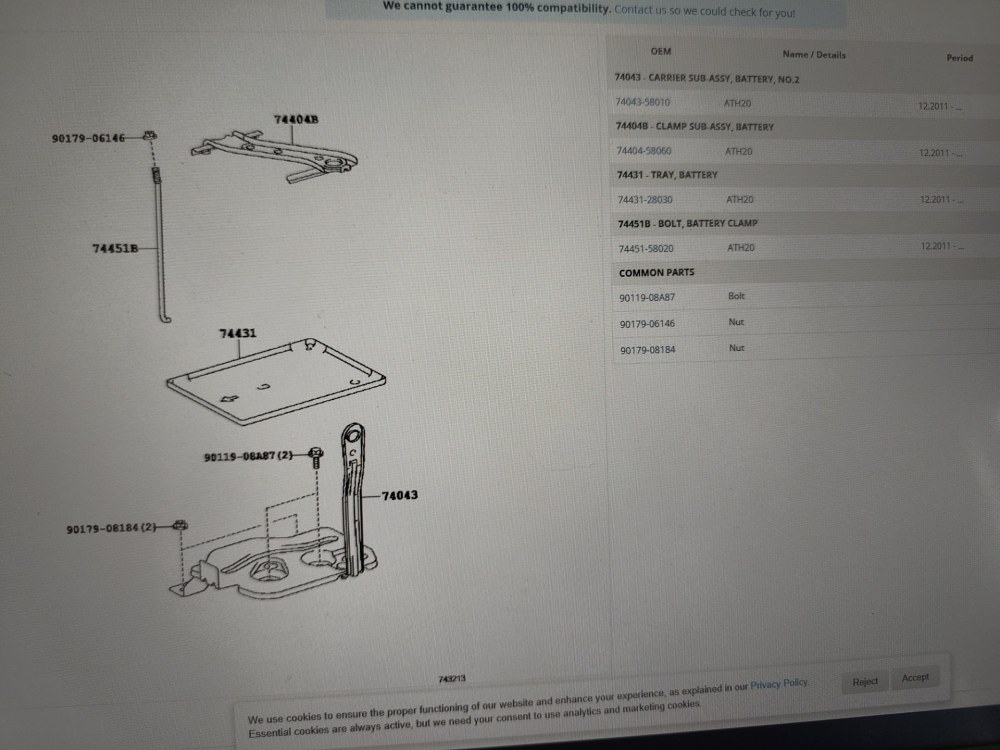
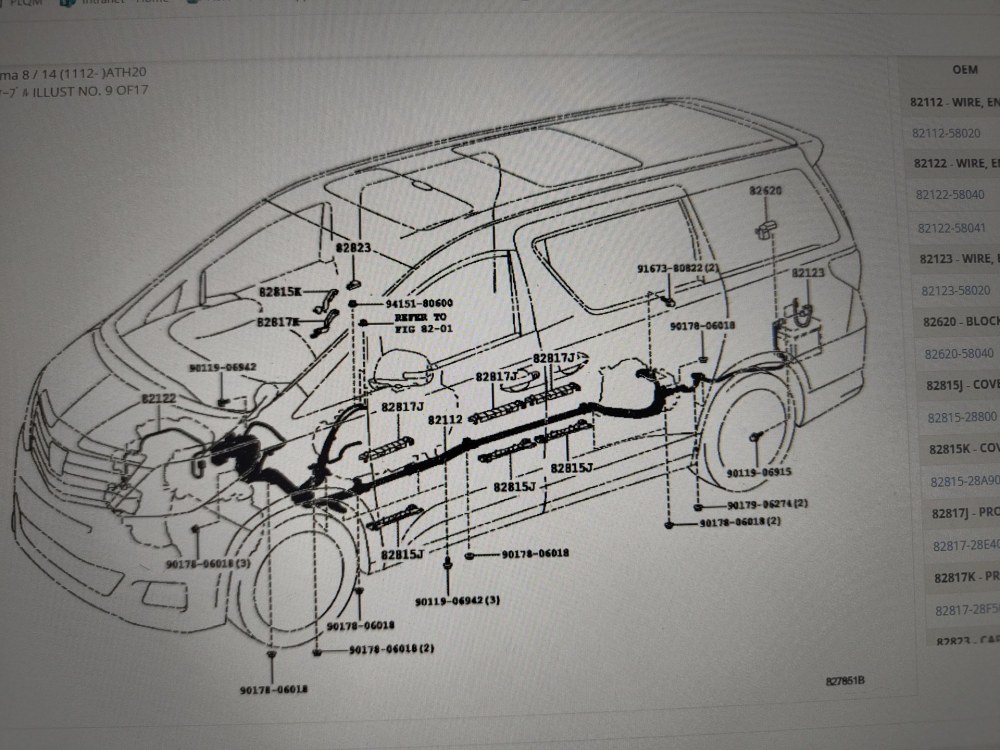
Looking at amayama.com, the hybrid parts look like this.
-
You can manually open the boot, by removing the small square panel from the inside, at the bottom of the door. There is a latch you can press. The driver's door panel control is more of an issue. You should hear it triggering the central locking in the unlock position, if the fob is working to unlock. You have checked the fuse?
-
Does pressing the black button on the driver's handle not work to lock? If you have access to the techstream diagnosis tool, you can check all the door locking signal logic. I had an issue where i could lock, but not unlock. It was a solid state relay mounted on the ecu behind the glove compartment. Sometimes these can 'stick' I gave it a tap with the back of a screwdriver and my central locking has been working okay for the last 3 months. What i find strange is no beep on unlock. The boot is independent to the 4 doors. Do you have electric opening bit that you can control from the buttons near the rear view mirror?
-
-
Another option. On the 20 series hybrids, the 12v battery is stored in the little cubby hole on the rear passenger side of the luggage area. This means you should be able to get the corresponding 20 series panel. It should also mean there is a possibility to use existing wiring or conduit, if the loom is common, to get this to the centre console for charging and power distribution.
-
-
Toyota did make dual battery holders that fitted in the engine bay of winter edition Toyota Regius and granvia mpvs ( the precursor to the 10 series alphard). I believe the 2.4l engine bays have sufficient space that retro fitting one of these or an after market battery tray should be feasible
-
An integrated one that was specifically designed to reuse the plastic diffuser is more expensive than some of the other options. Here is the one i found a number of years ago. Other members have installed better lighting. I just found this on AliExpress: £134.39 | for ALPHARD VELLFIRE 20 series Ceiling Atmosphere Lamp Indoor LED with Button Switch 2008-2014 Year https://a.aliexpress.com/_EHcv7d2
-
-
They have 2 LEDs per strip. One at each end. The length is a plastic diffuser. On AliExpress you can buy some upgrade led units that are also colour changing. They just replace the modules sheet in place and you get an additional switch that fits into a blank position that allows you to cycle colours.
-
You can diy it. There are some videos on YouTube.
-
-
This can be a problem with cheaper most adaptors. This brand retains fader and balance. Most adaptor
-
Not sure what possesses some of the previous owners to bypass the 640w amplifier and amplifier subwoofer (unless they have blown them). They usually downgrade with a 4x50w headunit.
-
6 speaker system was usually on export models. What is your chassis type? Ggh20r or ggh20w?
-
Well done for figuring it out. Yeah, i suggested the bridging method over a year ago now, I'm glad it is still of use - the most system being a loop can throw people a bit, especially if they are replacing the rear media screen.
-
Wiring diagrams will be available on Toyota gsic system, you'll have to pay for access. It's too new for anyone to have 'leaked' the diagrams online.
-
Yes, that's what i had to do, but described poorly in previous post. I guess there is a minor revision on some headunits that don't require that modification. Well done for getting sorted. I agree, the resolution is a bit fuzzy, i think because it's using the rca input. But it at least allows to offload the satnav onto an otherwise useless screen.
-
-