




atlanticcobra2023
Members
-
Joined
-
Last visited
Everything posted by atlanticcobra2023
-
I only comment on questions that I myself have experienced, and I thought that was the purpose of a forum to get advice and idea's from other members. If I am wrong then I will not post any suggestions in future.
-
Ah right I thought I advised a different model owner wrongly 😁
-
sorry my mistake
-
Hi Again the doors on mine need a second press on unlock before I can open sliding doors. do a second unlock press and you should hear lock disengage, boot should do same. but the boot on mine is manual opening so once second unlock pressed I have to use unlock lever above number plate
-
Hi fiaraz, you need to reprogramme the windows. open the drivers window and count to 5 then close it again counting to 5. press the open window on that doors panel I.e. Passenger side window to open and count to 5 then close it counting to 5. you cannot program them from drivers door switches
-
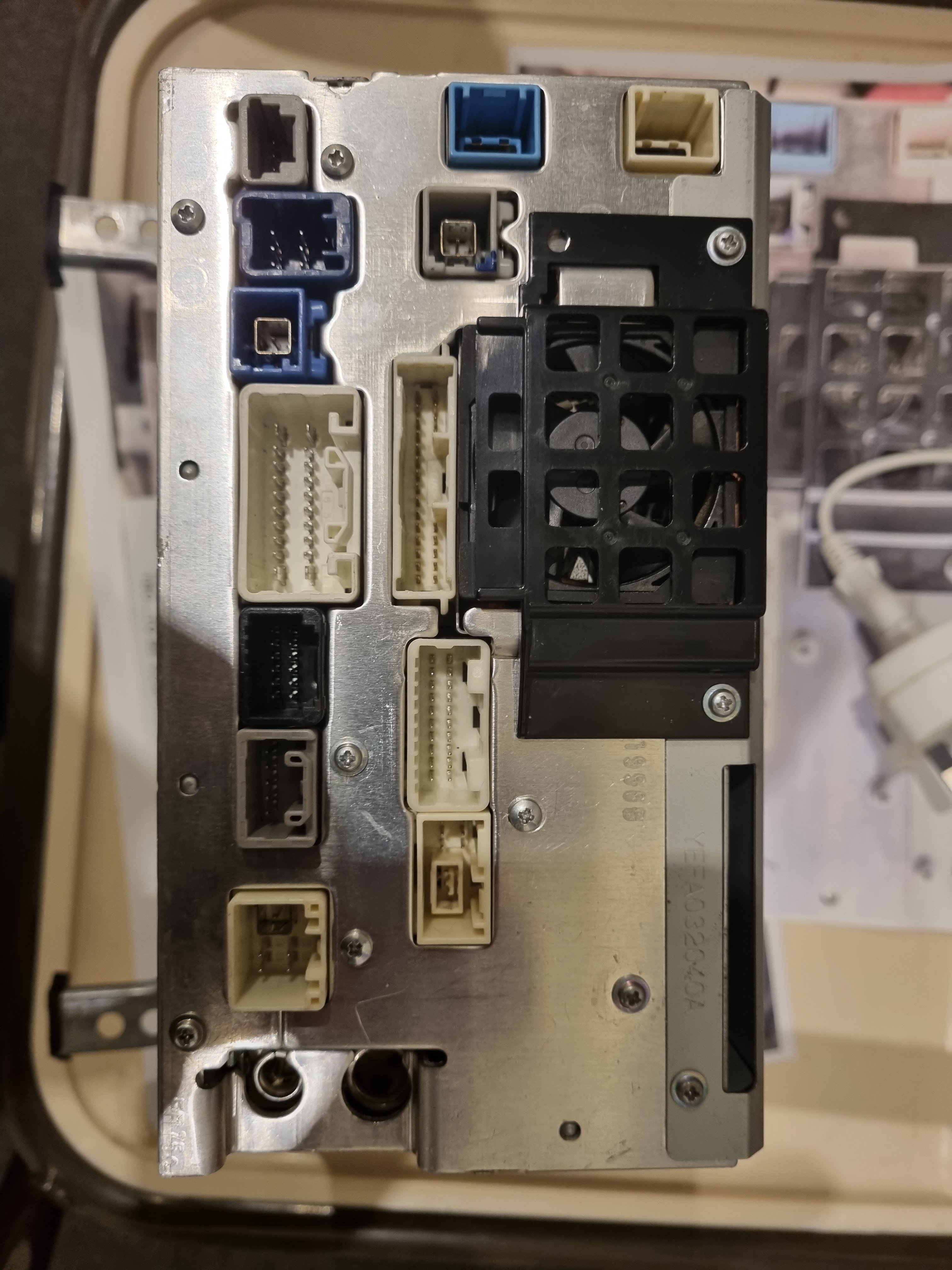
I have traced the wiring for the reversing camera in my Alphard hybrid 2005 2.4 and found the blue two wire plug goes down to the centre console where other members say you can tap into the camera system, maybe I am one that has the unfortunate proxy jdm oddity wiring , but after further searching I found two possible connect point with the four wire plug. one at the tailgate end where the camera plug connects to first vehicle plug, and the second is under the roof lining at the rear where the initial vehicle connector passes to the rest of the camera wiring harness. After reading through some of the comments by other members I am going to purchase a 12v camera just in case the new HU gives 12v and not 6v. I will test the voltage from the new HU first
-
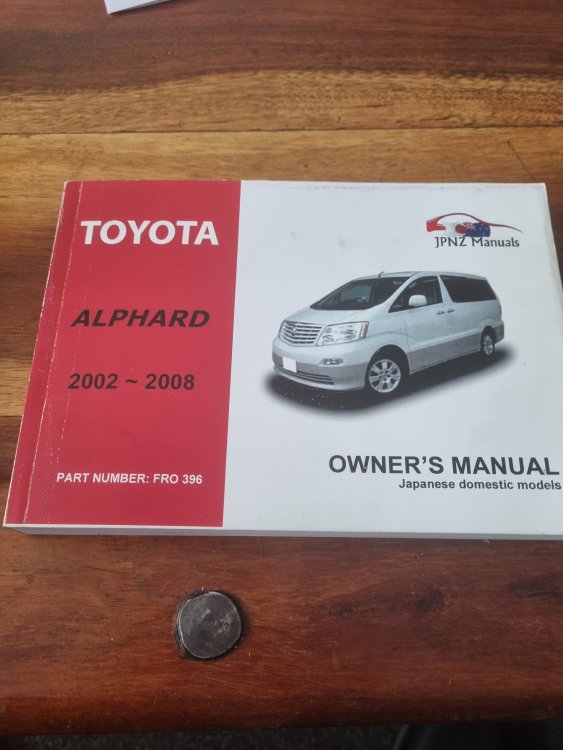
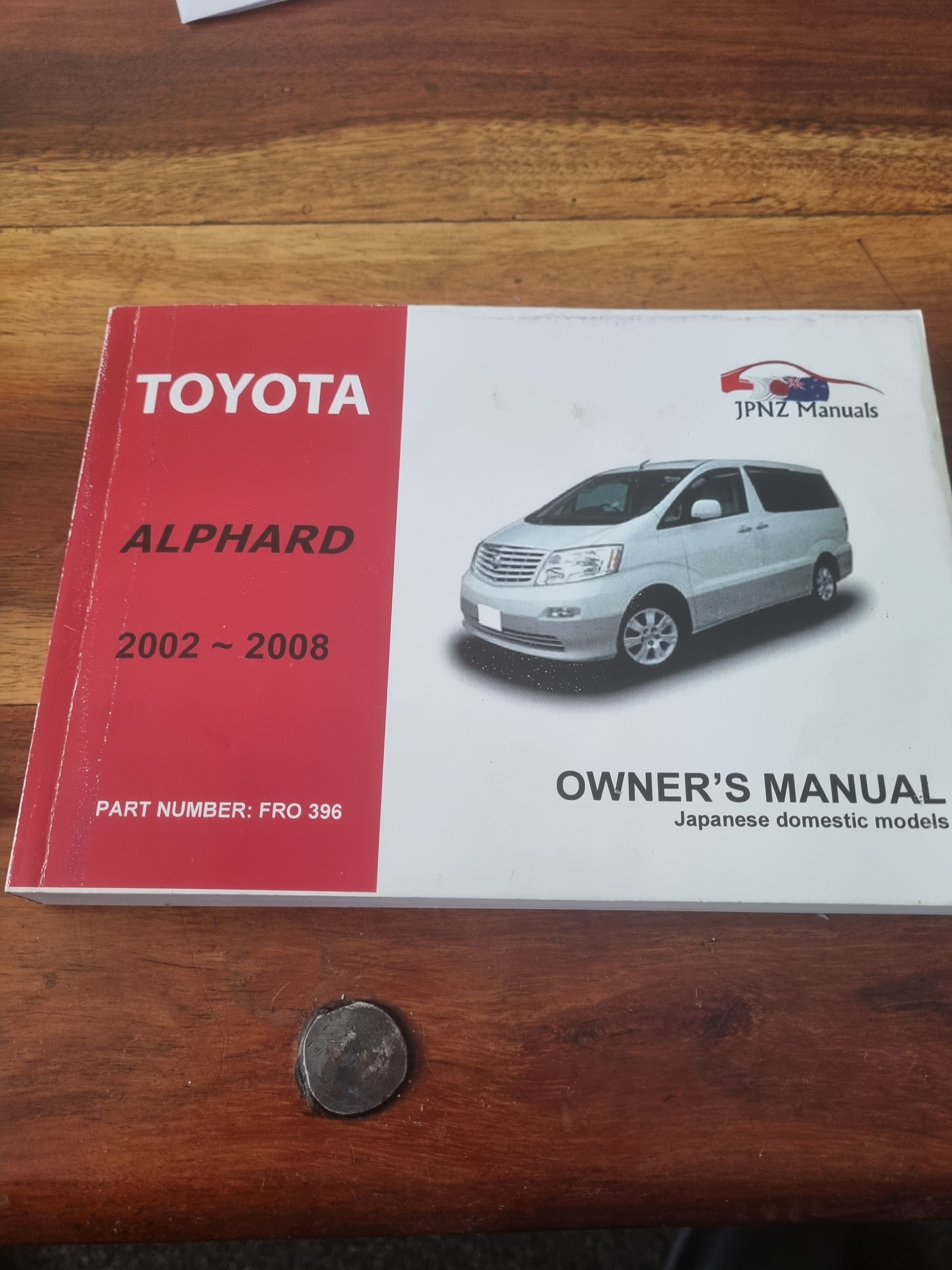
Hi all I got this manual in error as I need the Hybrid one. I have ordered the right one and wondered if any of you wanted to buy the other off me. I am open to offers £15 or above plus postage. Thanks in advance and Hi to all
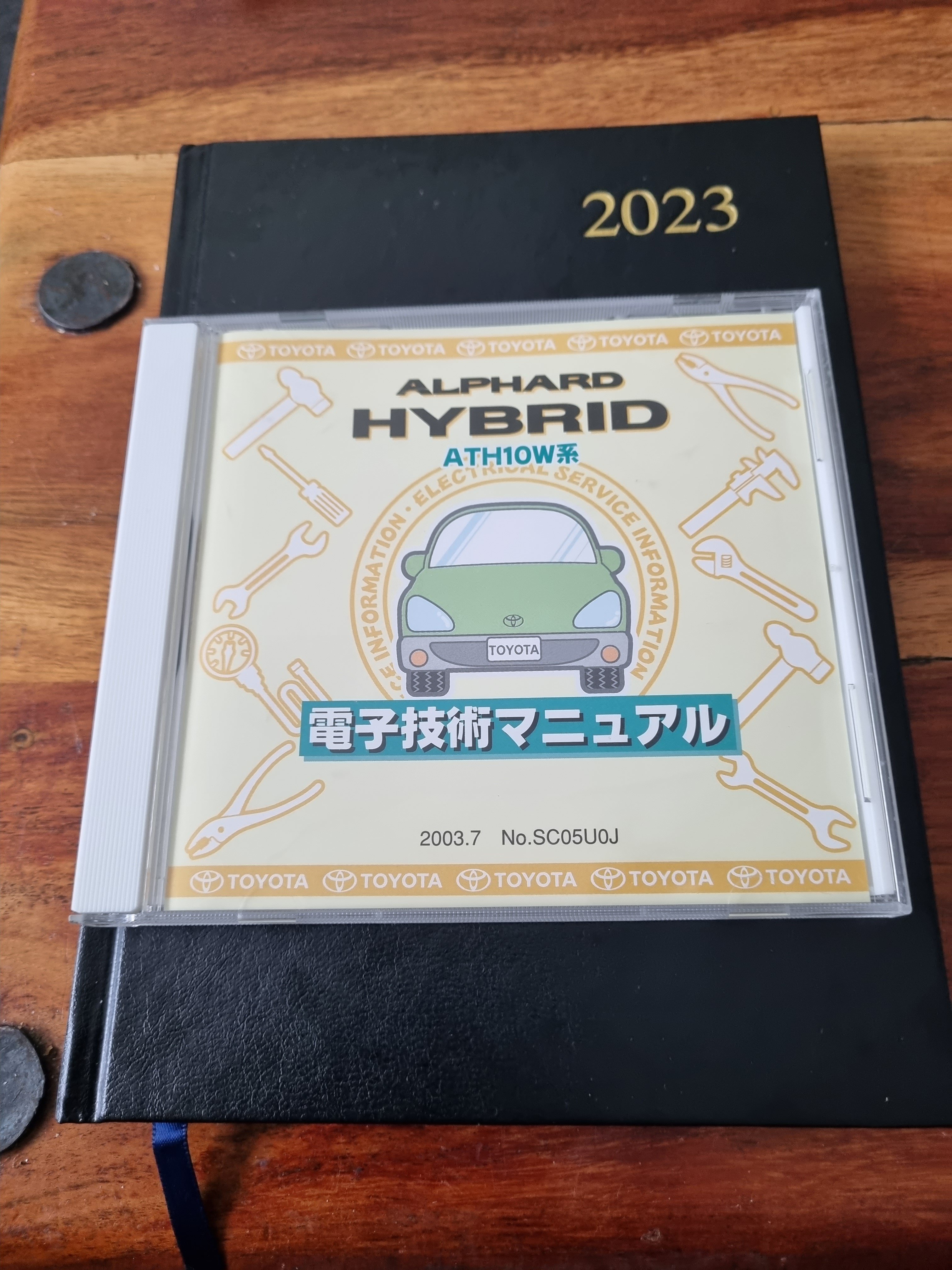
 I didnt explain that very well, even confused myself. So here is better explanation. Sit in your Alphie without putting the keys in. Lets pretend your battery is dead and you need to move it. In P try to move your gear stick to neutral, you cant. push the shift lock button down and try to move to neutral. EUREAKA 😁 sorry for initial confusionAh Right, I am happy with the cdrom though. got everything I need and with 16389 files its a mega resource. I found out immediately that the Camera's could not be connected via the original cables due to the reasons you and others give earlier. I fitted new camera's anyway. So not an issue. Thanks for your assistance in finding the cdrom ChrisLOL you know I got the disc and now I find that Russian mirror which is live again http://fsm.japanclassic.ru/toyota/2002.5_7a037_alphard_anh1,mnh1/x339/index2.html?fbclid=IwAR02V4Ze2UWX6u6YHFtpqMWuf5niArKti0Af29cAGbQi9nUkN3HNEQ_uQIEI used my trusty fishing Forceps, (Stainless Steel, Bent, 145 mm Overall) makes removing and replacing those annoying dwarf fuses easyThere is a white plug connected to the cig lighter bottom its flimsy fastening and liable to fall off, even with just plugging and unplugging stuff in lighter socket. Carefully prise up the facia and lift slightly on lighter side you will see itIt finally arrived and got it up and running in Windows 11. lots of coffee and biscuits for me tonight 😁Well my first results have not been too impressive, "waiting for car" on the connecting button does not change even when driving. I bought a genuine bluetooth adapter and it works a lot better with Torque Pro. From what I have read on most subjects on this matter the Prius seems to be the choice of most of these adapters, however I am not a quitter, I intend to research further, stay tuned 😁Hi Adam; I have alphard hybrid 2005 and I am a gadget warrior 😁 if you have had other OBD's in your phone or device make sure the app is looking at the right one. Plug your OBD in and put vehicle in on mode without starting engine then start app. That's what I did to get it to connect.Hi; Chris I am in the progress of trying this app, I got it to connect to my OBD but I was not driving and it only showed Aux battery level. Came up with message "waiting for car" in the "connecting" window. I will take the Alphie on a test drive tomorrow with it connected to see if any other readings show and will report back any findingsHi all, I am looking for the right hand sliding door roller bracket. Looked online but suppliers are mostly Japan based. was wondering if there is anywhere in the UK where I could source one from. 😁 oops forgot to mention its the top oneWell hoping the CDROM will arrive this week, it left Osaka on the 21st, I have gone through the whole vehicle wiring and removed all the scotch lock connectors and soldered and heat shrink tube wrapped the connections properly.Yeah most of common ones easy enough to figure out, but the others a little more tricky without CDrom, Zen emailed me this morning its due at their warehouse tomorrowThis might be a silly question, but looking at your pic I dont see the power socket button like I have near the door buttons. Do you have a AC button somewhere else? if not could it be the AC power on/off button?If it only comes on when the headlights are switched on then it must have something to do with the lighting system, that's why I suggested the fog light. so its just going to be either a case of illimitation or ignore. Sorry only thing I could suggestThat is fog light button in mine so I suggest turning lights on and go check if fog light on


Important Information
We have placed cookies on your device to help make this website better. You can adjust your cookie settings, otherwise we'll assume you're okay to continue.
Account
Navigation
Search
Configure browser push notifications
Chrome (Android)
- Tap the lock icon next to the address bar.
- Tap Permissions → Notifications.
- Adjust your preference.
Chrome (Desktop)
- Click the padlock icon in the address bar.
- Select Site settings.
- Find Notifications and adjust your preference.
Safari (iOS 16.4+)
- Ensure the site is installed via Add to Home Screen.
- Open Settings App → Notifications.
- Find your app name and adjust your preference.
Safari (macOS)
- Go to Safari → Preferences.
- Click the Websites tab.
- Select Notifications in the sidebar.
- Find this website and adjust your preference.
Edge (Android)
- Tap the lock icon next to the address bar.
- Tap Permissions.
- Find Notifications and adjust your preference.
Edge (Desktop)
- Click the padlock icon in the address bar.
- Click Permissions for this site.
- Find Notifications and adjust your preference.
Firefox (Android)
- Go to Settings → Site permissions.
- Tap Notifications.
- Find this site in the list and adjust your preference.
Firefox (Desktop)
- Open Firefox Settings.
- Search for Notifications.
- Find this site in the list and adjust your preference.