Chris.ac
Moderators
-
Joined
-
Last visited
Everything posted by Chris.ac
-
That's an export model alphard, probably in Malaysia or Hong Kong. The jdm alphards have a slightly different headunit model that does not have English as a selectable option
-
For less than £40 , you can get a vci adaptor and copy of techstream, and program a blank key yourself
-
Not sure that's possible. One way to force it may be too leave gear selector in N, then use start button to switch off ignition. Be sure to check headlights and interior lights are off.
-
I've sent a private message.
-
From the official hybrid maintenance manual. Do you have a windows pc?
-
You mean stuff like this.
-
As Rojie said. It's a multitude of aftermarket things. Could be a remote trigger for dash cam. Could be a push to talk button for voice activated satnav. Could be a toggle for the headunit to allow dvd to play on front screen whilst car is in motion.
-
There are 3 zones within the Alphard, i believe by default, the fib has to be within 100cm of the start button to work effectively. You can expand this so that the key can be further away via the obd2 port using the right software.
-
Not too sure about the 10 series. The 20 series alarm latch is incorporated in to the latch itself. That looks aftermarket. Do you have an alarm fitted? It was a dealer option
-
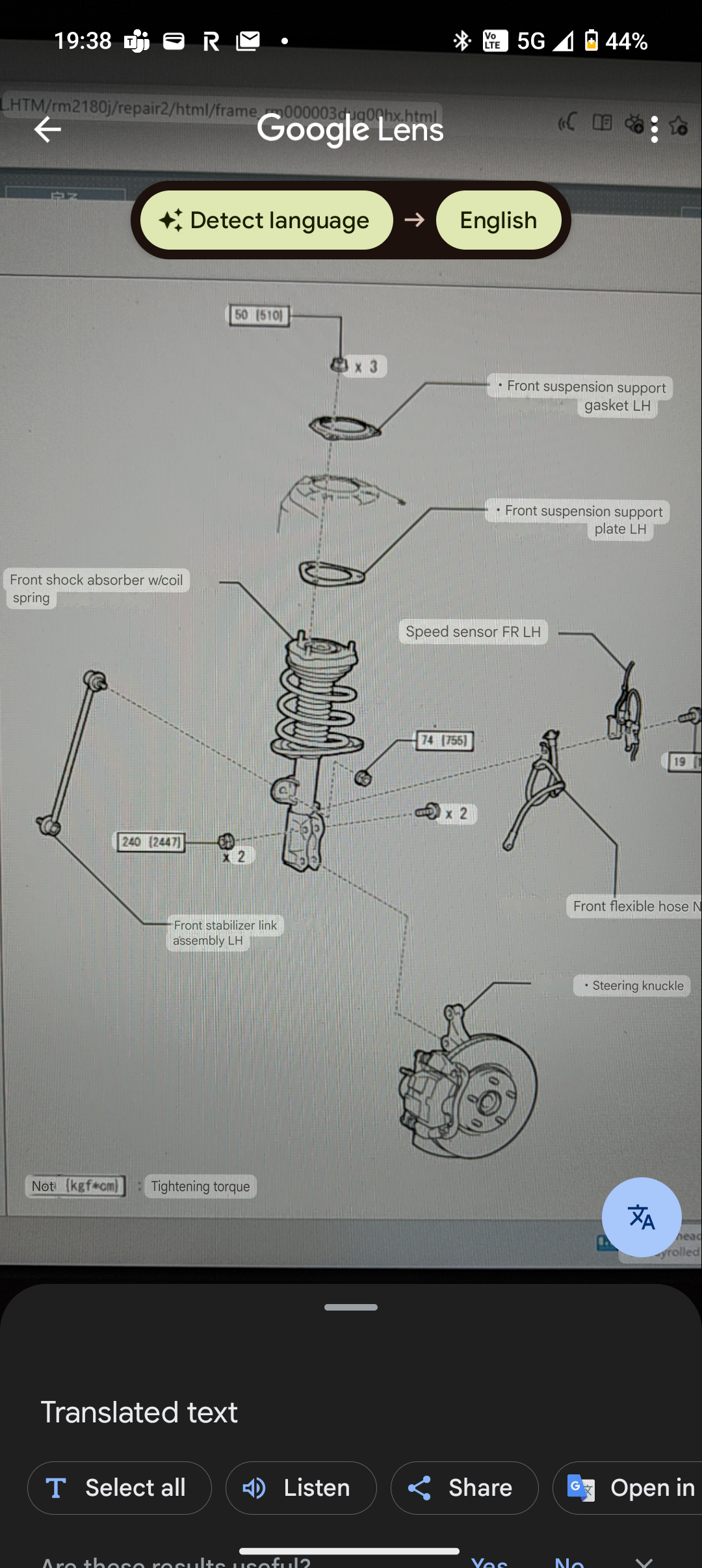
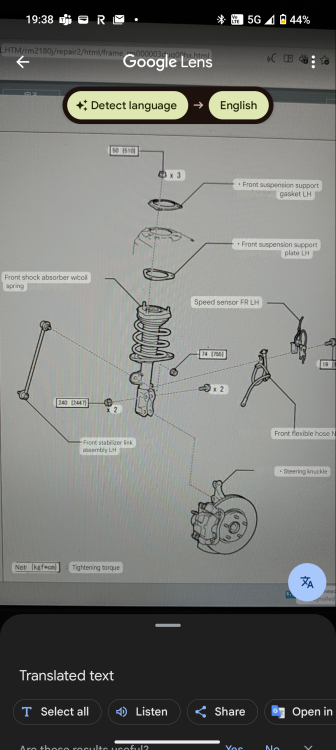
Not as simple as that, the Japanese maintenance manual is a cdrom, that had an offline html based manual. It only runs properly on internet explorer 5.5/6, so you need a windows xp or that era, to run it. The other option is to purchase a paper version, but they are expensive.
-
You mean a repair manual or a user guide?
-
If it's a reputable dealer, then yes. No hesitation.
-
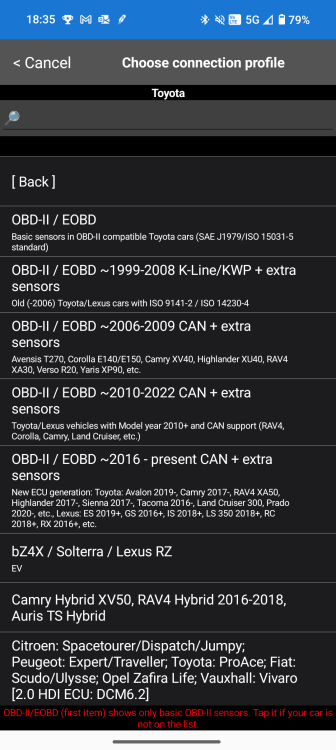
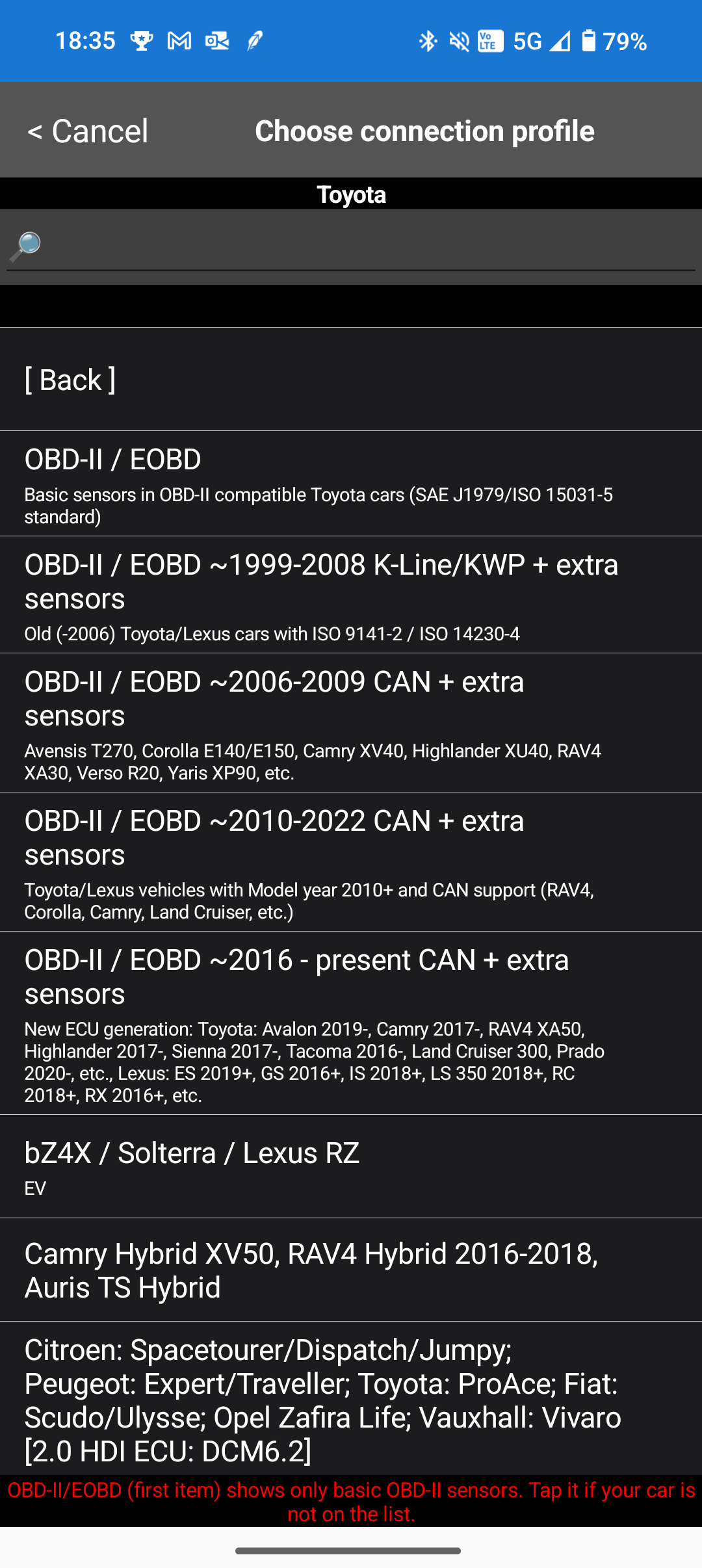
Your key is too far away from the start button. You can increase this range via the obd2 port using a Bluetooth app like carscanner or techstream.
-
Would help us to know what headunit you have. As standard, the 2013 had a cd slot behind the screen. You push the eject/open screen button to reveal it. Should be obvious, unless you don't have an original headunit installed.
-
In a previous post, you said you had 1st to 3rd gen manuals. Are you asking how to share them?
-
Maybe it is just some safety lockout. Parking brake on, Gear in park. Central locking unlocked. Does the courtesy light work when the passenger door is opened? Maybe it will not activate the swivel if it does not detect the door as open. Check any switches around door and the frame that may be jammed.
-
The Toyota rear screen uses ntsc, and it's quite low resolution. You may be better with an aftermarket rear screen. What type of video out is there on the Kenwood?
-
Use nail of end of butter knife to move the little section on the left, over to the right. Then you pull the battery holder out
-
The 10 series didn't have as many modules installed, I'm not even sure you can change anything like auto light delay, or door beeps.
-
Almost right. Vellfire and Alphard seem to alternate between facelifts. But the shape between the types is obvious when comparing before purchase
-
One connector is the media connection to the headunit, the other would have been to 110v power adaptors. Although it would seem your model did not have the ac inverter fitted.
-
Ah. I'm sure when i ordered, it took into account the taxes i needed to pay -at least in my case, with uk import taxes.
-
It's really hard without physically being there, but there are CANbus connections that are possible from the headunit, including sensing for speed, and parking brake/brake, which could create interference. As well as started previously, a physical issue of jamming/disconnecting the gear selector Sorry, you didn't say if the gear selection is displayed correctly on the dashboard when you change through the gearbox.
-
There is a hybrid app based on prius which may work. Dr prius. https://play.google.com/store/apps/details?id=com.nexcell.app
-
Prior to 2008, many JDM Toyota do not use the standard CAN protocol. Try using the k-line protocol